


OptiSigns for Amazon Signage Stick
OptiSigns brings advanced digital signage capabilities to your Amazon Signage Stick. You can schedule content, monitor devices, create playlists, and use a growing library of apps. Everything is built to run smoothly and stay reliable so your screens always display the right content at the right time.
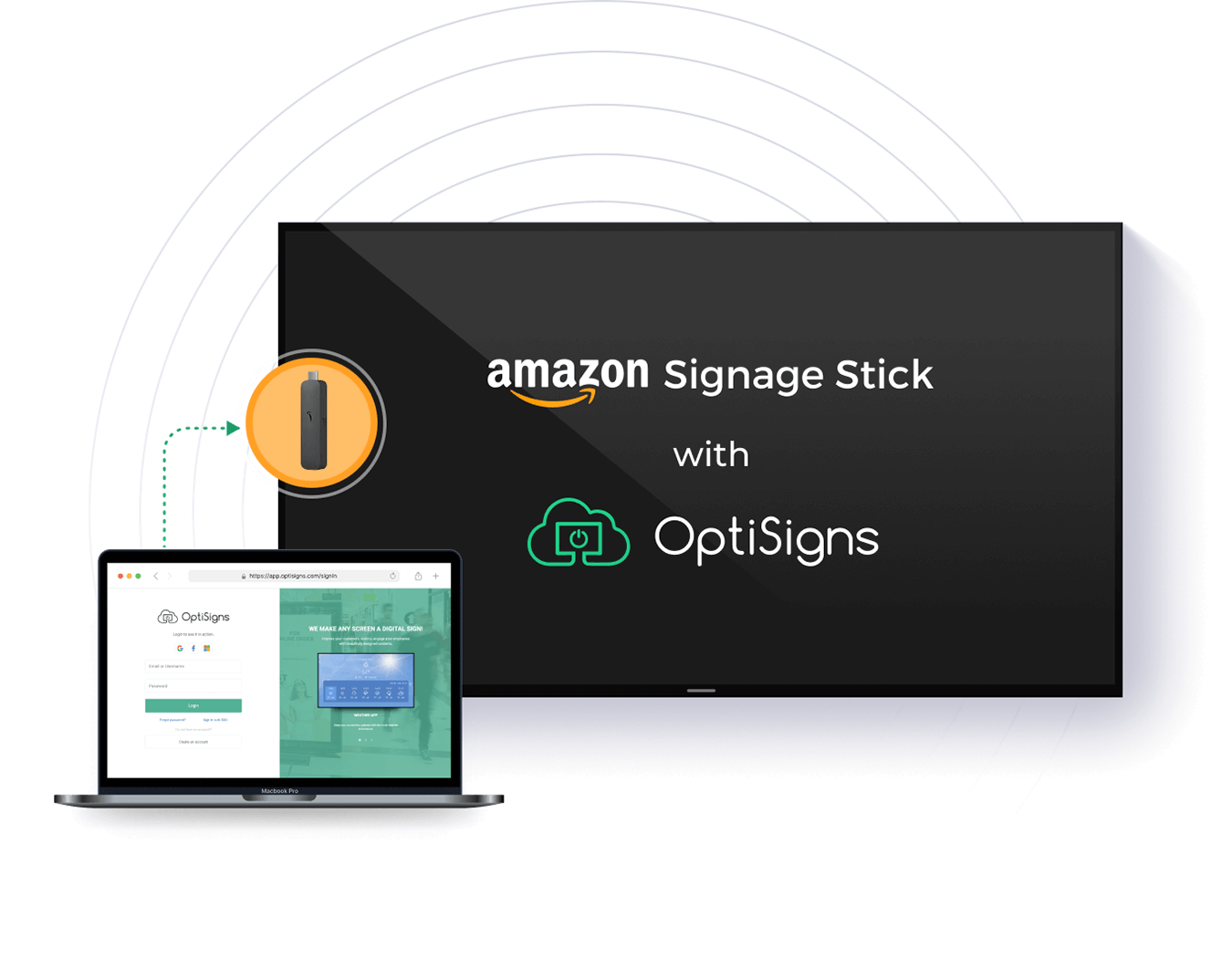


Amazon Signage Stick + OptiSigns
Powerful Digital Signage Made Simple
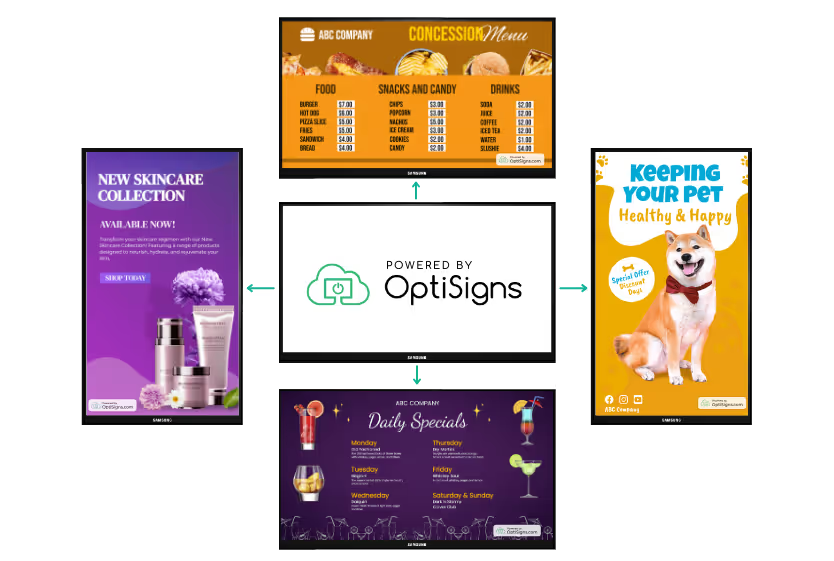

Certified CMS Provider
OptiSigns is a certified CMS provider for the Amazon Signage Stick, giving you seamless integration, dependable performance, and long-term stability. As a trusted Amazon Signage Stick CMS, OptiSigns ensures your digital signage system works the way it should without extra complexity.
Manage Screens From Anywhere
With OptiSigns for Amazon Signage Stick, managing one screen or hundreds takes only seconds. You can remotely update content, push new playlists, and check device health from the OptiSigns dashboard or mobile app.
Quick Installation and Setup
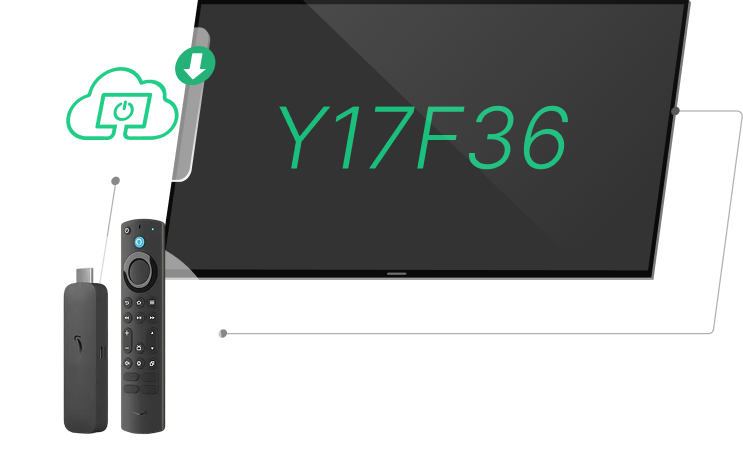
Installation with the Amazon Signage Stick and OptiSigns is fast and easy. Power on the device, enter your pairing code, select OptiSigns as your CMS, and your screen is ready for content within minutes. Whether you are setting up your first Amazon digital signage stick or expanding a network of Amazon signage sticks, the process stays consistent and simple.
How To Set Up Amazon Signage Stick With OptiSigns
1
Install OptiSigns on Amazon Signage
Choose OptiSigns as your CMS on the Amazon Signage platform. See how it works in our step-by-step guide here.

2
Pair Your Screen
Log into app.optisigns.com and click “Add Screen” and enter your pairing code to set up your screen.

3
Display Your Content
Upload your content or use our templates, apps and integrations. Assign the content to your screen and display instantly!
Why people love OptiSigns


Very user friendly, reliable, and cost effective. This system allows us to make instant changes from either our computer or our phone by using the app. We use OptiSigns every day and are constantly finding more features to use that we can benefit from.

OptiSigns helped us transform our public spaces into engaging, visually stimulating, better communicating havens. Within a few hours of learning the system, we had it running and our students were blown away. Very easy to use right out of the box.

OptiSigns is the solution we were looking for - as our company grows, we are opening multiple offices. One of our best and most successful attempts to connect our locations and our employees is by using digital signage through OptiSigns.

We were looking to make our digital menus more attractive and achieved just that with OptiSigns! Easy to implement and now we have rotating hourly and daily menus that bring in more customers. Great customer support on top of that!


