


Explore an Appspace Alternative
OptiSigns vs Appspace
Businesses choose OptiSigns for simple, straightforward digital signage. Get started with the hardware you already own.

Transparent pricing starting at $10/screen/month
Works with BrightSign, smart TVs, Windows, and more
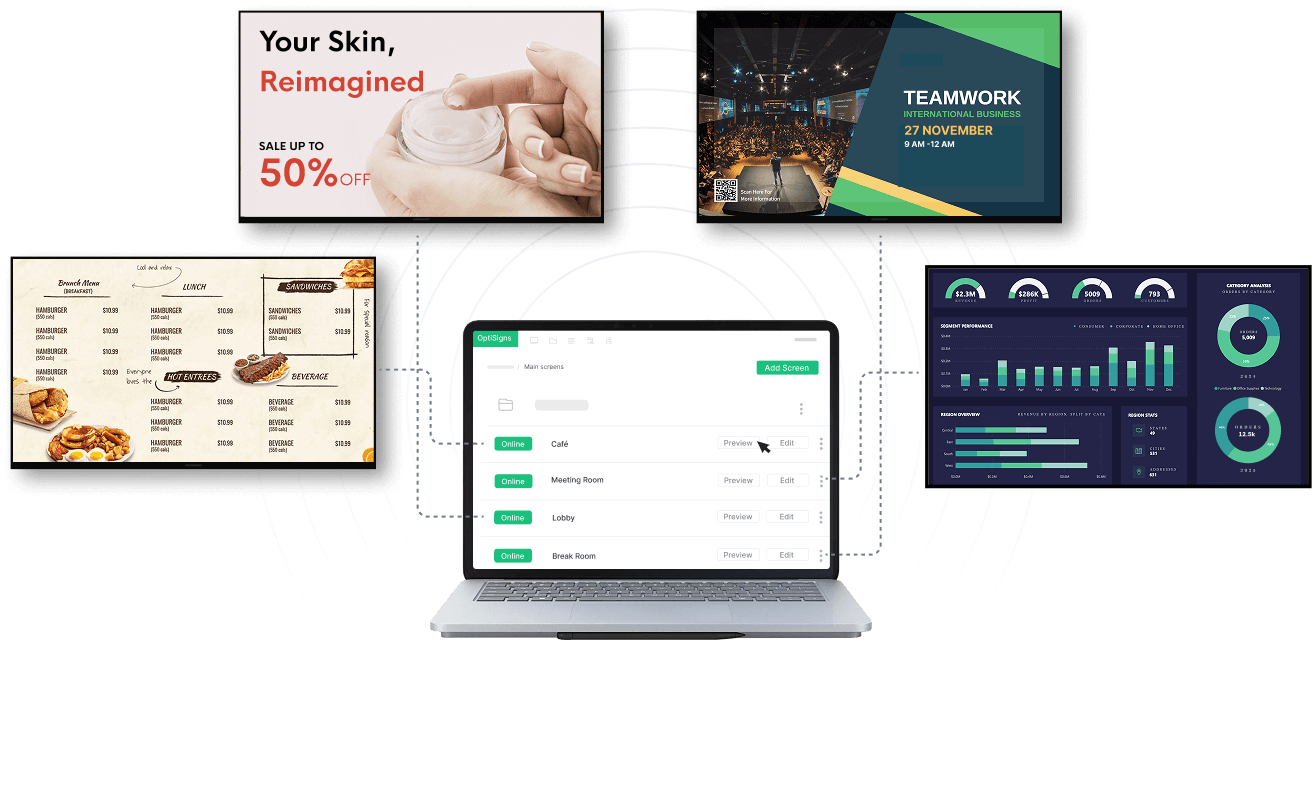
Publish content to your screens in minutes


Trusted by 43,000+ businesses worldwide


Better Signage.
Less Complexity.
Get everything you need to manage your digital signage, without the complexity of an entire workplace platform.
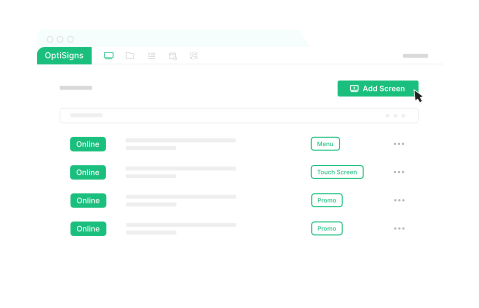

Transparent, Upfront Pricing
Plans start at $10 per screen/month. Compare options and estimate costs without a sales quote.
All in One Place
Manage content, schedules, screens, and access across locations in one portal. Make updates in a few clicks.
Enterprise-Ready, Built to Scale
Scale securely with SSO, role-based permissions, audit logs, and enterprise support.
OptiSigns vs Appspace, Side by Side
Compare OptiSigns and Appspace on features, pricing, and ease of getting started.
What To Compare

Appspace
Platform focus
What it's built for
Purpose-built for digital signage.
Manage content and screens without adopting an entire workplace platform.
All-in-one workplace platform. Intranet, employee communications, workplace tools, and digital signage.
Pricing
Cost and plans
From $10 per screen/month.
Published per-screen plans make it easy to estimate your costs.
Not publicly listed. Contact for pricing.
Pricing depends on selected solutions, devices, and Premium Users.
Free evaluation
Try before you buy
14-day free trial.
No credit card required.
Limited free plan.
1 device, 2 Premium Users, and up to 2 Admins.
Hardware support
Supported devices
Flexible hardware support.
Deploy across Windows, ChromeOS, BrightSign, Samsung, LG, and more.
Selected hardware support. Supports Samsung, LG, Cisco, BrightSign, and other enterprise devices.
Core signage capabilities
Content and screens
Feature-rich digital signage.
Connect live data, create interactive experiences, choose from 5,000+ templates, and more.
Standardized signage capabilities.
Manage playlists, schedules, layouts, and content publishing within a broader workplace platform.
Apps & integrations
Business content
160+ ready-to-use apps and integrations.
Display Power BI, Microsoft 365, Google Workspace, social media, live feeds, and more.
Dozens of apps and integrations. Connect selected workplace tools, dashboards, and business data sources.
Enterprise administration
Security and control
Enterprise-wide administration built for digital signage.
Manage custom roles, folder-level access, content approvals, and device lockdown across your signage network.
General workplace administration.
Manage user roles, permissions, security, and devices across a broader workplace platform.
Choose the Platform That Fits Your Needs
Appspace combines digital signage with broader workplace management tools you may not need. OptiSigns focuses on digital signage, offering transparent pricing, flexible hardware support, 160+ apps and integrations, and everything you need to manage your screens.
Switch to OptiSigns with Confidence


Switch Software, Not Hardware
OptiSigns supports BrightSign, ChromeOS, Windows, Android, Raspberry Pi, Samsung and LG commercial displays, Apple TV, and more.
Don't Start From Scratch
Bring your own images, videos, and live dashboards, or start fresh with our 5,000+ ready-to-use templates. Recreate playlists and schedules with migration support for larger deployments.


Fresh Content, Seamless Integrations
Bring Power BI, Microsoft 365, Google Workspace, Slack, and more to your screens with our 160+ apps and integrations.
See If OptiSigns Fits Before You Switch

1
Test Your Setup
Add the content, integrations, roles and devices that matter most during your 14-day free trial.
2
Pilot a Few Screens
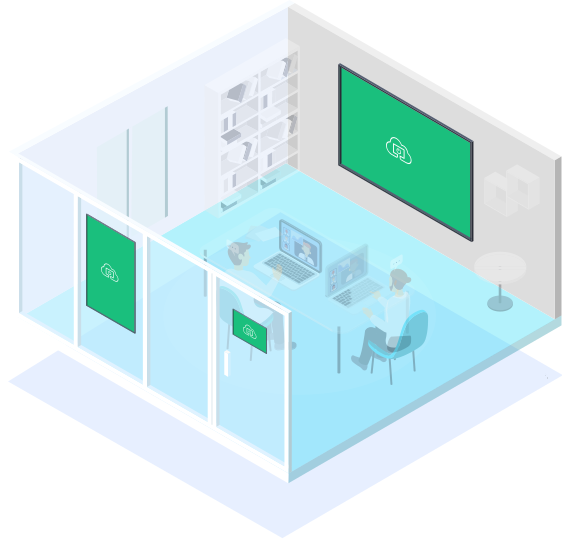
Run OptiSigns on a small group of supported devices while your current signage network stays in place.

3
Expand When Ready
Move by location or device group, train your team and plan the timing around your business.
Discover Why 43,000+ Businesses Worldwide Choose OptiSigns
Start My Free Trial


Very user friendly, reliable, and cost effective. This system allows us to make instant changes from either our computer or our phone by using the app. We use OptiSigns every day and are constantly finding more features to use that we can benefit from.

OptiSigns helped us transform our public spaces into engaging, visually stimulating, better communicating havens. Within a few hours of learning the system, we had it running and our students were blown away. Very easy to use right out of the box.

OptiSigns is the solution we were looking for - as our company grows, we are opening multiple offices. One of our best and most successful attempts to connect our locations and our employees is by using digital signage through OptiSigns.

We were looking to make our digital menus more attractive and achieved just that with OptiSigns! Easy to implement and now we have rotating hourly and daily menus that bring in more customers. Great customer support on top of that!

Frequently Asked Questions
How does OptiSigns compare with Appspace for digital signage?
Can I use my existing BrightSign or ChromeOS players?
How does OptiSigns pricing work?
We are still under contract. Is it too early to evaluate?
Will my Appspace content transfer automatically?

Enterprise-Grade Security and Control
OptiSigns is SOC 2 Type II and GDPR compliant, with encryption, role-based access controls, content permissions and single sign-on. Eligible plans also offer audit logs, data residency options and dedicated enterprise support.


