


Manage Your Approval Workflow With Revue
Simplify your review process

Set content requirements upfront
Invite contributors to your Revue portal
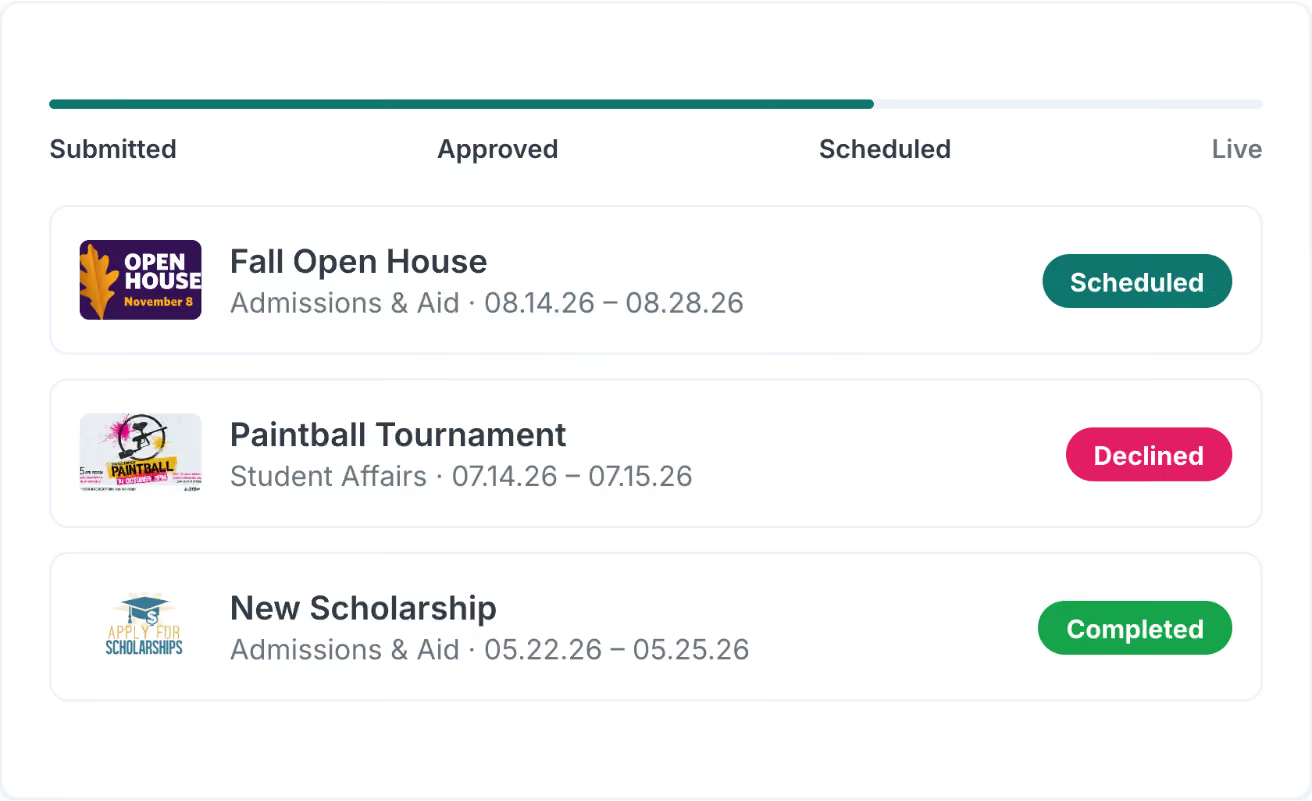
Approve or decline each content proposal
Enterprise feature

Full support
Complete control


Used by The World's Most Recognizable Companies


Revue:
Simple Structured Approval Process
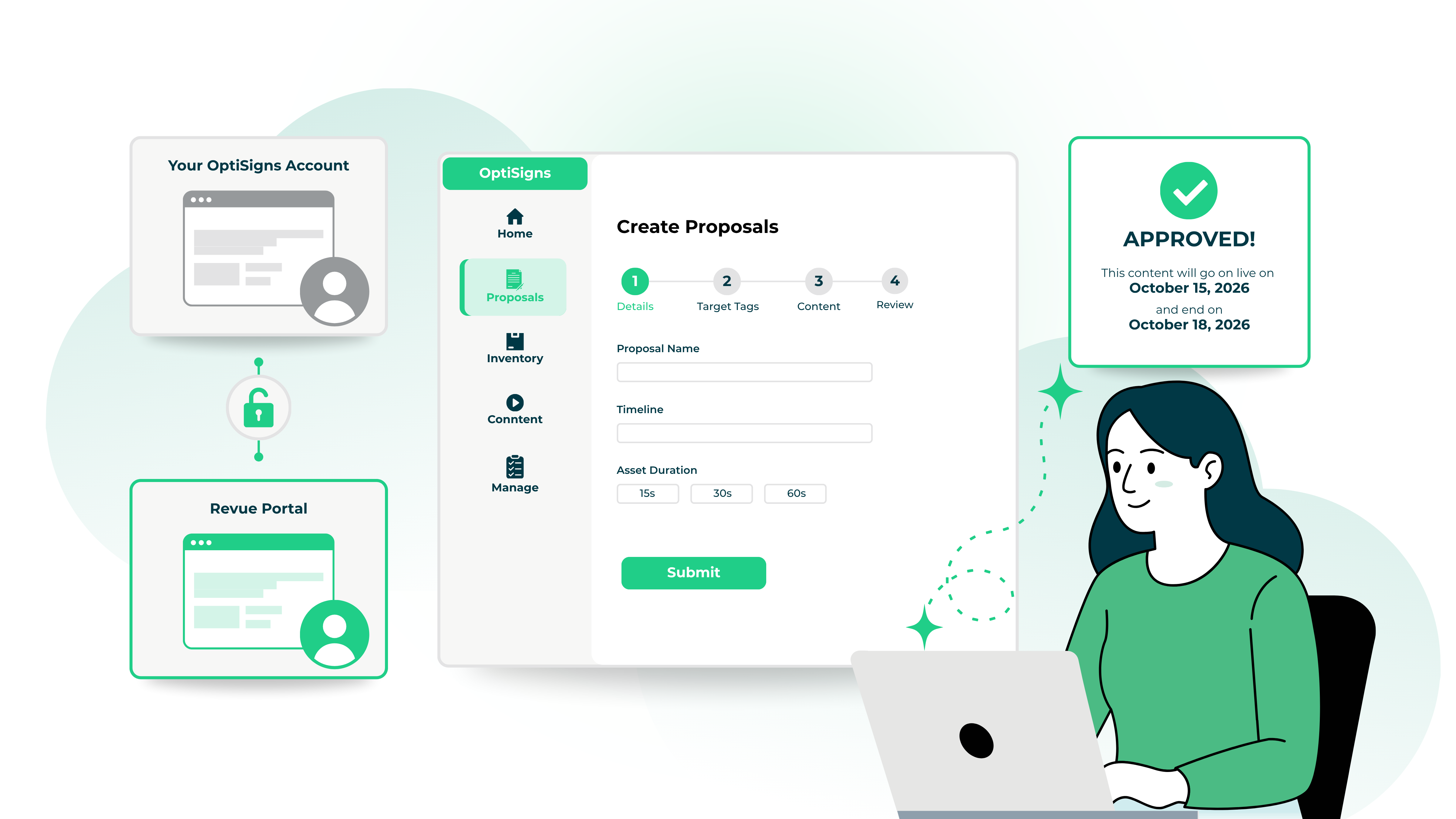

Separate Portal
Avoid the headache of ensuring users have the proper permissions, roles, or team structure. Revue is a separate portal that connects to your OptiSigns account. Revue users cannot make changes to your OptiSigns account.
Simple Proposal Form
Don't waste time making an SOP or setting up a training. Invite contributors to Revue, and tell them to create a proposal. A proposal form will walk contributors through each step and ensure your content requirements are met before submission.
Approved Content Automatically Deployed
No more gathering content, checking that it's the right dimensions, and remembering to publish on the start date. Simply review the proposal. When approved, content will automatically go live on the start date and be taken down on the end date.
Experience The Ease of Revue
You have displays made to provide communication from different teammates, coworkers, and departments. Let Revue handle the work.


Universities & Education
Who dictates the content for that lobby screen in the Engineering building? Am I allowed to request content for the English department displays? Revue sorts it out for you.
Office & Corporate
Your breakroom and office screens keep the employees up to date with deadlines, schedules, company events, and more. Let employees and managers contribute. Review, approve, and keep those digital bulletin boards up to date with relevant content from all your departments.


Chains & Local Content
Every screen is controlled by your central office, but each location is allowed to promote their local sales and events. Make sure their assets follow the company guidelines and keep the local content rolling.
Revue: Content Approval in 3 Easy Steps
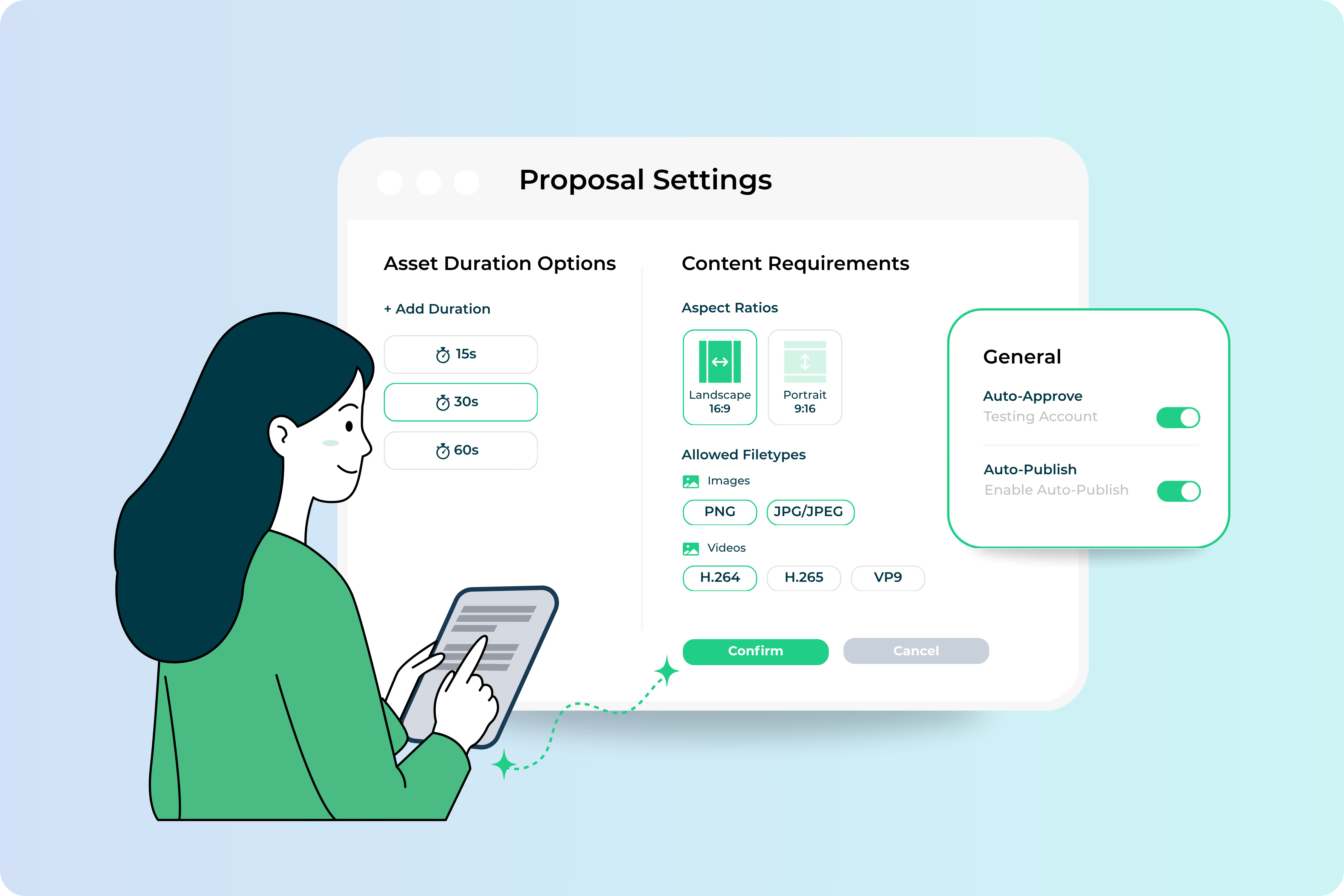
1
Set Your Revue Structure
Set asset requirements, dictate where proposed content lands, what screens are available, and who reviews proposals.
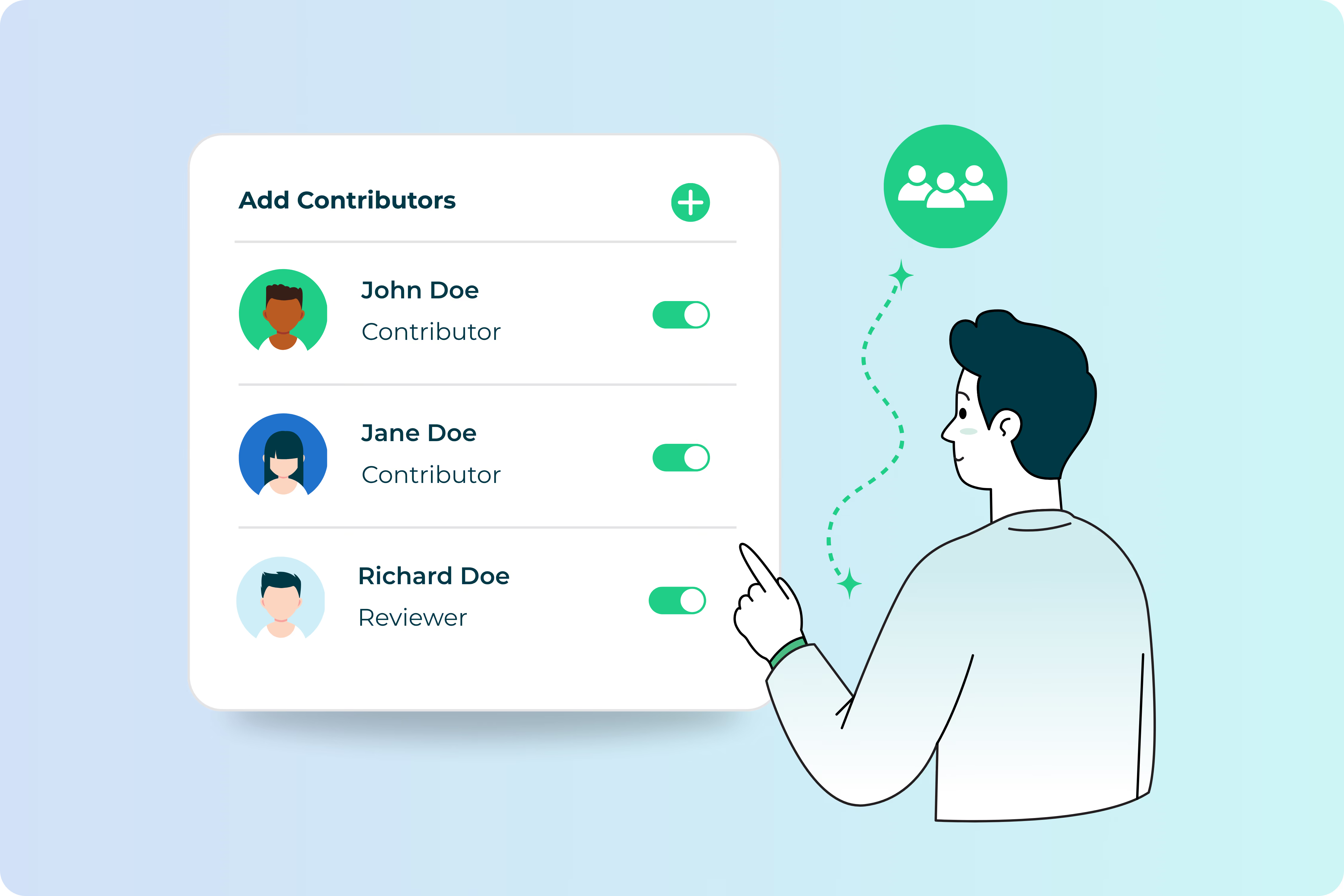
2
Add Contributors
Contributors will create proposals following the content requirements and only target allowed screens.

3
Review & Approve
Once approved, content will be deployed to the targeted screens and removed on the end date. All automatically.
Frequently Asked Questions
Is Revue included with my subscription?
What makes Revue different from traditional approval processes?
What is a contributor?
Do OptiSigns Users have access to Revue?
What if I approve a proposal on accident?
Do all my OptiSigns screens receive Revue content?
Can I still manage content in OptiSigns

Platform as a Service
Learn more about our Platform as a Services where all interfaces, API are available for you to build any apps.
Possibility is only limited by your imagination.


