


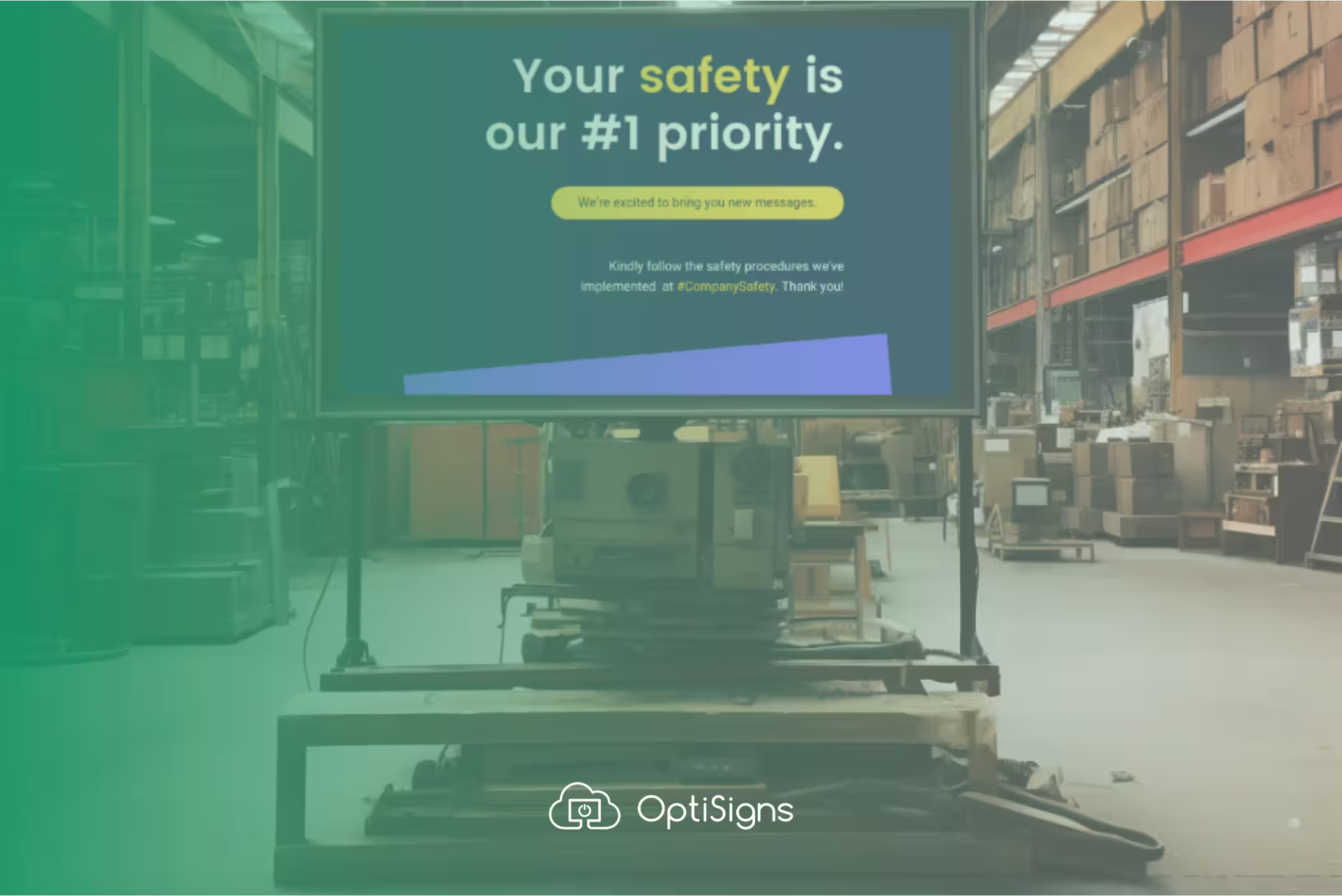
Safetly posters work great until they stop getting noticed.
Digital signage keeps safety visible because the content moves, changes, and updates in real time. A PPE reminder rotates between shift schedules and production data. A hazard alert pushes to every screen in the building the moment it's entered. A days-without-incident counter ticks up automatically and nobody needs to remember to flip the number.
Here's how you can use digital signage to improve workplace safety, stay compliant, and get your employees to pay attention.
.avif)
What Safety Content Should You Display
The most effective safety signage mixes required compliance content with practical, shift-relevant information. Here's what we see working time and time again:
PPE and Hazard Reminders
The basics, but when displayed on screens, they actually get noticed. Rotate reminders for:
- Required PPE by zone (hard hats, safety glasses, hearing protection, steel toes)
- Chemical handling procedures and SDS quick-reference info
- Lockout/tagout (LOTO) status — which machines are under maintenance and who holds the lock
- Pinch point and crush hazard warnings near specific equipment
- Forklift and pedestrian zone boundaries
Static signs cover the minimum. Digital signs let you change the message by shift, by zone, or in response to an incident that happened that morning.
Safety Scoreboards
The "days since last recordable incident" board is a staple on every factory floor. Digital signage makes it automatic — the counter advances every 24 hours and resets when you log an incident. No one has to walk over and change a number.
Go beyond the basic counter:
- Days without incident by department or line (not just plant-wide)
- Near-miss count this month — normalizes reporting instead of hiding it
- Safety goal progress — tracking toward quarterly targets
- Top safety contributors — recognize employees who reported hazards or completed training
When the number is visible to everyone walking in the door, it creates accountability without a single meeting.
Emergency Alerts and Overrides
This is where digital signage has the biggest advantage over static signs: instant plant-wide communication during an emergency.
Configure OptiSigns to override all screens with a single alert:
- Fire or evacuation notices with rally point maps
- Severe weather warnings (tornado, lightning for outdoor workers)
- Chemical spill alerts with affected zones highlighted
- Active threat lockdown instructions
- Equipment failure warnings (gas leak, pressure system, electrical)
The override pushes to every screen simultaneously and when the emergency clears, screens automatically return to their regular content.
OSHA Compliance Displays
OSHA requires certain information to be posted where employees can see it. Digital signage handles this cleanly:
- OSHA 300A summary - required to be posted February 1 through April 30 each year
- OSHA "It's the Law" poster - required at every covered worksite
- State-specific labor law postings - vary by state, change periodically
- Right-to-know / Hazard Communication - chemical inventory and SDS access info
- Emergency action plans - evacuation routes and procedures
The advantage of digital: when regulations change, you update once and it pushes to every location. No reprinting, no shipping, no hoping someone actually swaps the old poster.
Training and SOPs
Use screens to reinforce training without pulling people off the floor:
- Standard Operating Procedures displayed at the relevant workstation
- Short safety videos (under 15 seconds works best) rotating in break rooms
- Certification status: Who's qualified to operate which equipment
- Process change announcements: When a procedure updates, every screen shows it immediately
This is especially valuable for facilities with high turnover or multiple shifts. The information is consistent regardless of who's leading the shift briefing.
Where to Put Safety Screens
Placement matters as much as content. The best safety displays are in spots where people already look or where they're standing still for a moment.
High-impact locations:
- Facility entrances and exits - the first and last thing employees see each day. Days-without-incident counter, daily safety focus, PPE reminders.
- Break rooms - captive audience. Rotate safety videos, training content, and upcoming safety events between news and announcements.
- Near high-hazard equipment - LOTO status, machine-specific procedures, and zone-specific PPE requirements.
- Loading docks and warehouse aisles - forklift zones, pedestrian crossings, vehicle inspection checklists.
- Supervisor stations - real-time safety dashboards, incident logs, open corrective actions.
- Conference/huddle rooms - pre-shift safety briefing content auto-displayed before meetings.
Digital Safety Signs vs. Static Safety Signs
Digital signage doesn't replace every static sign, you still need permanent hazard markings, exit signs, and equipment labels. But for anything that changes (compliance postings, daily reminders, incident counts, emergency alerts), digital is faster, more visible, and easier to manage.
OptiSigns Pivotal Role in Safety Training Programs
Every organization’s safety game rises or falls on the efficacy of its training programs. By fostering a culture of continuous learning, businesses can proactively negate risks. The introduction of digital signage technology has revolutionized this approach.
With tools like the Aericast plug-in provided by OptiSigns, companies can offer interactive, immersive learning experiences right on the floor. Then you can provide simulations of real-life scenarios without exposing workers to genuine risks.
Beyond the traditional training environment, signs also support real-time training. New hires or lone workers can receive guidance and training right from the production floor, ensuring they’re never left in the dark about safety protocols.
Getting Started
A basic workplace safety signage setup:
- Pick your locations. Start with the entrance and break room - highest traffic, biggest impact. Expand to the floor after that.
- Choose screens. Any TV or commercial display works. For factory floors, go bright (400+ nits) and consider protective enclosures in dusty or wet environments.
- Add a media player. The OptiSigns Android Player plugs into HDMI and connects to your network.
- Build your playlist. Mix safety content with production info and announcements. A safety reminder every 3-5 slides keeps it visible without becoming wallpaper.
- Set up emergency overrides. Configure priority alerts that take over all screens when triggered.
- Schedule by shift. Night shift might need different safety reminders than day shift - forklift traffic patterns change, lighting conditions change, different equipment runs.


