


Digital Menu Boards That Transform Your Restaurant Experience
Digital menu boards replace static printed menus with dynamic displays that update instantly across all locations. OptiSigns digital menu board software boosts sales through strategic content placement and gives you real-time control over pricing and promotions.
Trusted by over 35,000 Companies Worldwide


Key Features

Real-Time Updates
Change prices and items instantly across all locations from one dashboard—no reprinting or manual distribution required.
Smart Scheduling
Automatically switch between breakfast, lunch, and dinner menus based on time of day or run special promotions when you need them.
Dynamic Pricing
Connect your POS system so prices update automatically when inventory changes, during peak hours, or when you run promotions. No manual edits needed.
Core Capabilities and Tools


Centralized Management
Control digital menu boards across multiple restaurant locations from a single web dashboard. Keep branding and messaging consistent everywhere.
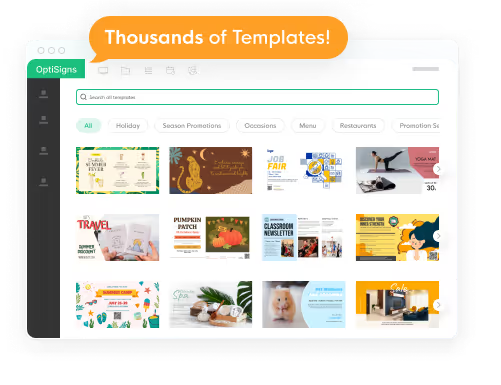
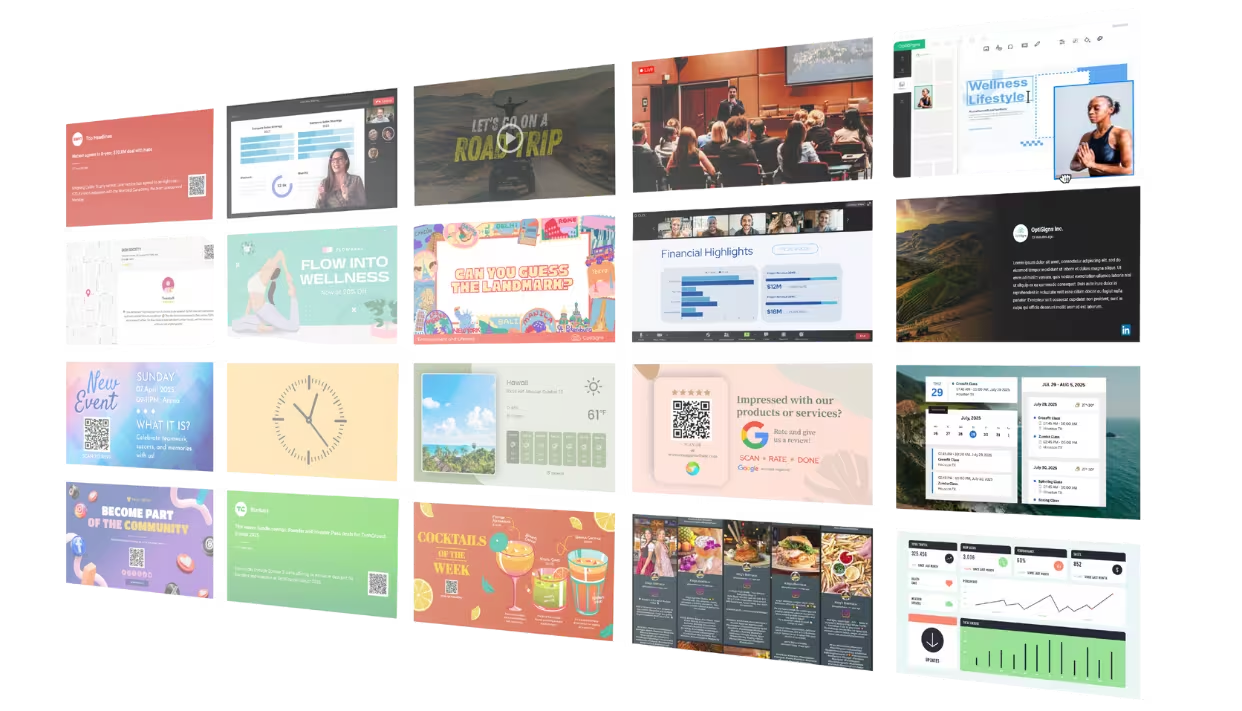
Professional Templates
Choose from hundreds of restaurant-specific templates designed to showcase your food and drive appetite appeal.
POS Integration
Sync your digital menu boards with Square, Toast, or other POS systems to display accurate pricing and availability automatically.
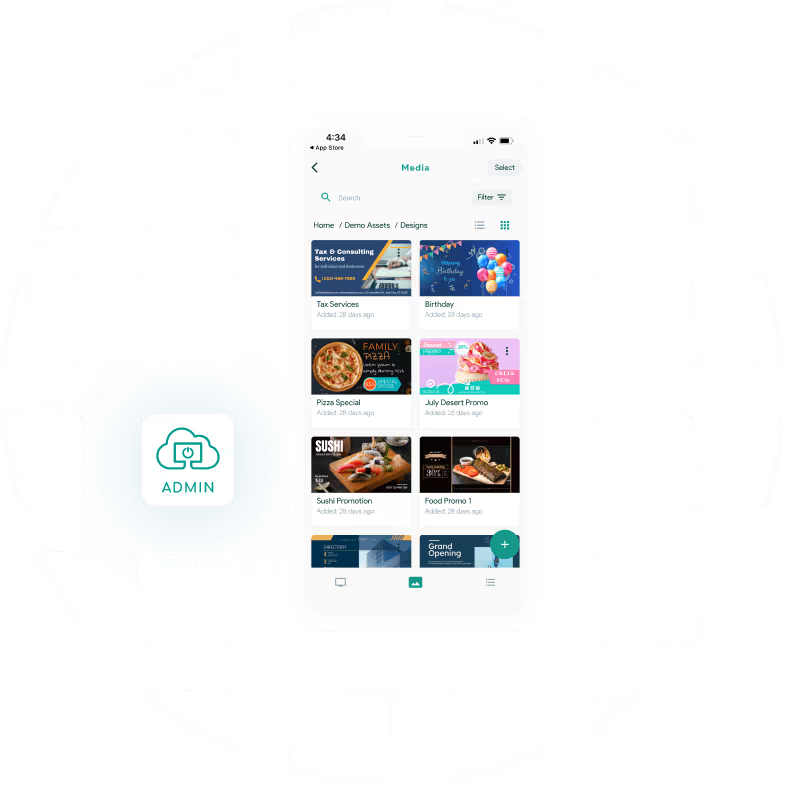
Mobile control
Update menus, push emergency messages, or fix display issues instantly from your phone with the OptiSigns mobile app.
Unlock More Features


And a lot more ...Want to try it out yourself?
Try for free


