


Digital Signage Software
for windows oS
OptiSigns brings powerful digital signage capabilities to your Windows devices. With OptiSigns for Windows digital signage, you can schedule content, monitor screens, create playlists, and use a growing library of apps. Everything is designed to run smoothly on a wide range of Windows devices, giving you a reliable Windows digital signage player experience for any location.

.png)


Windows OS + OptiSigns:
Transform Windows Into Powerful Signage
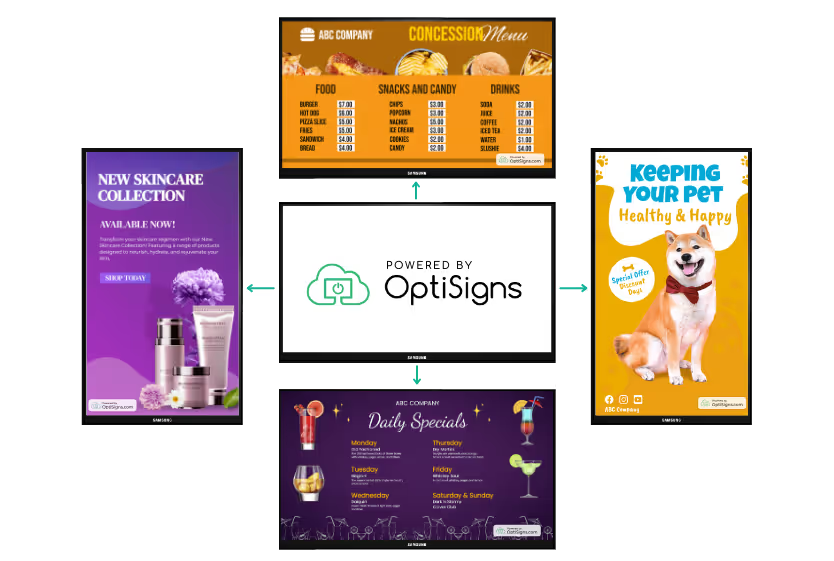

Flexible Setup on Any Windows Device
OptiSigns works smoothly across a wide range of Windows devices, including Windows PCs, small form factor computers, and Windows powered media players. With a quick install, your device becomes a reliable Windows digital signage player that fits perfectly into any use case.
Simple Content and Device Management
You can upload media, build playlists, and schedule displays directly from your dashboard or mobile app. The platform supports both single screen setups and full Windows digital signage networks, giving your organization the flexibility to manage signage on Windows in whatever way works best.
Reliable Performance Built for Windows
OptiSigns is optimized for Windows digital signage software, delivering smooth playback, dependable uptime, and stable remote control. Whether you are running a single screen or a full deployment of digital signage Windows 10 devices, OptiSigns provides the performance you need for long term digital signage success.
How To Set Up Windows With OptiSigns+
1
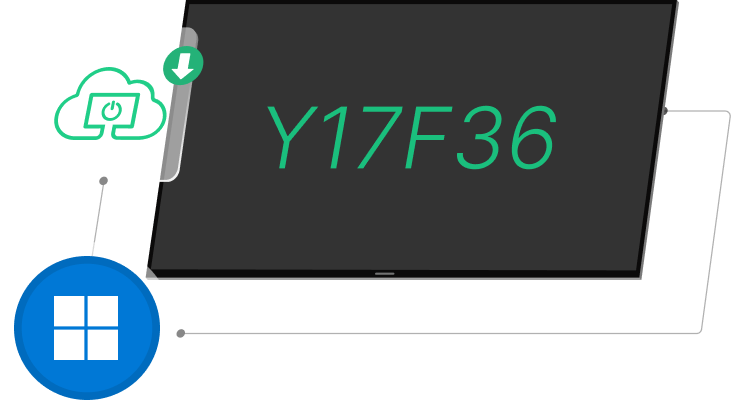
Install OptiSigns on Windows Device
Set up OptiSigns on Windows devices using BSN.cloud or standalone mode. See how it works in our step-by-step guide.

2
Pair Your Screen
Log into app.optisigns.com and click “Add Screen” and enter your pairing code to set up your screen.

3
Display Your Content
Upload your content or use our templates, apps and integrations. Assign the content to your screen and display instantly!
Why people love OptiSigns


Very user friendly, reliable, and cost effective. This system allows us to make instant changes from either our computer or our phone by using the app. We use OptiSigns every day and are constantly finding more features to use that we can benefit from.

OptiSigns helped us transform our public spaces into engaging, visually stimulating, better communicating havens. Within a few hours of learning the system, we had it running and our students were blown away. Very easy to use right out of the box.

OptiSigns is the solution we were looking for - as our company grows, we are opening multiple offices. One of our best and most successful attempts to connect our locations and our employees is by using digital signage through OptiSigns.

We were looking to make our digital menus more attractive and achieved just that with OptiSigns! Easy to implement and now we have rotating hourly and daily menus that bring in more customers. Great customer support on top of that!


