


Who would've guessed that a smart TV would be cheaper than an iPhone? Smart TV prices continue to drop, and what was once a considered a luxury purchase is now a household staple. A 50-inch 4K TV that cost $350 in 2019 now runs about $200 with a better panel. That makes consumer TVs the most accessible entry point for digital signage solutions, however not every TV performs the same way.
Some platforms run signage apps natively. Others block auto-start, lack storage, or don't support apps at all. This guide breaks down what works, what doesn't, and when you need a dedicated media player.
Why You Need a Digital Signage Player for Smart TVs
Modern smart TV operating systems present challenges for digital signage:
- Recent updates prevent digital signage apps from automatically starting when TVs power on. Samsung and LG implemented this restriction previously; Fire TV adopted it in 2024.
- Screen saver and power management settings can interrupt continuous signage display.
- Limited storage capacity (typically a few hundred megabytes) restricts content volume and type compatibility.
A dedicated digital signage player like the OptiStick plugs into any TV's HDMI port and bypasses all of these issues — auto-start, full storage, and reliable 24/7 operation regardless of the TV's operating system.
Consumer TVs vs. Commercial Displays
Before choosing a specific model, decide which category fits your use case.
Bottom line: Consumer TVs work great for offices, restaurants, and small businesses running signage 12-16 hours a day. If you need 24/7 operation, outdoor-facing brightness, or portrait mounting, go commercial.
What Are Consumer Smart TVs Good For?
Suitable Applications:
- Moderate use: 12-16 hours daily operation
- Indoor environments away from direct sunlight
- Simple content displays with 10-20 item playlists
- Limited processing power and storage constraints
Not Recommended For:
- 24/7 continuous operation (risks lifespan reduction and screen burn-in)
- Critical or safety-related information displays
- Applications requiring backup systems to prevent downtime
Smart TVs are highly effective for digital signage, especially when adhering to the best practices mentioned above. With significant advancements in display quality, the difference between brands is often minimal. You can start with the Smart TVs you already own or choose your preferred brand. For assistance in selecting the best option, continue reading our reviews of the most popular brands.
Best Practices for Smart TV Digital Signage
- Deploy a dedicated digital signage player for automatic startup and expanded storage
- Configure operational scheduling to power displays off during non-business hours
- Rotate content regularly to prevent static image burn-in
- Connect signage players directly to power outlets rather than through the TV's USB port
- Use a wired Ethernet connection where possible for reliability

In-Depth Review of Popular TV Platforms for Digital Signage in 2026
Even the most popular Smart TVs on the market have their pros and cons for digital signage usage. We recommend using a dedicated digital player like our OptiSigns Android Digital Signage Player for most TVs. This will ensure that your content looks great both indoors and outdoors.
In this review:
TCL and Hisense
Rating: Strong value proposition
These brands offer excellent price-to-quality ratios with widespread availability. Models run Android TV, Roku, or Fire TV operating systems. Android TV variants support auto-start and local file caching, though dedicated signage players remain recommended for Roku and Fire TV models.
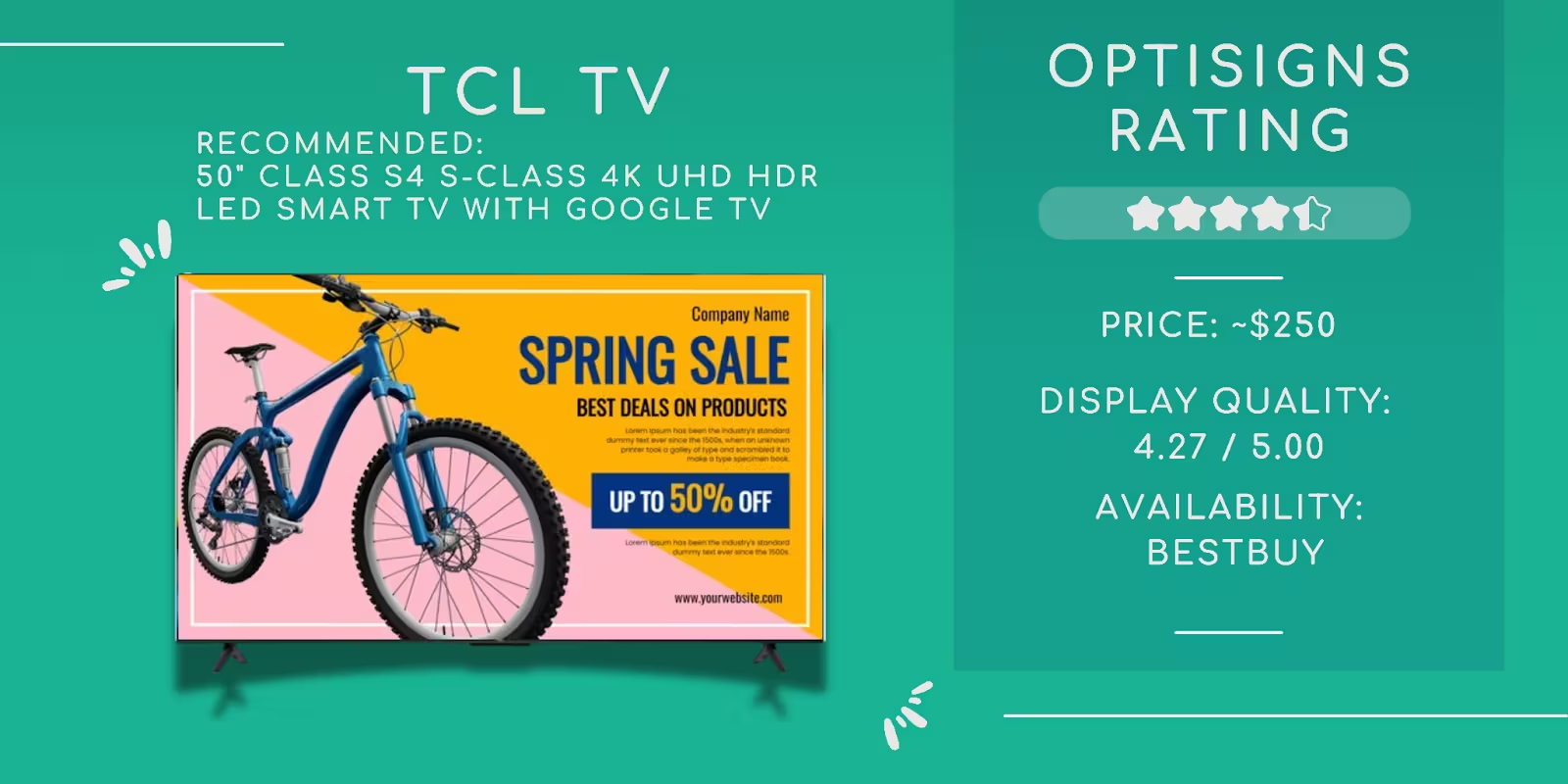
Best for: Larger signage installations where you need big screens (75"+) without big prices. The 85" and 100" sizes are significantly cheaper than commercial displays at those sizes.
Recommendations:
- Budget: TCL - 50" Class S4 S-Class 4K UHD HDR LED Smart TV with Google TV
- Mid-range: TCL 55" Q CLASS 4K QLED HDR SMART TV WITH GOOGLE TV - 55Q750G
- Budget: Hisense - 55" Class U6 Series Mini-LED QLED 4K UHD Smart Google TV
- Mid-range: Hisense - 55" Class U7 Series Mini-LED QLED 4K UHD Smart Google TV
Our 2025/2026 picks:
- TCL QM6K (55"-98", starts ~$550 for 55") — Mini-LED with Google TV, significantly brighter than the S4/Q-series. 120Hz, Dolby Vision, HDR10+. Slim wall-mount design with integrated cable management. Best current value for signage in well-lit spaces.
- Hisense U7N (55"-100", ~$650 for 65") — Mini-LED with 342 local dimming zones, Google TV, 4K 144Hz. Punches well above its price on contrast and HDR. The 75"-100" sizes are especially attractive for large-format signage without commercial display pricing.
Samsung
Rating: Premium build quality
Samsung TVs feature superior color accuracy and panel quality. Tizen-powered models can run OptiSigns, though not all models support this. Apps cannot auto-start, and storage limitations (several hundred megabytes) often necessitate dedicated players.
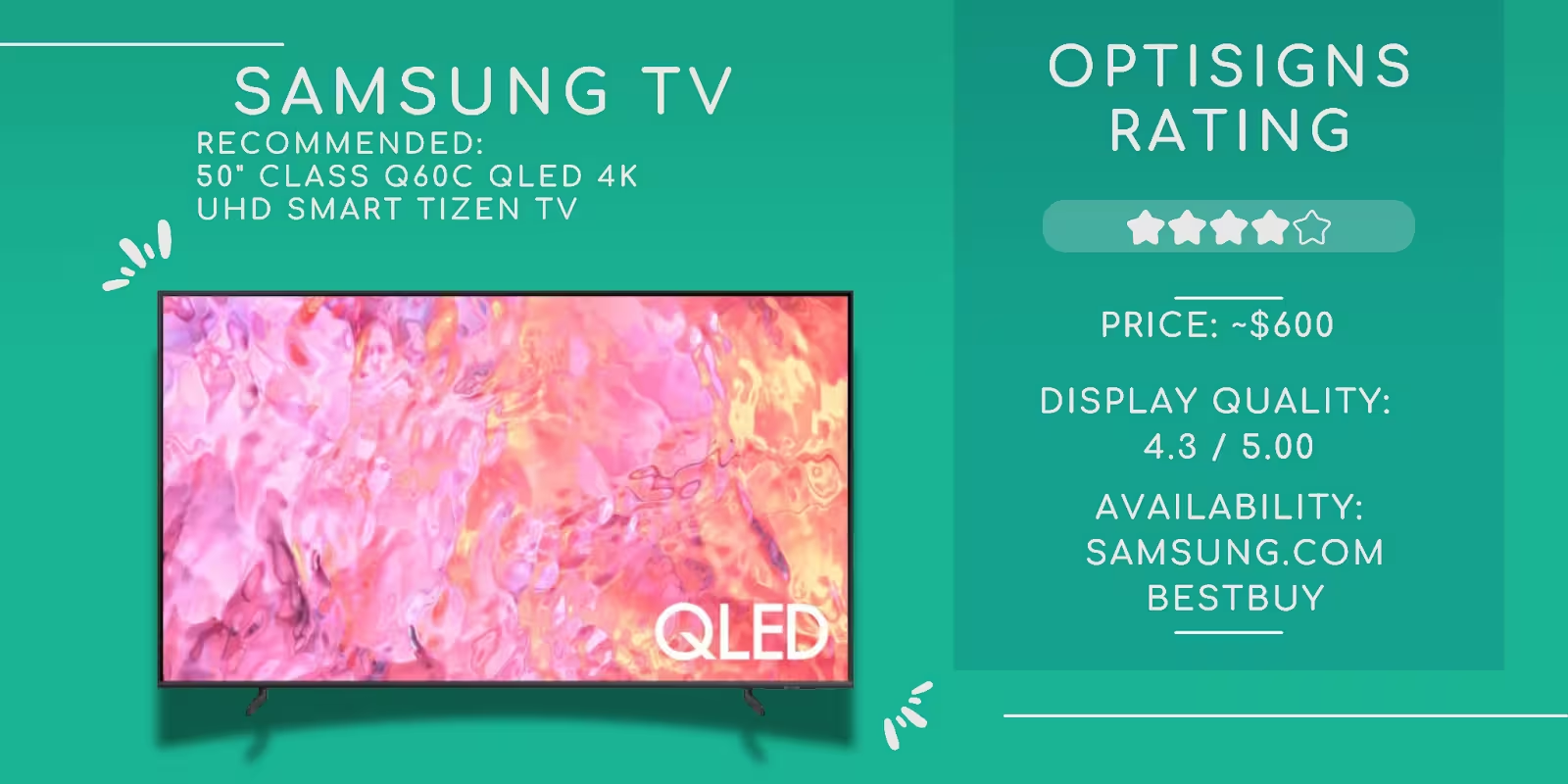
Current Recommendations:
- Budget: Samsung - 50" Class Q60C QLED 4K UHD Smart Tizen TV
- Mid-range: Samsung - 50” Class Q80C QLED 4K UHD Smart Tizen TV
LG
Rating: Excellent display technology with software limitations
LG TVs earn praise for superior panels, color reproduction, and sharpness, the LG TV is a popular choice for digital signage. However, WebOS provides no digital signage app support, including OptiSigns. Browser-based solutions require manual staff startup and storage remains limited.
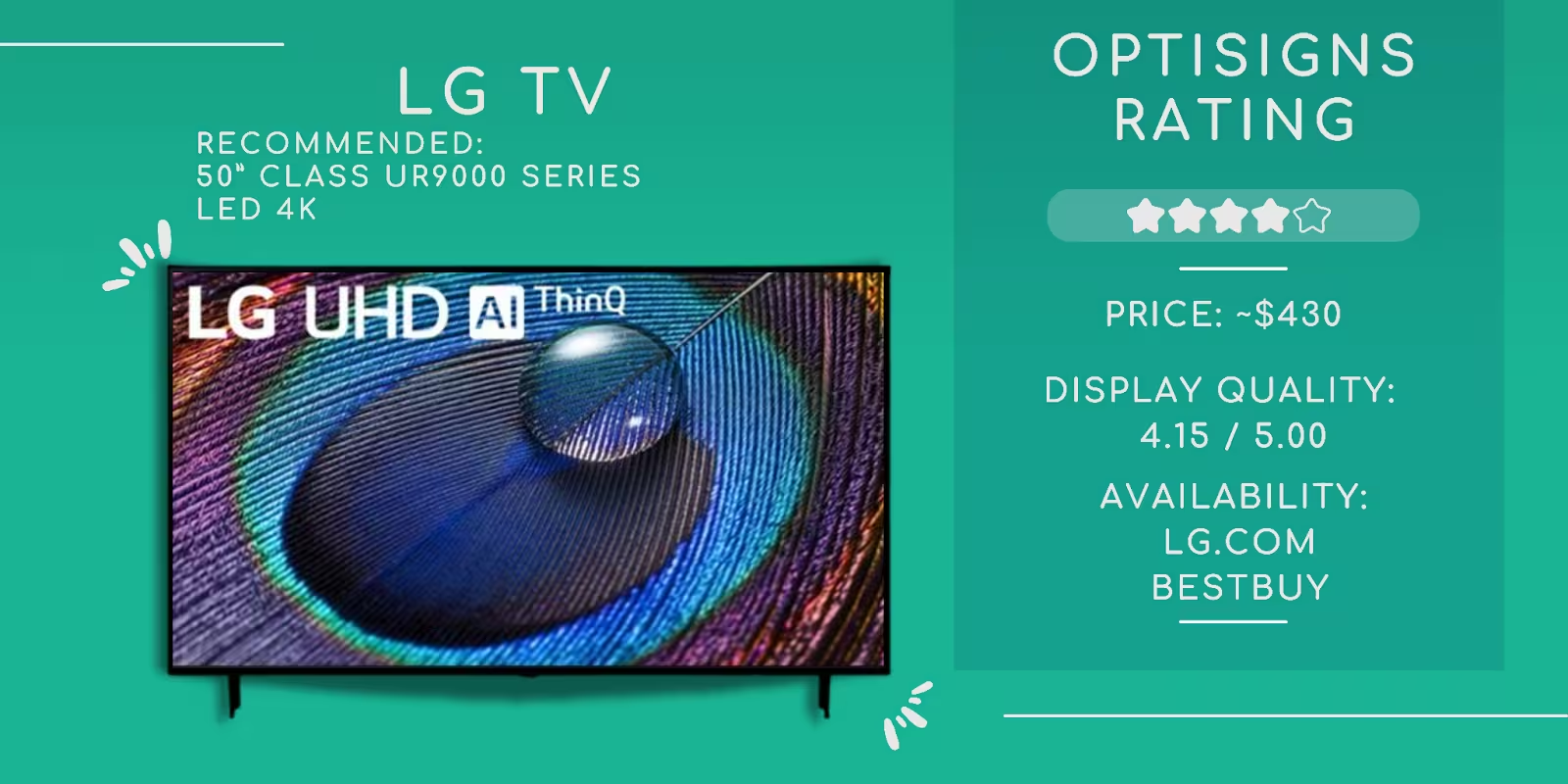
Current Recommendations:
- Budget: LG 50 Inch Class UR9000 series
- Mid-range: LG QNED 50 inch QNED80 4K Smart TV 2023
Vizio
Rating: Balanced cost and quality with significant limitations
Vizio presents reasonable pricing and quality balance, making it a great middle-of-the-road solution. SmartCast software lacks digital signage app support and browser functionality, making these models unsuitable for signage without dedicated hardware.
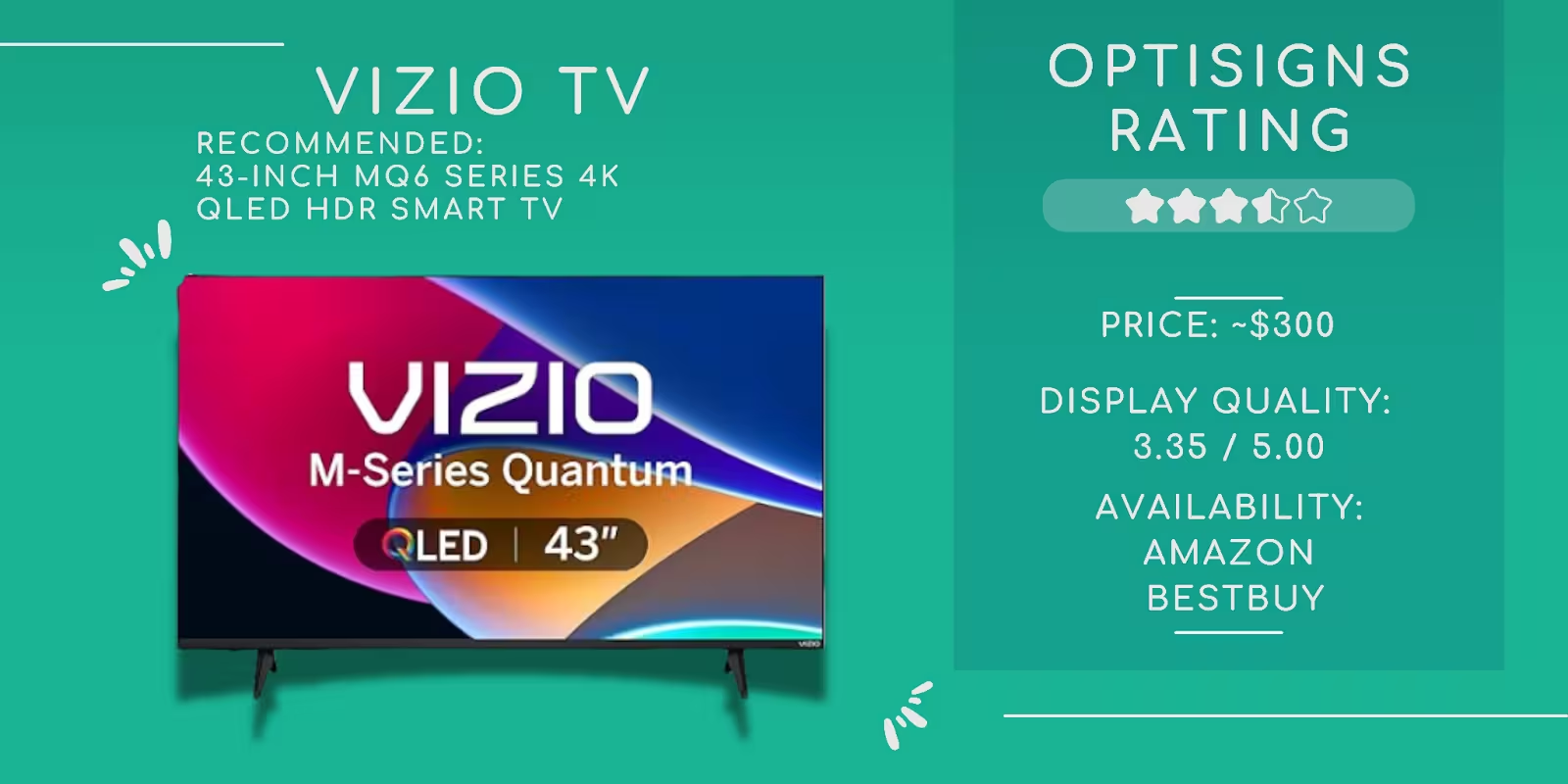
Current Recommendations:
Roku TV
Rating: Budget-friendly with operational constraints
Roku operates across TCL, Hisense, Onn, Pioneer, and Sharp models. Minimal local storage, no web browser support, and power management restrictions pose operational challenges. OptiSigns functions on this platform for video and image playback only.
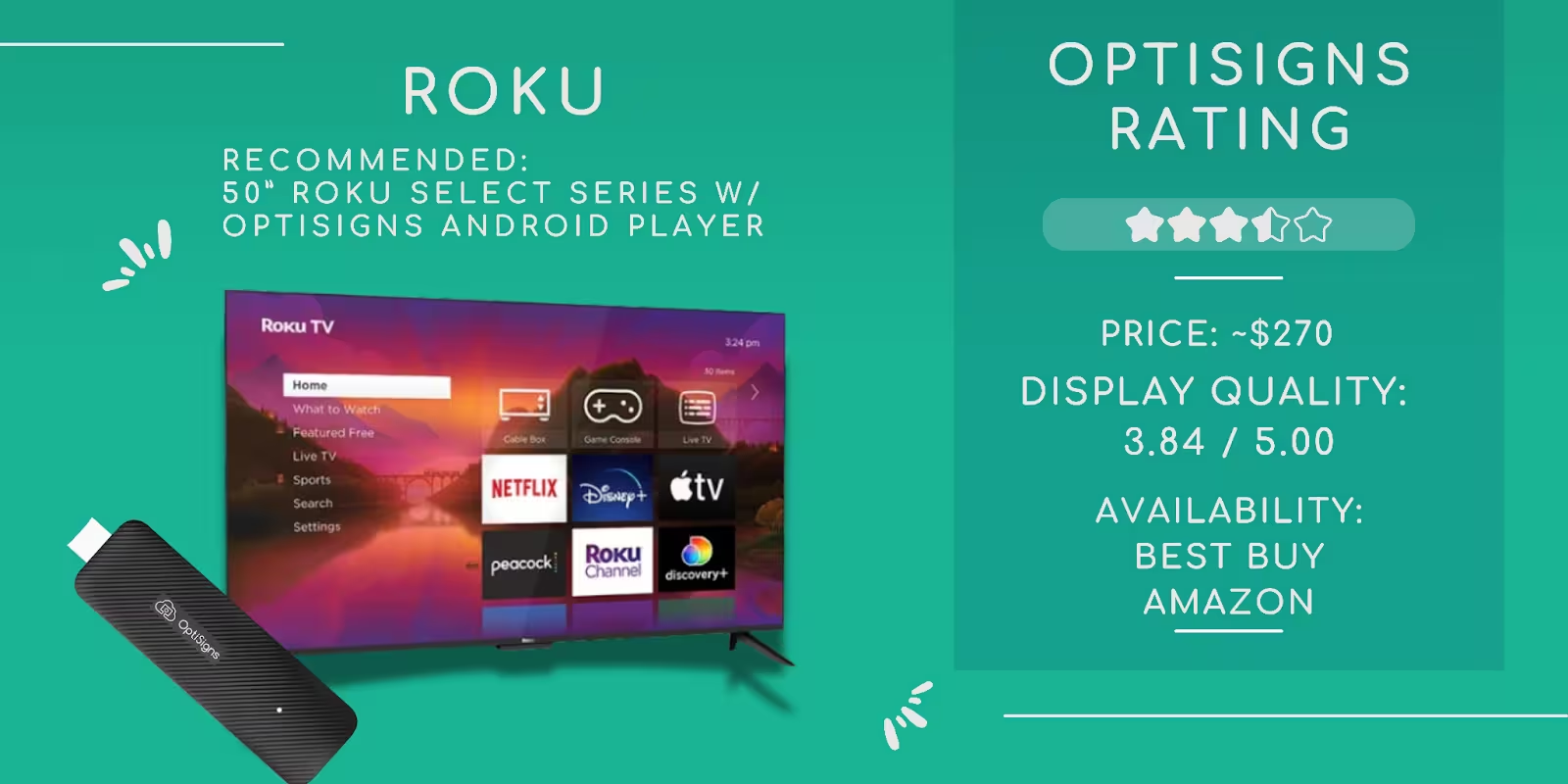
If you choose Roku, it is highly recommended to have a dedicated digital signage player to bypass platform restrictions.
Current Recommendations:
- Roku 50” Select Series 4K
- OptiSigns Digital Signage Player to avoid potential disruptions now and in the future.
Android TV Platform
Rating: Most versatile choice for digital signage
Popular brands include TCL, Hisense, Onn, Sony, and Philips. Android TV offers the broadest feature compatibility and best storage capacity of any consumer TV platform. Some models lack auto-start; verify before purchasing.
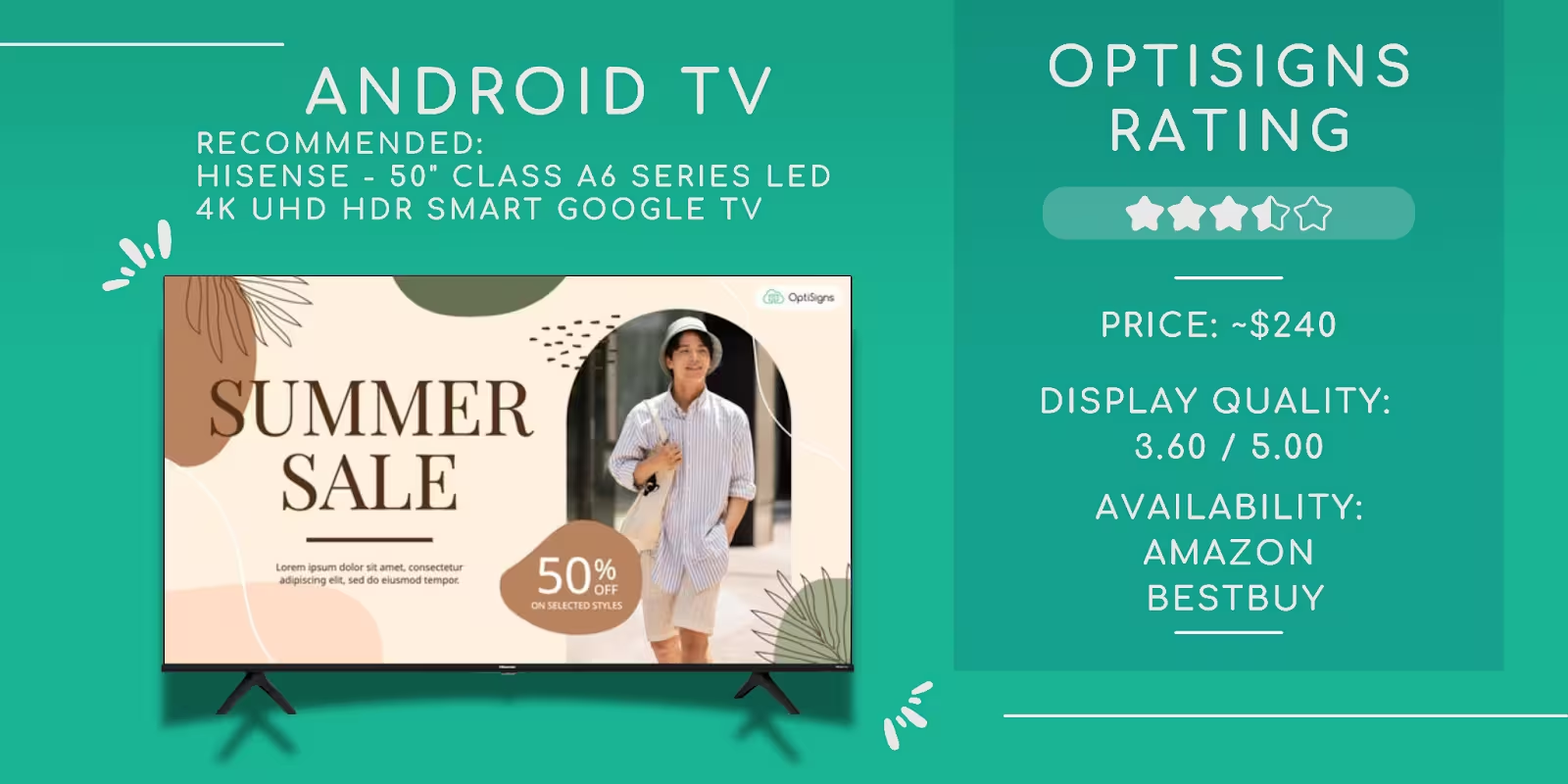
Current Recommendations:
- Hisense 50" Class A6 Series LED 4K UHD HDR Smart Google TV
- Google Chromecast is a great option, especially in places where you can't get the OptiSigns Digital Signage Player.
Fire TV Sticks
Fire TV was a popular and cost-effective digital signage solution until 2024 when Amazon updated FireOS and disabled the auto start feature on newer generation FireStick devices, significantly impacting their usability. They've also rolled out this update to older generation FireStick devices, disrupting many existing digital signage setups.
With this development, we no longer recommend using FireStick as a digital signage player.
Amazon
Rating: Emerging popularity with operational considerations
Amazon TVs are gaining popularity in the market because of their cost-effectiveness and availability. However, with current limitations similar to the FireStick, a dedicated digital signage player is ideal and recommended to ensure optimal performance.
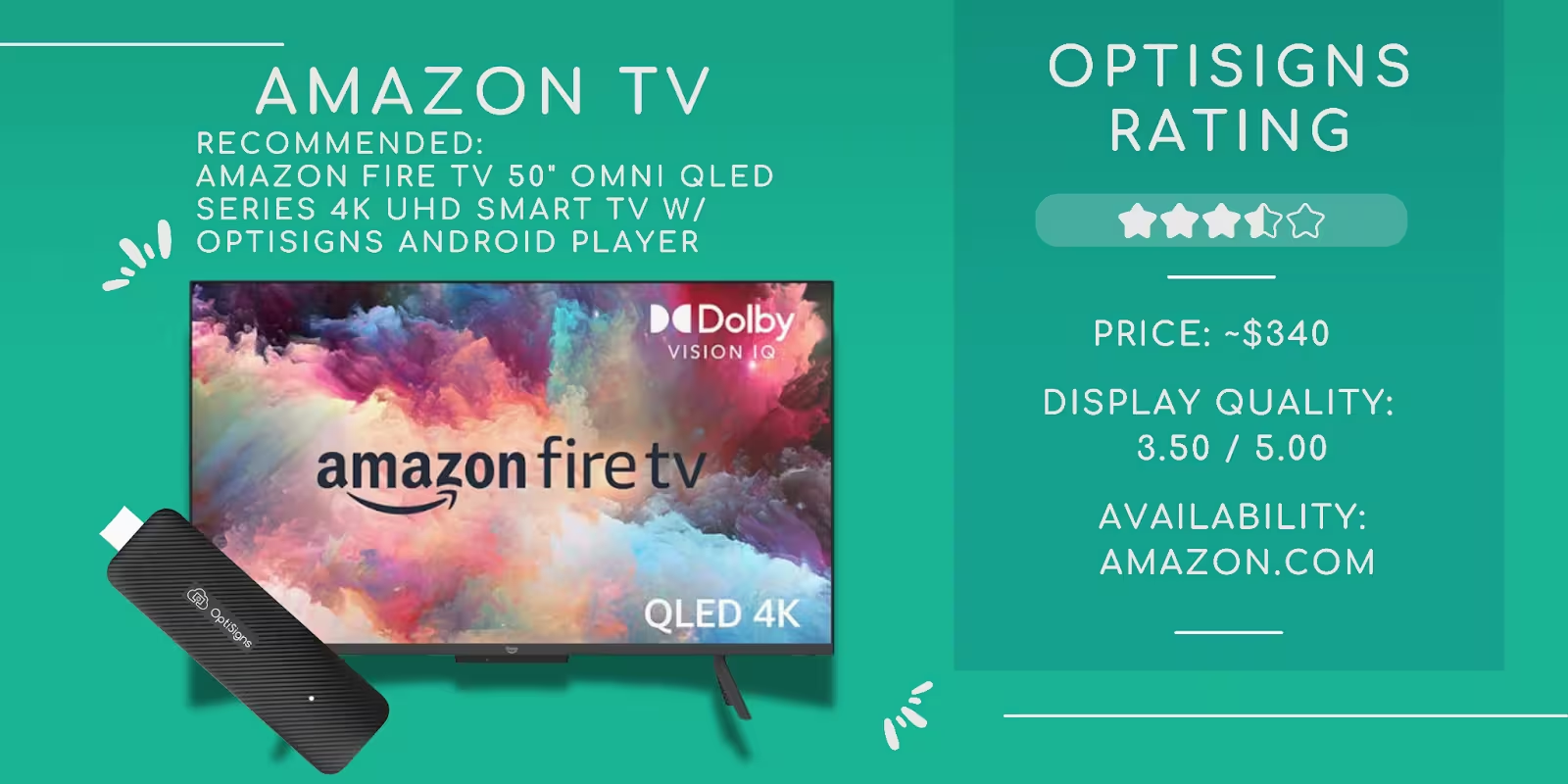
Current Recommendations:
How to Choose: Quick Decision Guide
TLDR? Here's the short version:
- Tightest budget: Buy any TV + an OptiSigns Android Player ($99.99). The player handles everything, the TV is just the screen.
- Want the TV to run signage natively: Get a TCL or Hisense with Google/Android TV. Best native app support.
- Best picture quality: Samsung QLED. Pair with a player for reliable auto-start.
- 24/7 or high-brightness needs: Skip consumer TVs. Go commercial (Samsung QM series, LG UH5J, Sony BRAVIA BZ).
Already have a TV: It almost certainly works. Plug in a signage player and you're set.
Conclusion
Smart TVs offer an appealing option for digital signage because of cost-effectiveness and high-quality displays. You can pretty much pick your favorite brand or one that is easy to get, and you are good to go. We recommend using a dedicated player to overcome limitations on auto-start features and limited storage. Our OptiSigns Digital Signage Player is the perfect fit to mitigate these limitations.


