


The right background music sets the tone of your space before you get the chance to greet your customer. A coffee shop with the wrong playlist feels off, a waiting room with no audio at all can feel tense. It's a small detail that quietly shapes how customers feel, how long they stay, and even if they come back.
The catch is that the music you play on your drive home isn't the same music you can legally play in a business. Apps like Spotify and Apple Music are licensed for personal use only, and their terms say so directly. If you play music from these streaming services, you're risking hundreds to thousands of dollars in fines...
The easier path for most businesses is a service that handles commercial licensing for you, ideally one that runs on the screens and speakers you already have.
If you're an OptiSigns customer, that service is built right in.
The Background Music Add-on: Music Inside Your OptiSigns Setup
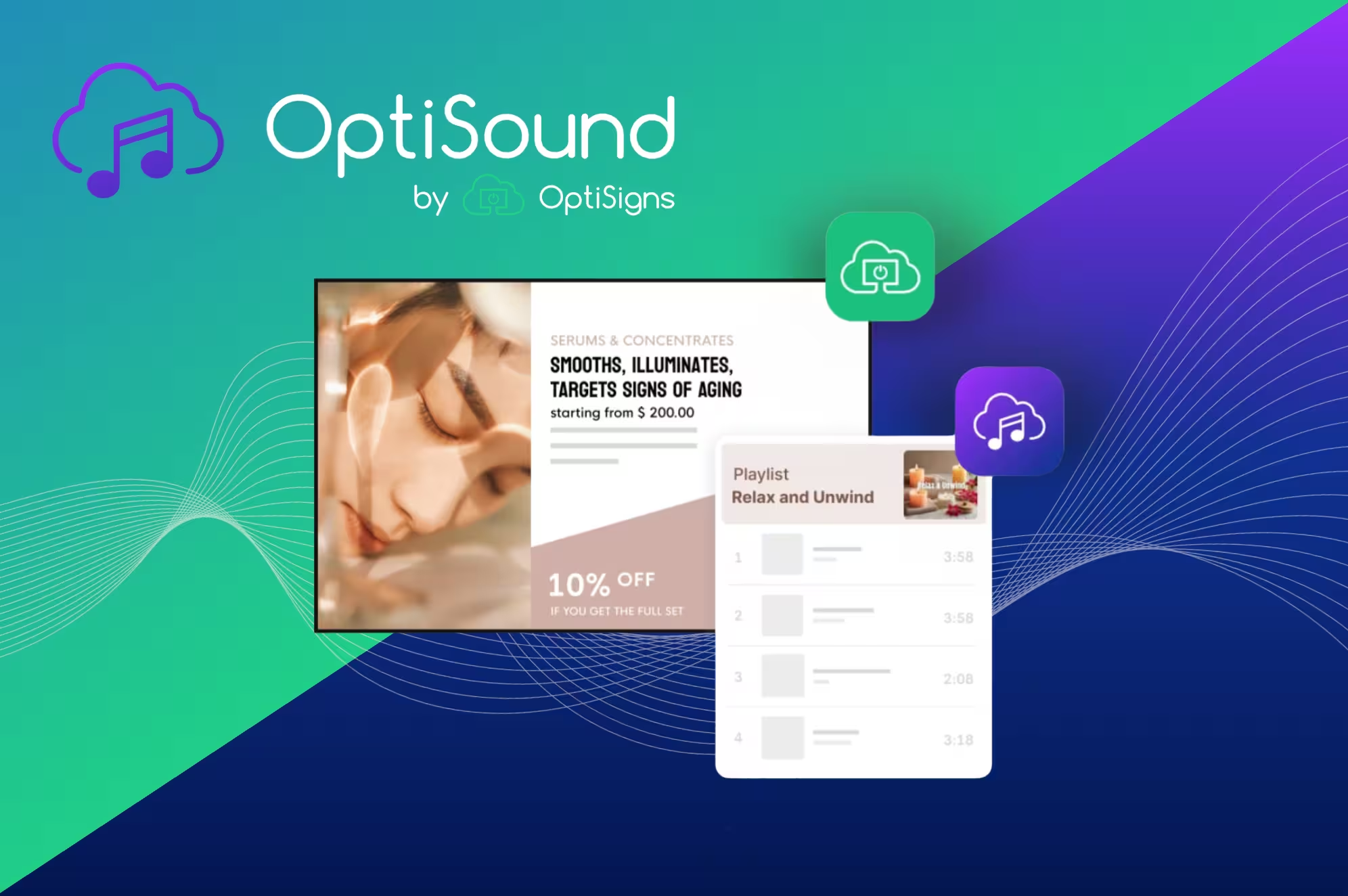
OptiSound is a background music add-on available on every OptiSigns subscription. It turns any OptiSigns-connected device into a music source, so the same Apple or Android TV running your content can also play fully licensed music through your existing speakers. No separate music platform, no second device, no stitching together tools.
What to expect with the Background Music Add-on:
- Licensed, ad-free music stations curated for commercial environments. Coffee shops, retail floors, hotels, gyms, treatment rooms, dining service. Pick the vibe and press play.
- Offline playback so music keeps going if your internet hiccups.
- Simultaneous audio with your signage on the same device. Your visuals and your music run together without a second piece of hardware or a separate login.
The add-on is available in two tiers. Standard at $15/screen/month covers the curated catalog. Pro at $25/screen/month unlocks unlimited access to premium stations and chart-topping artists (with real songs your customers actually know). Both come with a 14-day free trial, test it out and hear the difference for yourself!
What's New In The Add-on
We recently launched a Pro Plan tier on the OptiSound add-on that unlocks 160 million officially licensed tracks for OptiSigns customers, putting OptiSound in the same league as the largest enterprise music providers, but at a meaningfully lower price point.
The Pro Plan keeps every feature of the Standard Plan. The main upgrade is catalog depth, which matters most for businesses that want specific artists, specific genres, or a library wide enough for intentional curation across multiple locations. If your customers (or employees) have ever asked why the same fifteen songs keep playing, Pro is the perfect fix.
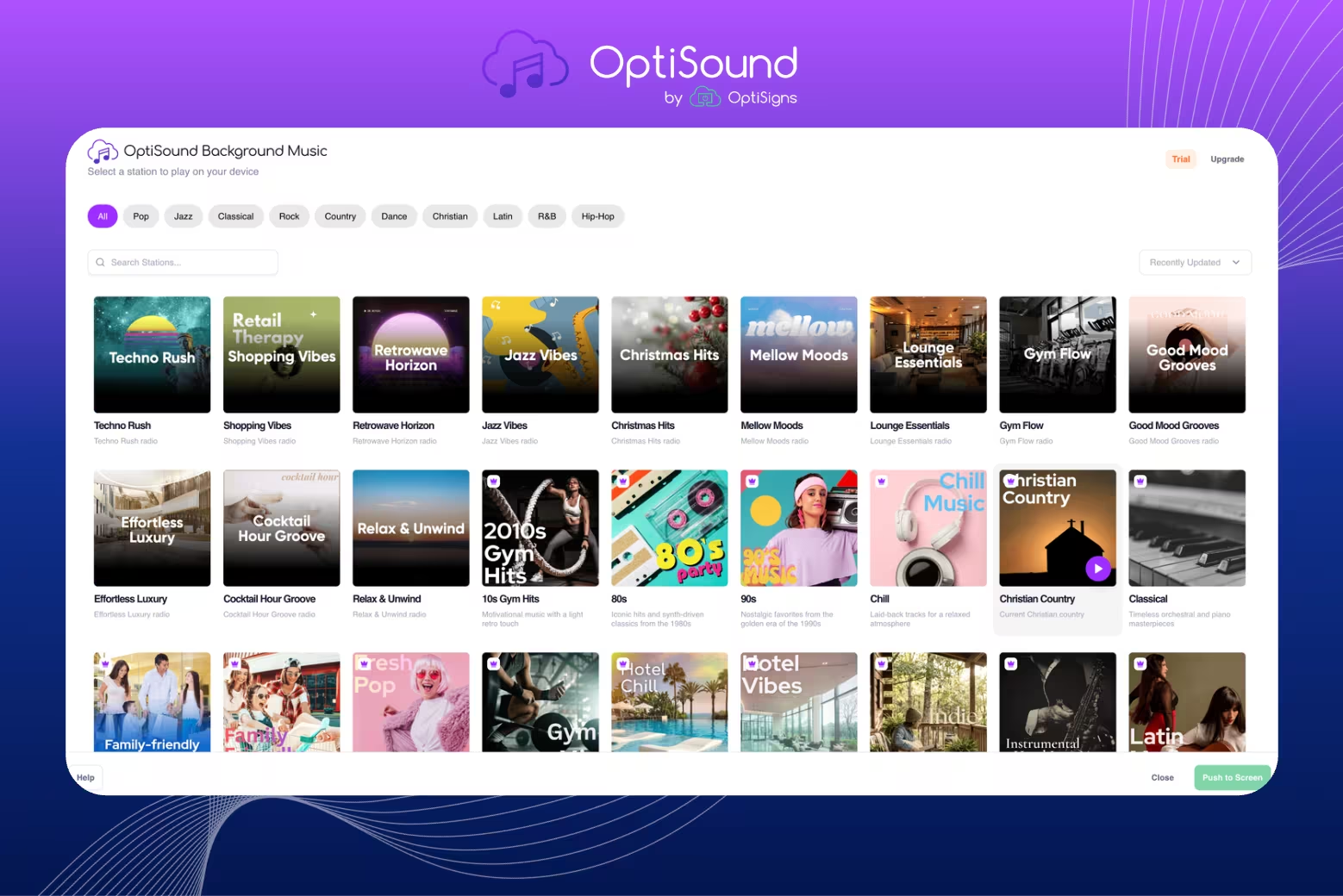
The Standalone Background Music Platform: OptiSound
Note: OptiSound can refer to two related options. The OptiSigns add-on runs music through your existing OptiSigns devices, making it ideal when you want signage and music managed together. The standalone OptiSound platform (optisound.com) is separate from your digital signage setup, with its own portal, mobile app, logins, scheduling, zones, and audio-first tools.
Many of our users run OptiSound on its own, separate from their signage setup. Sometimes it's because part of their business (a treatment room, a dining area, a hotel hallway) doesn't have screens but still needs music. Other times, it's because they want dedicated audio management running independently from their signage operations, with its own schedules, audio announcements, zones, and logins. And for businesses without any digital signage at all, the standalone licensed background music platform for business is the entry point.
TLDR:
- Want music on the same device as your OptiSigns screens? Use the add-on.
- Need audio in areas without signage, or want to manage music separately? Use the standalone version.
- Both? That's a common setup. We see businesses use the add-on on their digital signage devices and the standalone platform in audio-only zones of the same business.
Either way, licensing is handled, music is current, and your customers and employees will thank you.
Music is one of those details customers notice more than you realize. Getting it right (legally, on hardware you already have, without a separate subscription) takes a few minutes inside a tool you already use.


