


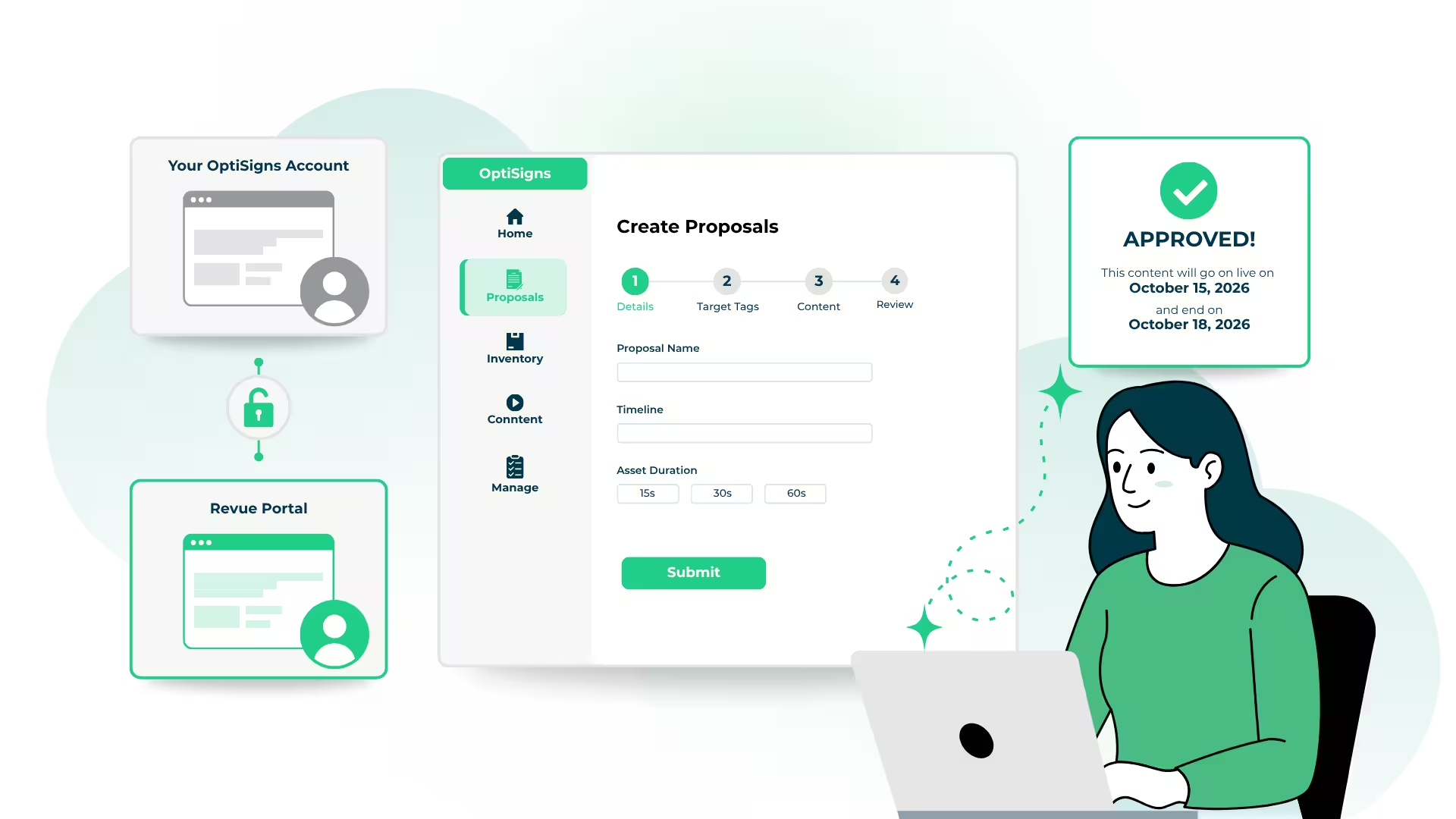
Have a lot of stuff you want on screen, but don't want to give outside contractors access to your signage? You need Revue.
Your screens are a shared resource. Kitchen staff want the lunch menu on the lobby display, HR has a benefits reminder, and marketing wants to promote this weekend's event. Until now, you had two options: give all of them publishing access, or have them all email content to you. Revue gives you a third option.
Too Many Contributors, Not Enough Control
Content for internal screens rarely comes from one person. It comes from departments, the c-suite, and location managers, and every request that runs through email or chat ends up with the same person, usually you.
- Content requests get buried in inboxes and message threads
- You chase down the right file, size, and dates for each request
- Handing out publishing access means anyone can change what's on screen
- Nobody can see where their request stands, so they keep asking
Introducing Revue
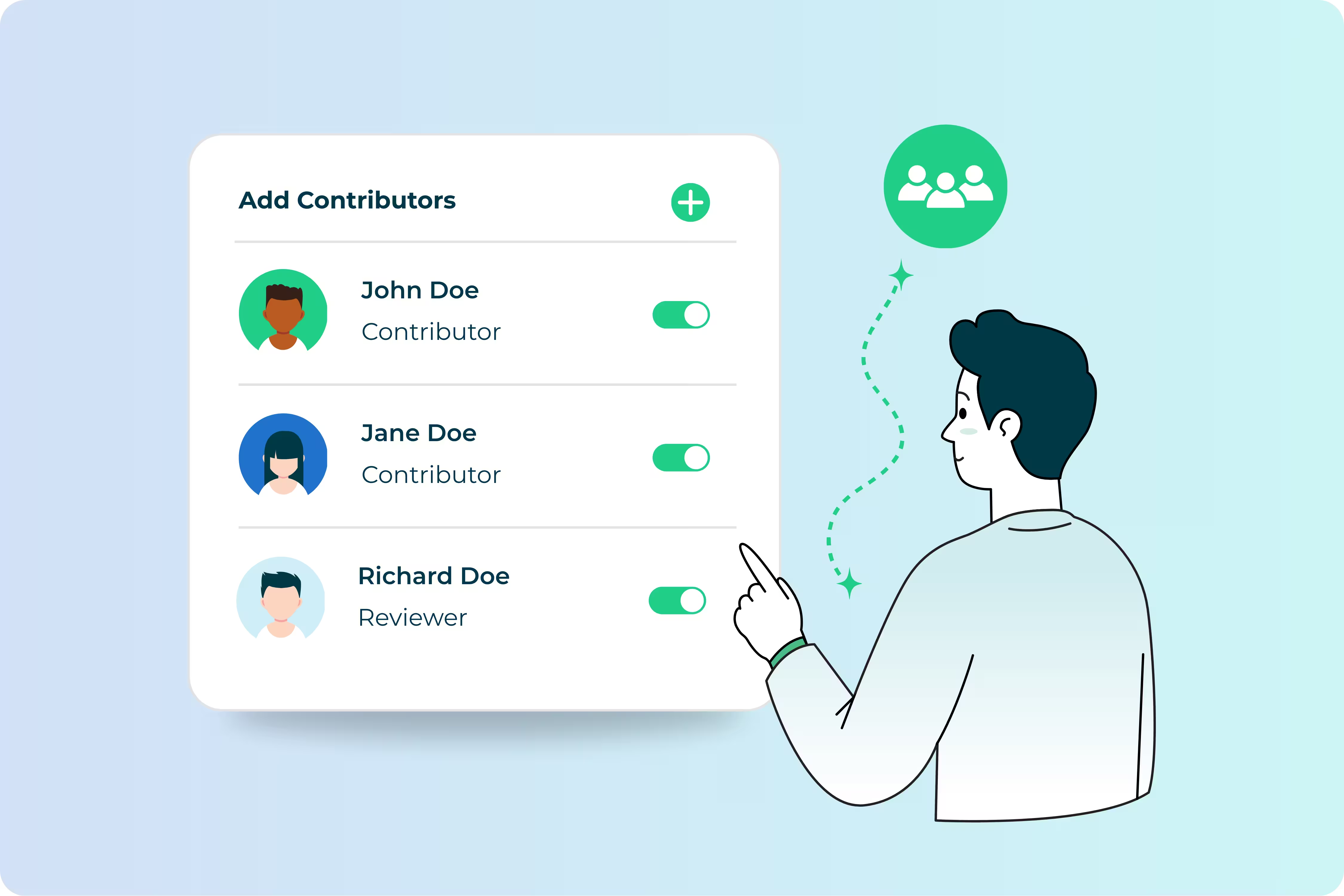
Revue is a content-approval workflow built into OptiSigns. Contributors submit content through their own simple portal. You review it, approve it, and it goes live on the right screens automatically. Nothing reaches a screen without sign-off.
- Contributors don't need an OptiSigns account. Add them by email or SAML.
- You stay in control. Every submission waits for your approval.
- Approved content plays on its own. No downloading, re-uploading, or rebuilding playlists.
How Revue Works
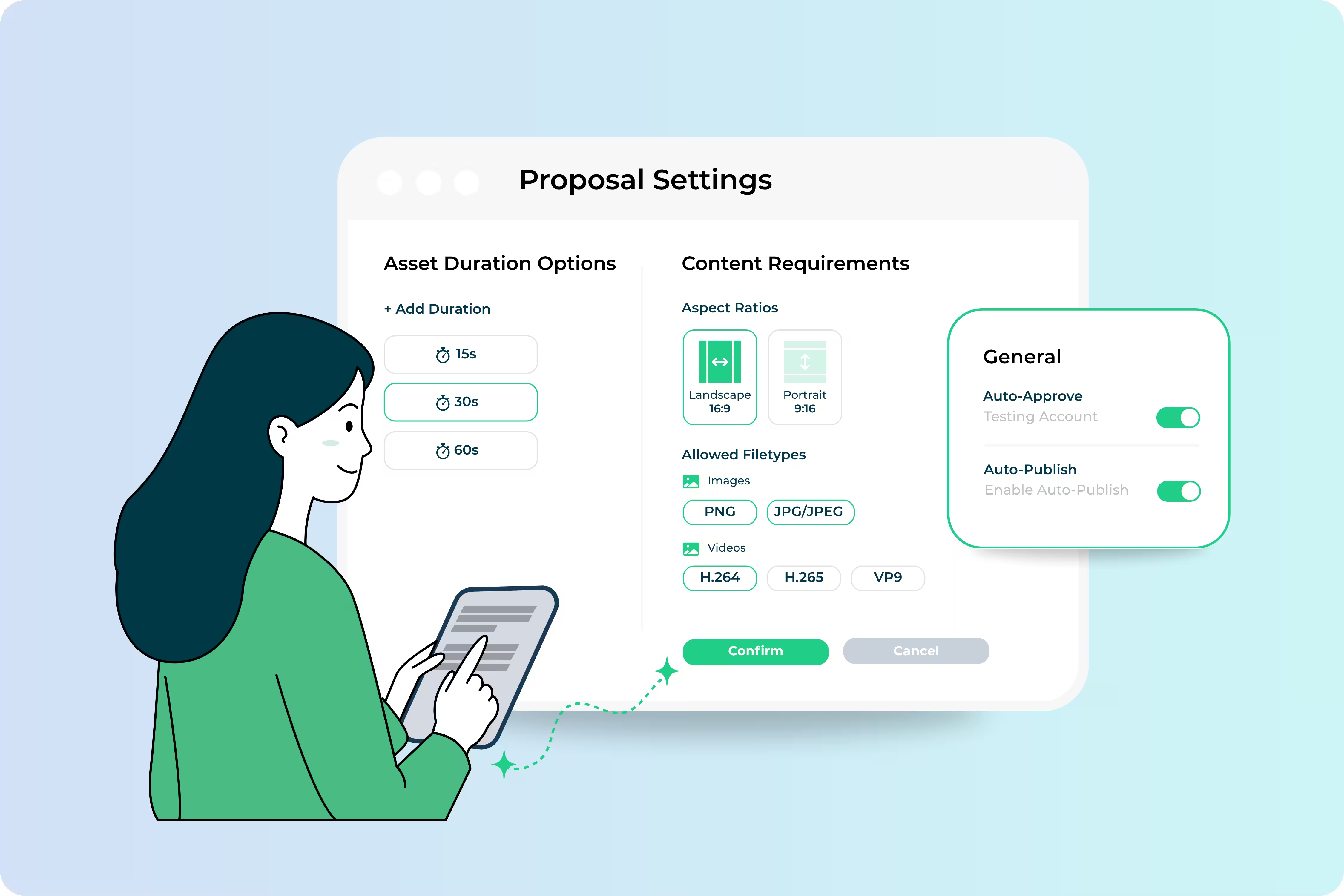
Set the guidelines
Choose which screens are open to submissions and set the rules contributors have to follow, like how long content can run and what formats it needs to be in. Then invite your contributors.
Contributors submit a proposal
Contributors use a short, guided wizard. They choose their target screens, pick a duration and run dates, and upload their content. Everything they submit already fits your guidelines, so you don't have to chase anyone for a different file size.

Review, approve, and go live
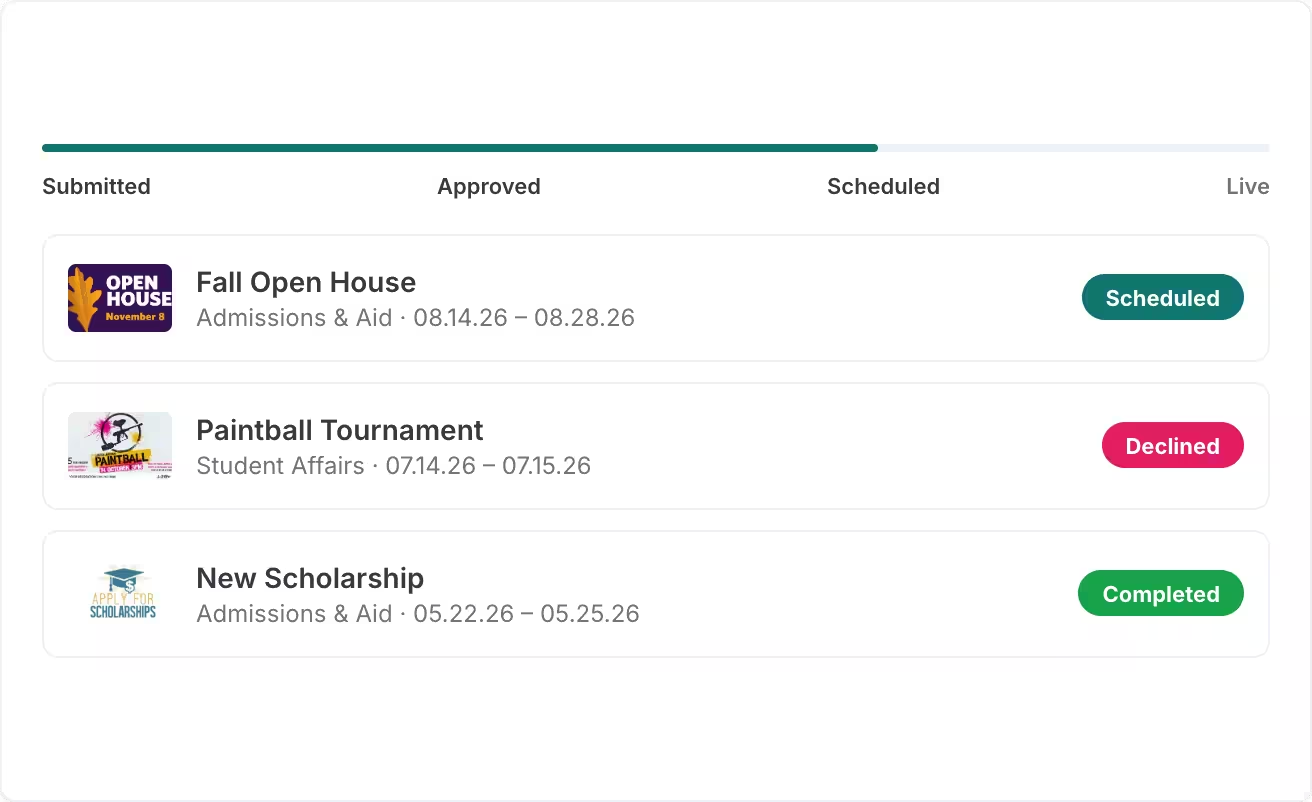
Review each proposal and approve or decline it. If you decline, include a reason so the contributor knows what to fix. Turn on auto-approval for contributors you trust. Approved content goes straight into a dedicated Revue playlist for each screen. Contributors can follow their proposal from Submitted to Approved, Scheduled, and Live.

Built for Organizations With Many Voices
Revue works best on internal screens, where content comes from more people than should be able to publish directly.
- Universities and school districts: Departments and student groups submit announcements, and each campus approves its own.
- Franchises and multi-location businesses: Location managers promote local events on breakroom screens, and corporate keeps the final say.
- Offices and workplaces: HR, IT, and facilities share one digital bulletin board, with everything going through one approval point.

Get Started With Revue
Revue is available on the OptiSigns Enterprise plan. You can activate and invite contributors whenever you're ready.
Let everyone contribute. You keep the final say.
Revue is available on the OptiSigns Enterprise plan. Talk to our team to get it set up.


