


Our most popular sports feed is back and better than ever! The March Madness feed returns for 2026 with new bracket layouts and full tournament coverage through the championship game on April 6. As always, this Sports Feed is free on every OptiSigns plan.
If you ran last year's March Madness Sports Feed, you know how this works. If not: OptiSIgns Sports Feeds are pre-built content streams that update on your screens in real-time. Brackets fill in as games are played. Schedules shift. Results post. You set it up once and it stays current through the final buzzer.
The Starting Lineup
Overall Bracket
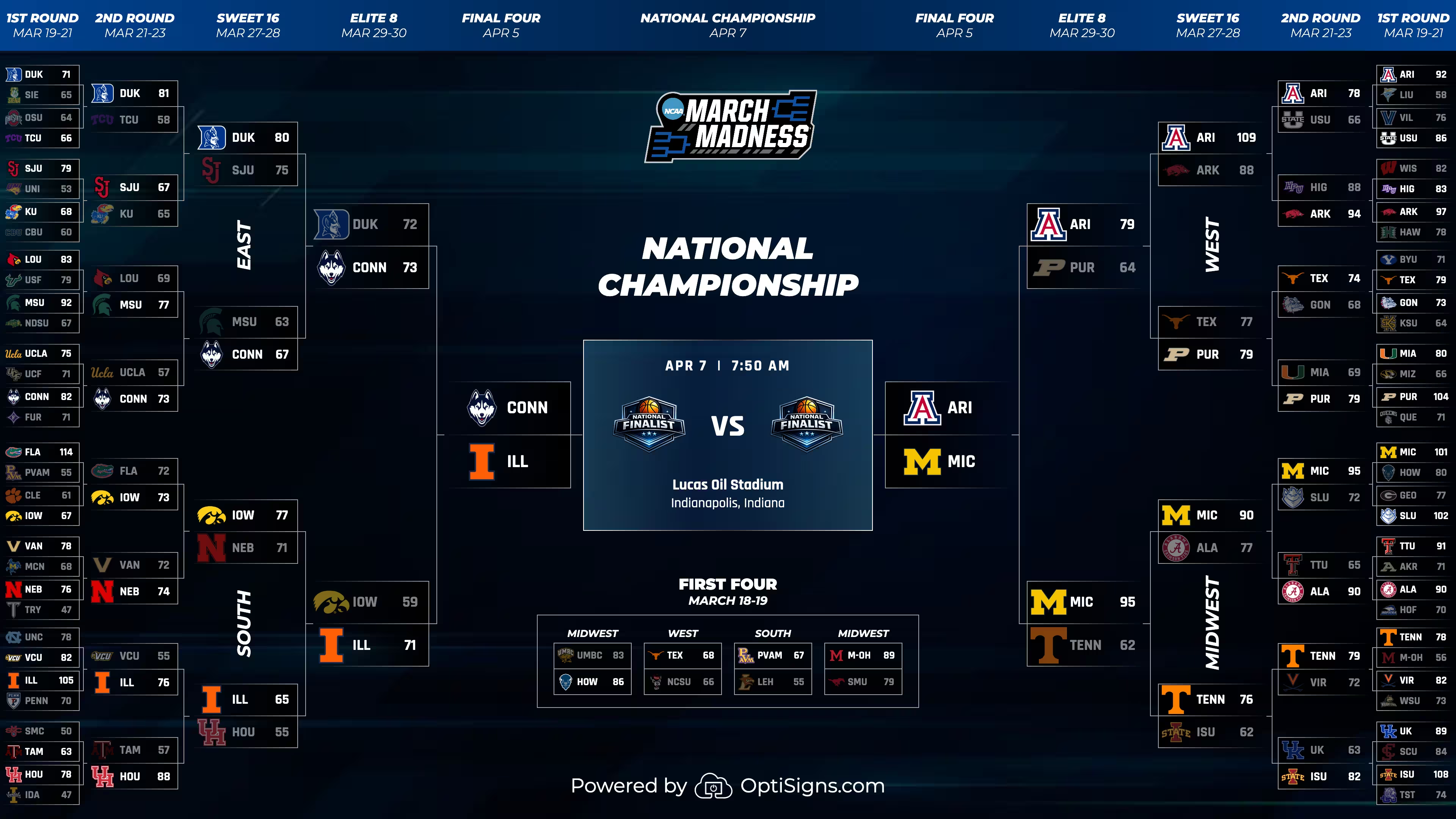
A full-tournament view covering all four regions with round-by-round zoom for better clarity. This is the layout people picture when they think March Madness: 68 teams narrowing down to one. As games finish, the bracket fills in.
The bracket works great on larger displays where viewers can take in the full field, but the round-by-round zoom means it's readable on standard screens too.
Regional Brackets (New)
Individual bracket views for each of the four regions: East, West, South, and Midwest. These are perfect if you want to spotlight a specific region, or if you're rotating through all four throughout a playlist.
For offices, bars, or campuses wanting to cheer on your local team, the regional view keeps the focus tight.
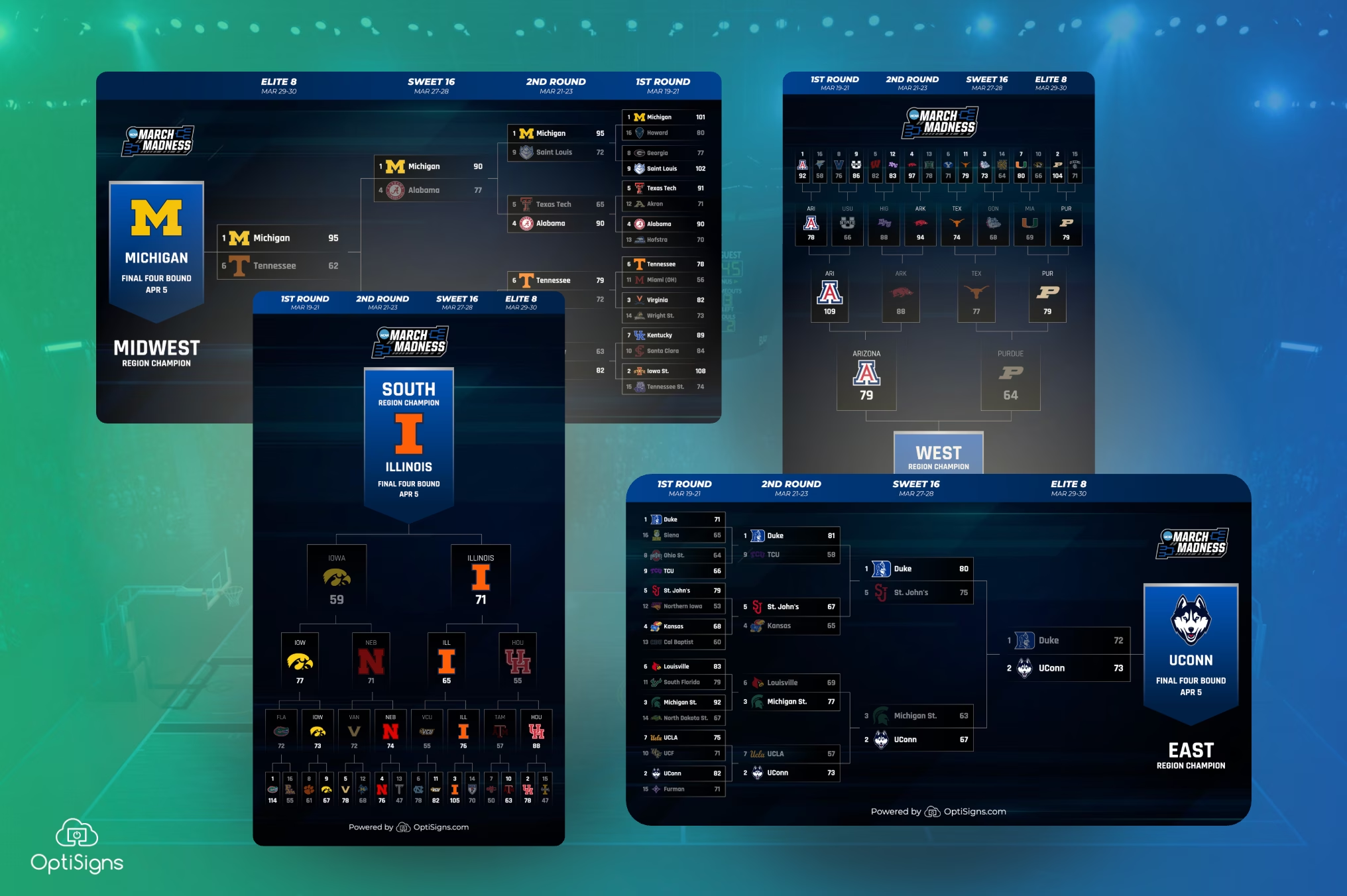
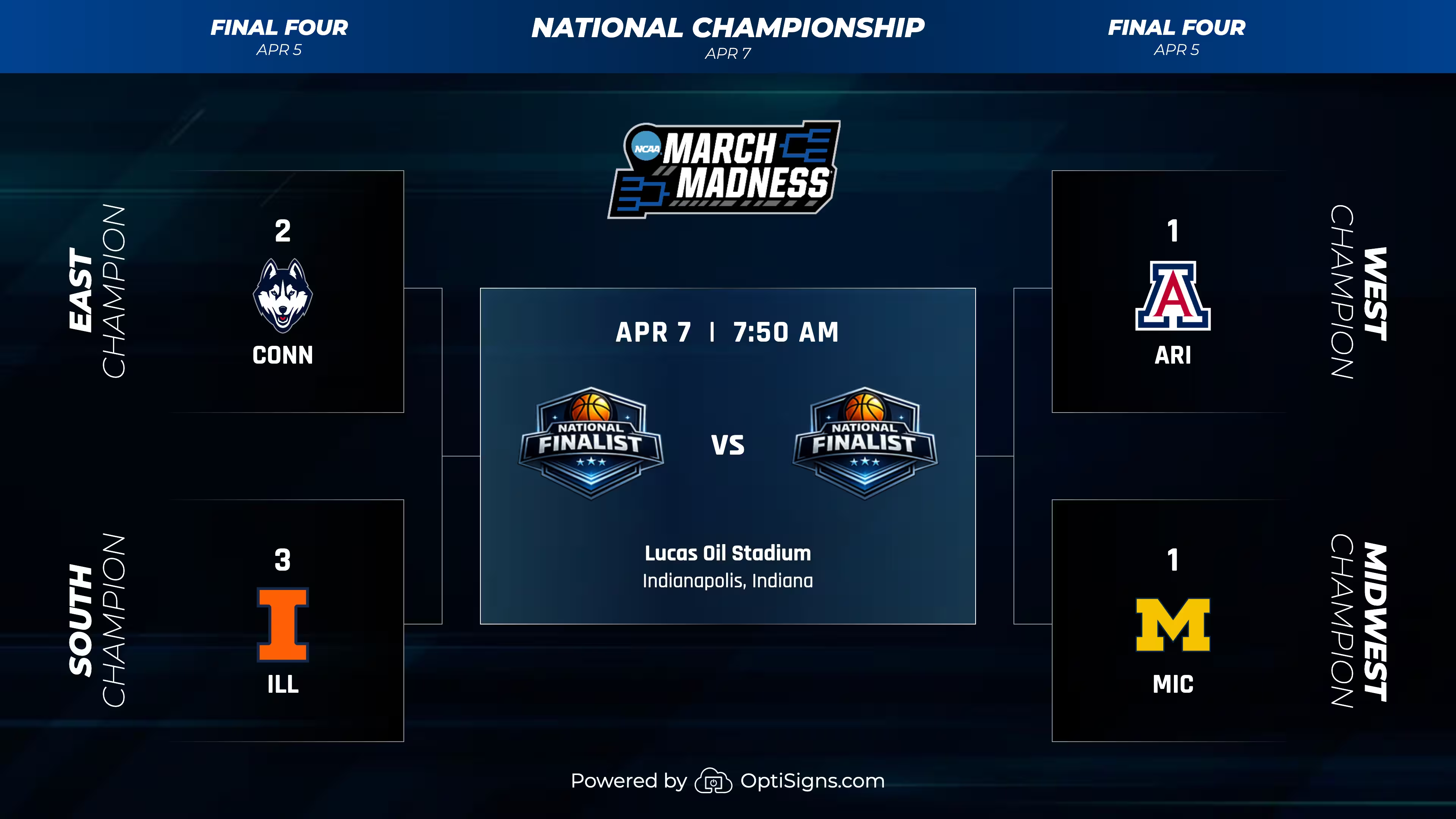
We've also added the Final Four Bracket -- a streamlined view of the semifinals and championship game. Once the field narrows to four teams, this layout lets you hone in on who's hanging on, and how the championship is shaping up.
Schedule
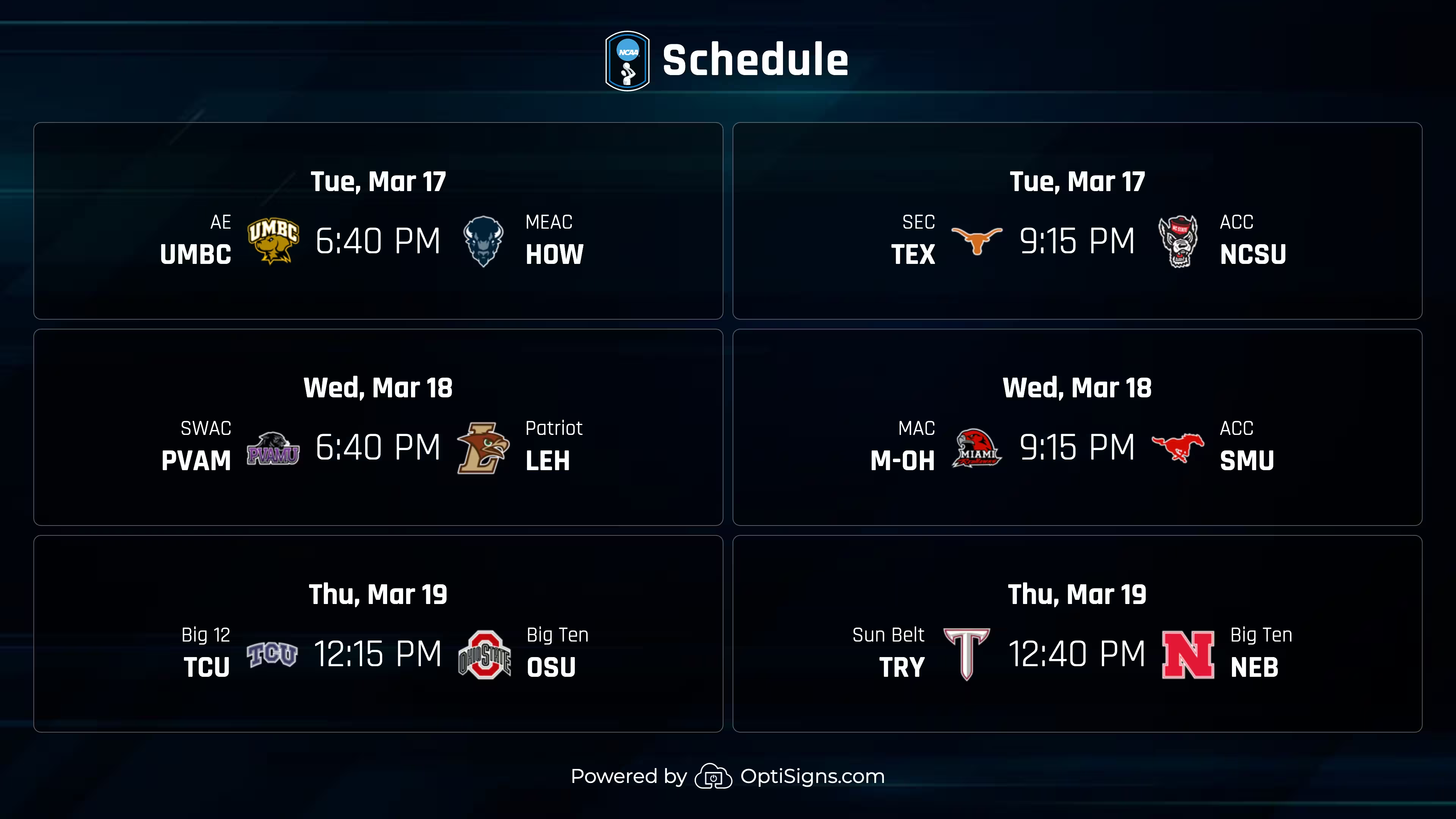
You'll never miss a head-to-head when you've got March Madness schedules in your OptiSigns playlist. The Schedule view features dates, times, and matchups. During the first two rounds, the schedule is packed (16 games a day), so this layout gives people a quick answer to "who plays when?" without pulling out a phone.
Results
As the tournament progresses, the Results view gives you the scoop on final scores. From upsets, major blowouts -- This is the one your audeince will be happy to see first thing in the morning after a late-night game.
.avif)
College Basketball News (via ESPN)
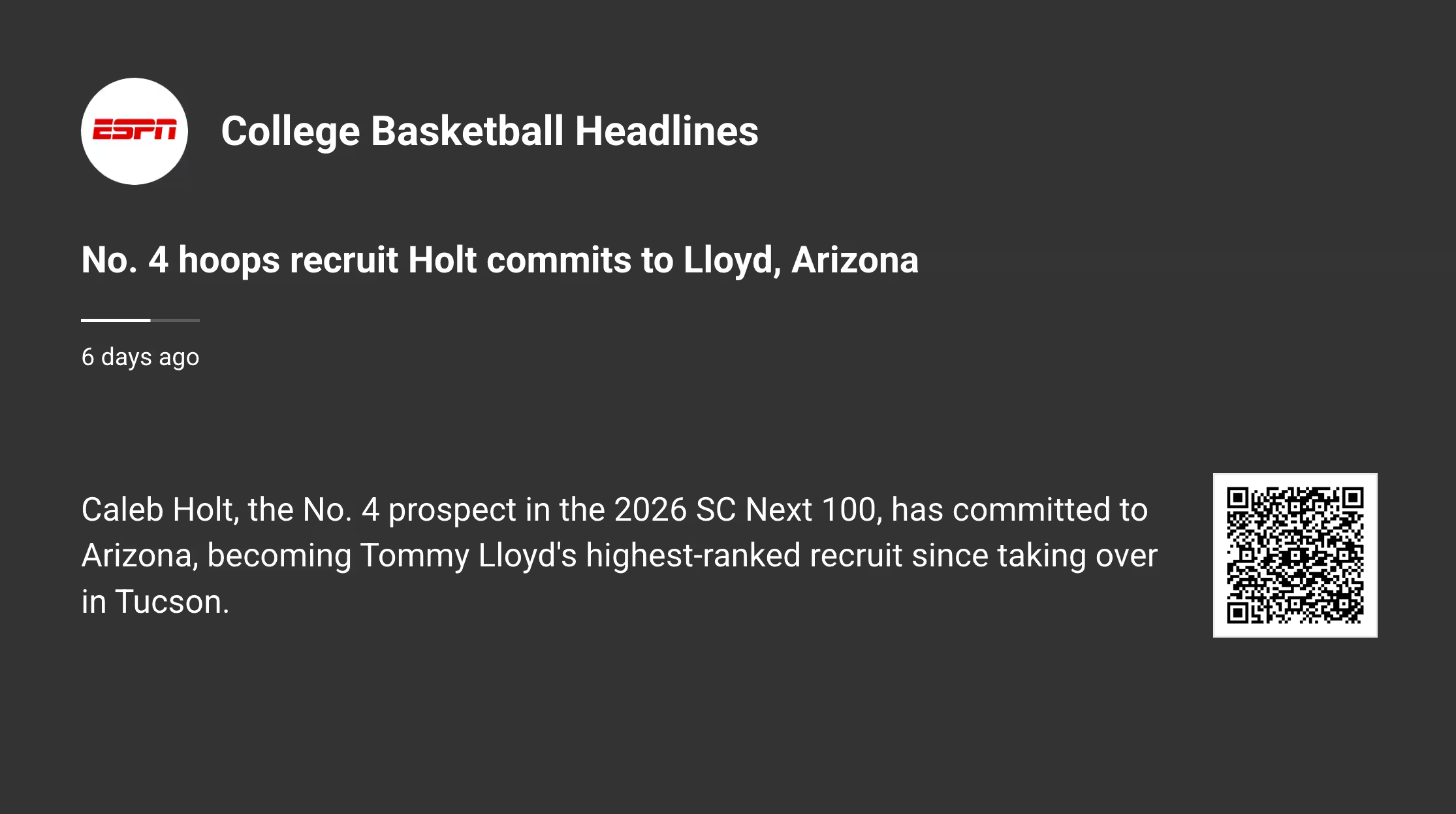
A dedicated view that pulls College Basketball headlines from ESPN. Game recaps, injury updates, bracket projections, and tournament storylines - all showing up on your displays without anyone touching a remote.
During the first weekend when 48 games happen in two days, the news feed fills the gaps between games people actually watched and the upsets they missed.
Make the Sports Feed Your Own with New Bracket Templates!
Forget cluttering the office fridge with bracket printouts that are hanging on by a magnet. Simply head to our template library, choose a bracket template, fill in your team's picks, and add it to an OptiSigns playlist alongside the live March Madness Sports Feed. Your screens rotate between the real-time tournament updates and your crew's personal picks. It's a great way to run a bracket challenge without downloading yet another app.
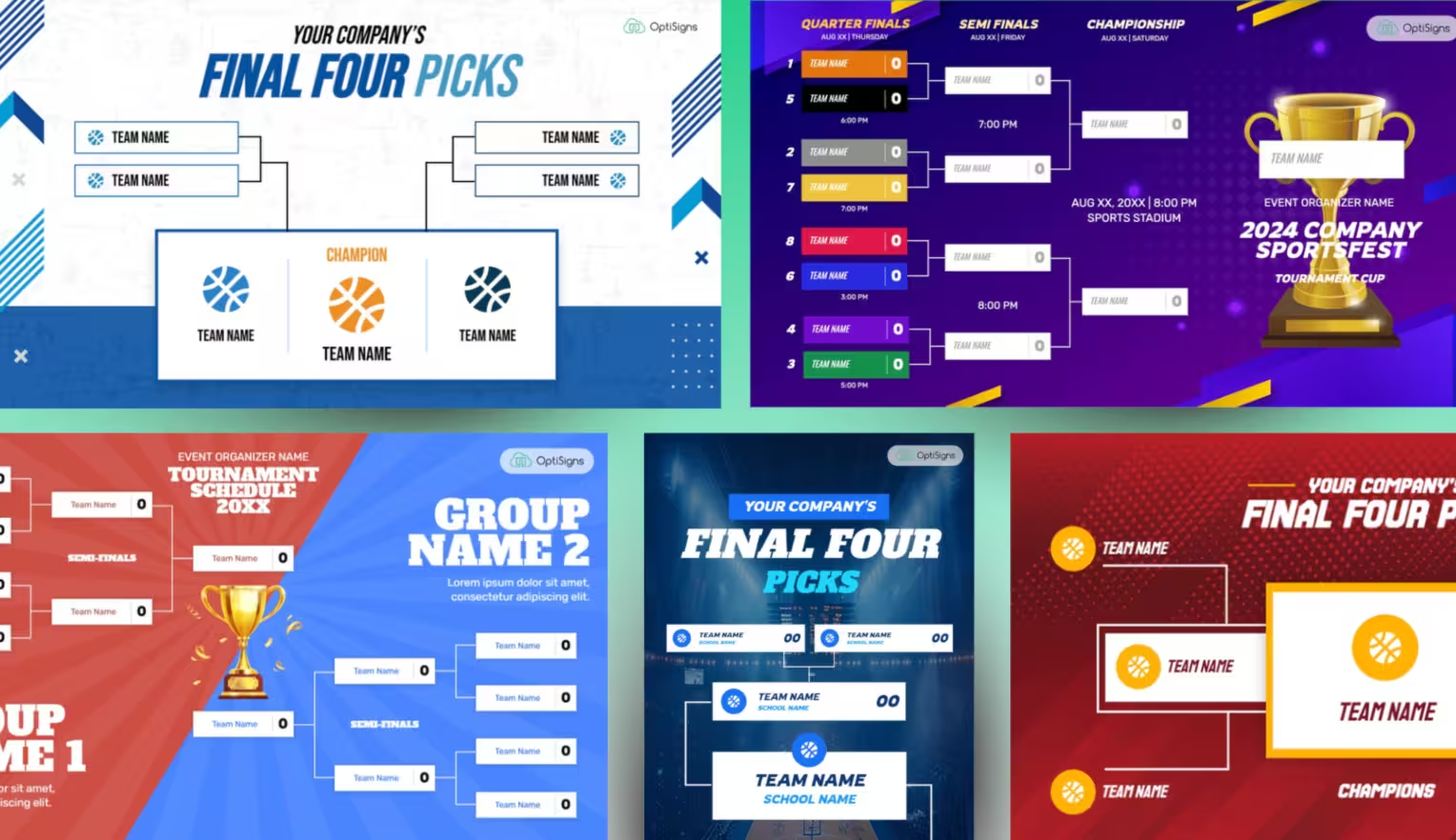
A few ways to use bracket templates:
Office bracket pool: Each department fills out a template. Rotate them all in one playlist so everyone can see who's winning (and who picked a 15-seed to make the Final Four).
Customer-facing picks: Bars and restaurants can post their staff picks next to the live bracket. It's a conversation starter.
Before the tournament starts: Templates work great as pre-tournament hype content while you're waiting for Selection Sunday to fill in the live bracket.
Key Tournament Dates
All games are at Lucas Oil Stadium in Indianapolis for the Final Four and championship.
Where To Use the March Madness Sports Feed
March Madness content holds attention in places you might not expect:
- Sports bars and restaurants - Pair the bracket with live games. Between tipoffs, the schedule and results keep TVs useful instead of dead air.
- Corporate offices - Breakrooms and common areas see a spike in foot traffic during the tournament. A bracket on the big screen gives people a reason to stop and talk.
- Gyms and fitness centers - Cardio goes faster when there's a bracket to stare at. Rotate the schedule and results alongside your regular content.
- Hotels and lobbies - Guests traveling during tournament weekends want quick score updates. The results layout gives them that at a glance.
- Waiting rooms - Dentist offices, dealerships, anywhere with a screen and a few minutes of downtime. March Madness content beats a Grey's Anatomy rerun everytime.
Add The Madness To Your Screens
The March Madness feed is free on all OptiSigns plans. To add it:
- Log into your OptiSigns portal
- Go to Files/Assets > Feeds
- Find the March Madness feed
- Add it to a playlist or assign it directly to a screen
- Push to your displays
Not on OptiSigns yet? Sign up free — there's still time to get your screens ready before the first games tip off.


