


We packed a lot into March. A new portal experience, a bigger OptiDev toolkit, and real-time Sports Feeds dropping right as tournament season kicked off. Here's everything you need to know.
Sports Feeds: March Madness and MLB
Basketall and Baseball :Two big sports additions this month, both free on all OptiSigns plans.
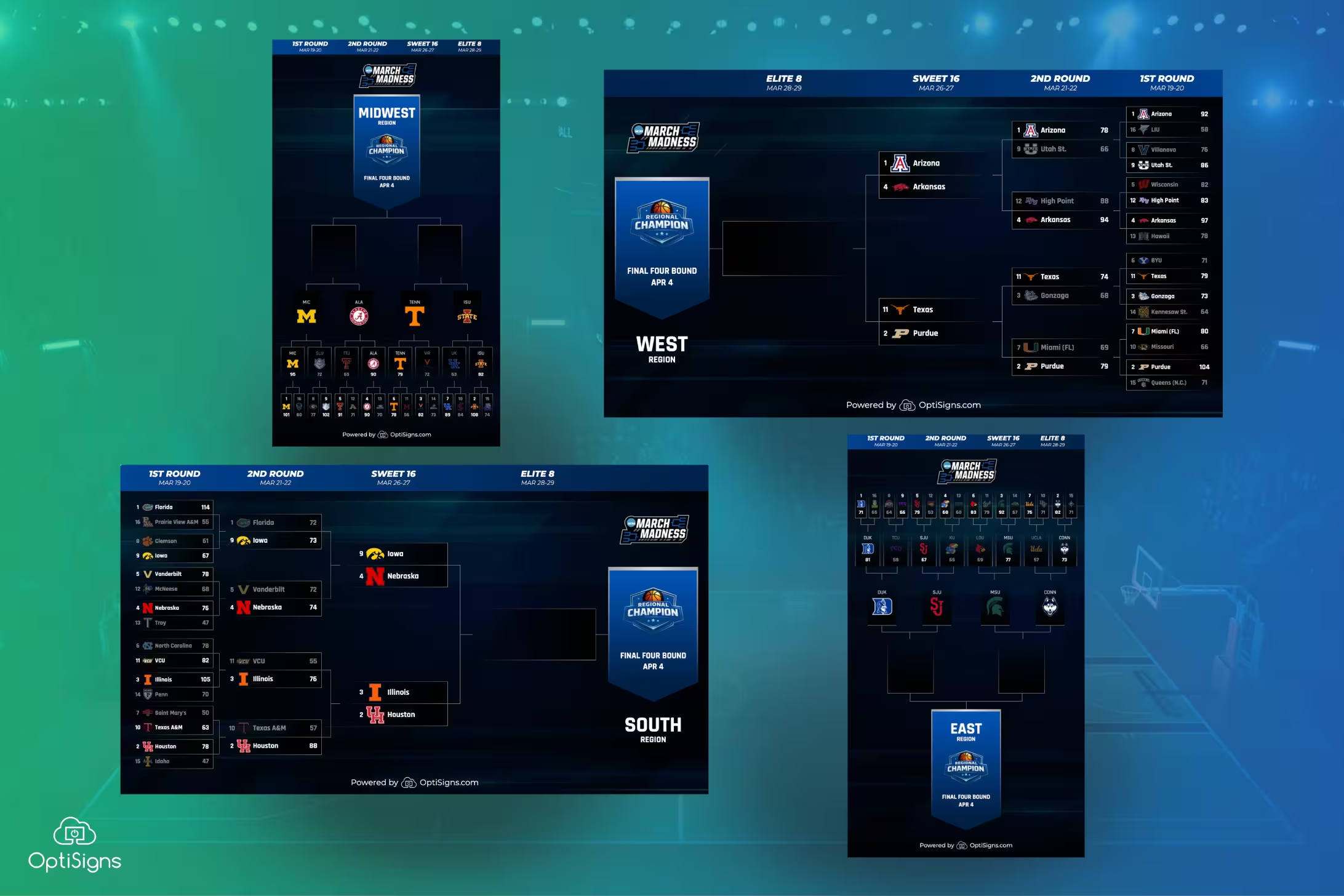
March Madness
The NCAA Tournament feed is live with everything you need to keep your screens up to date through the championship:
- Overall bracket with live results
- Four regional brackets (East, West, South, Midwest)
- Game schedule with tip-off times
Scores and matchups update automatically as games finish. Whether you're running screens in a sports bar, a break room, or a gym lobby, throw this feed on any screen and heads will turn (we promise). Read more about the March Madness feed here.
MLB Season
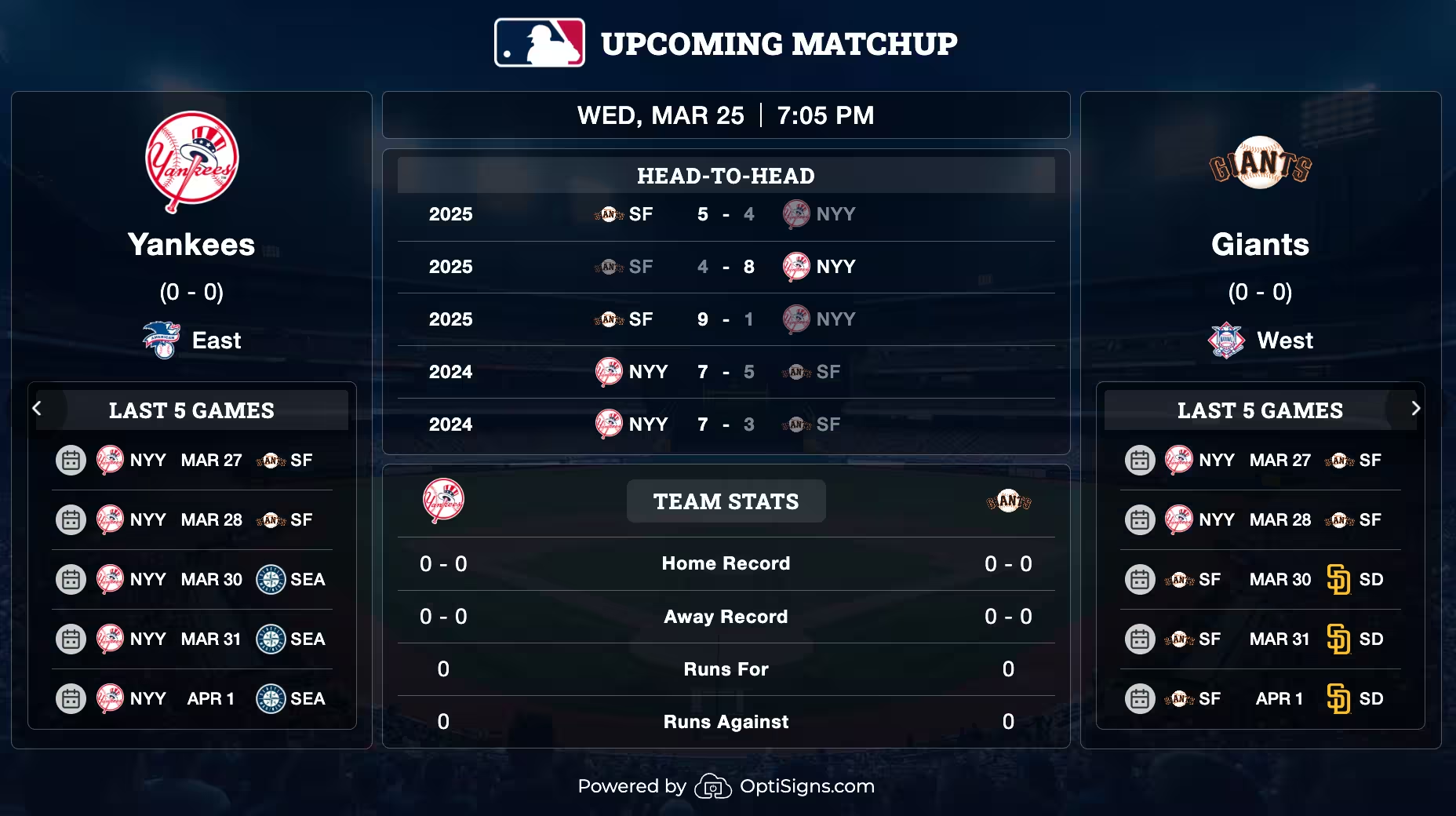
The 2026 MLB season is underway, and we've got a brand new feed to match:
- Game schedule across both leagues
- AL and NL standings
- Upcoming matchup previews
Results and box scores are being added as the first games wrap up. Like all OptiSigns sports feeds, everything updates in real-time, no manual refreshes needed. Check out the MLB feed details here.
Preview the New OptiSigns Experience
You might have noticed the Try New Interface button in the top right corner of your dashboard.
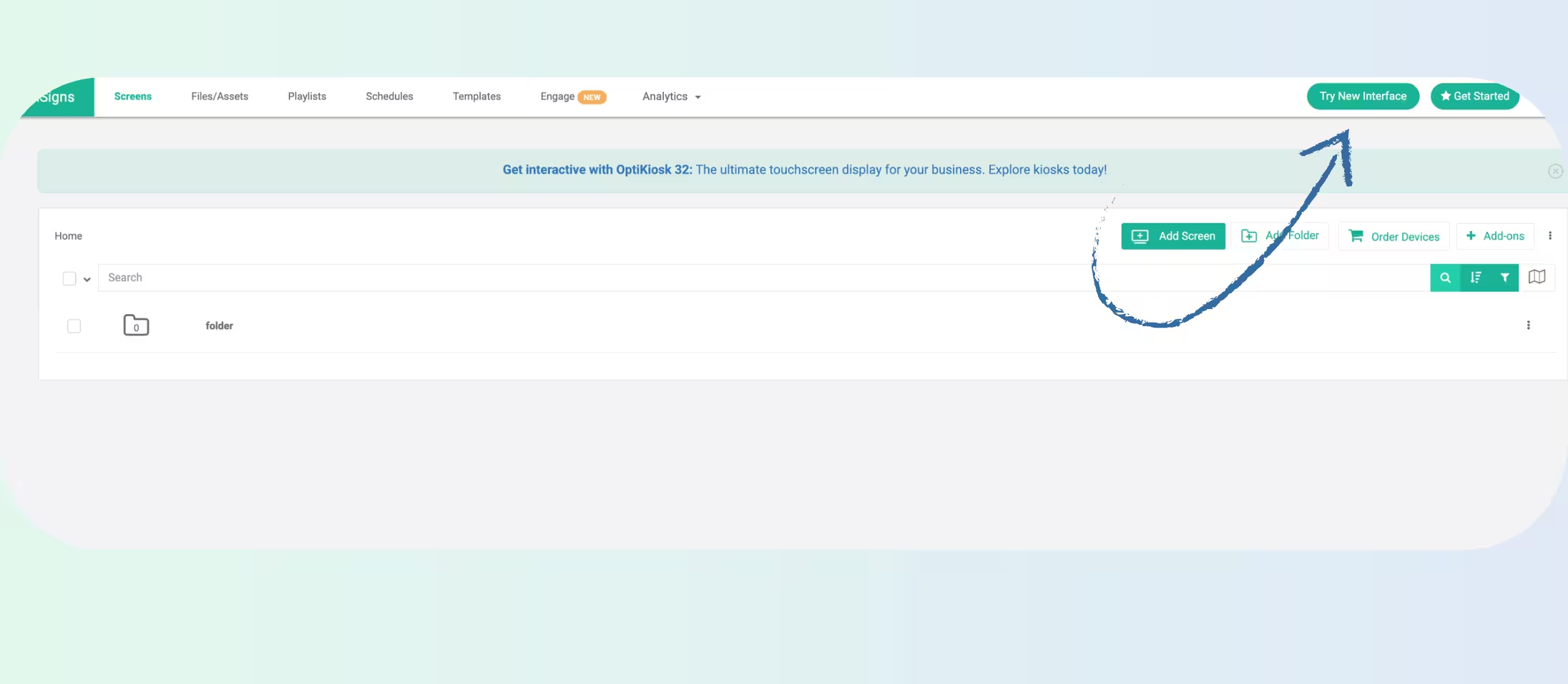
We've been hard at work on a new OptiSigns portal, and it's ready for you to take for a spin! You can expect smoother workflows, faster performance, and a clean new design.
This new interface lays the groundwork for upcoming enhancements and AI features. Check it out now, or switch back to the classic experience at your convenience.
OptiDev Updates
OptiDev.ai, our no-code app builder, got some major upgrades this month, making it easier than ever to build and organize your projects.
Media Library
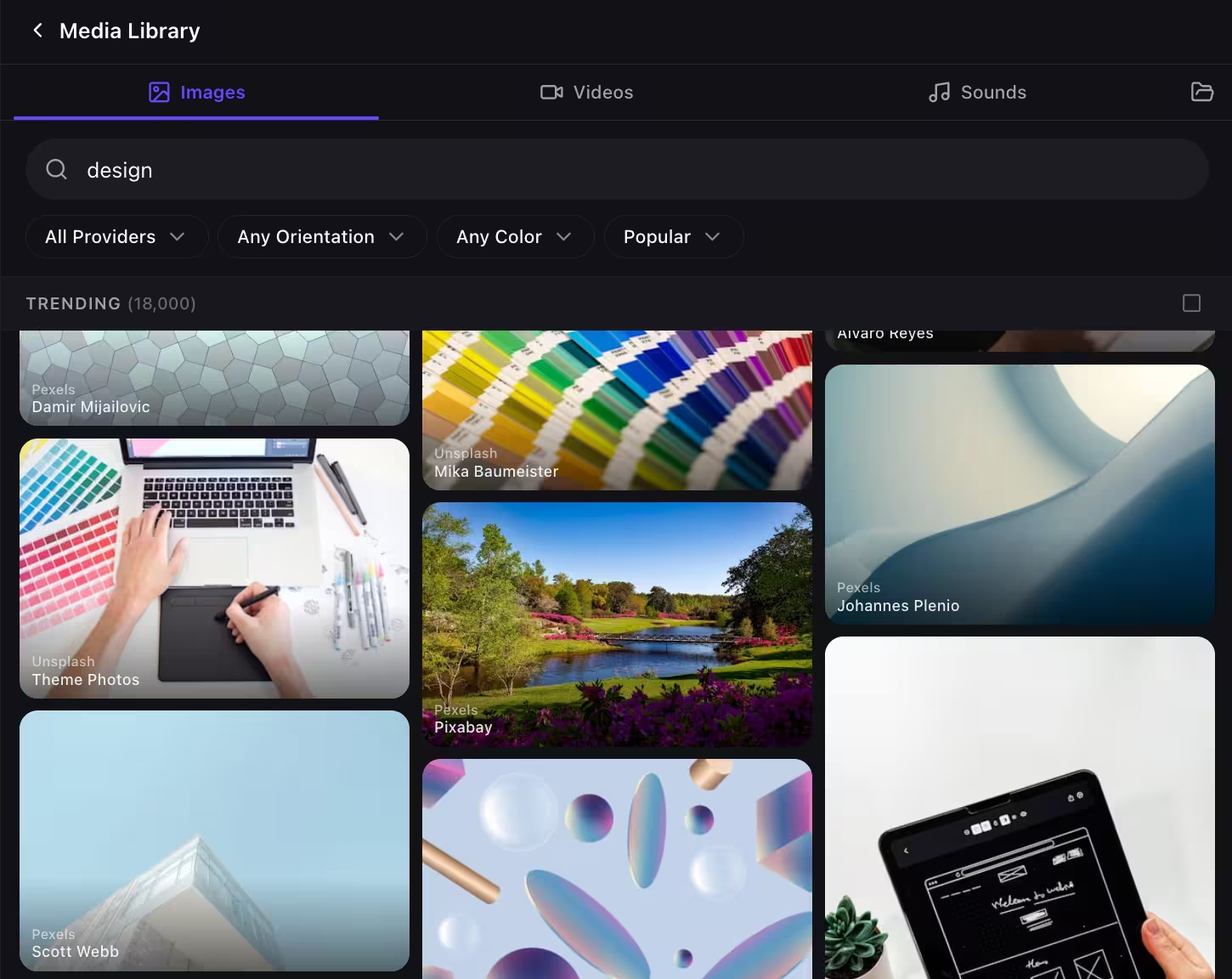
You can now search and use free stock content directly inside OptiDev, no need to leave the editor to find images or video. The media library pulls from:
- Images: Pexels, Unsplash, Pixabay
- Videos: Pexels, Pixabay
- Audio: Pixabay, Freesound
Just search, pick, and drop it into your project.
Folders and Pages
Now, OptiDev projects are easier to manage with folders: Group related work together instead of scrolling through a flat list. You can also create, rename, and duplicate pages within a project, making it faster to build out multi-screen apps.
A Few More Touches
- Theme settings: customize the look and feel of your projects with built-in theme options
- Duplicate elements and reorder layers (bring to front, send to back)
- Reorganized layout panel now properties are easier to find
- Updated navigation, section, and layout components
.avif)
Refreshed Apps
Simple Calendar
The Simple Calendar app got a full revamp with more ways to customize your calendar, and sleek new themes. You can now set primary and secondary fonts, and the updated UI makes it easier to configure themes, language, and start-of-week preferences!
.avif)
Weather App: New City Themes
Two new city themes were added to the Weather Wall app this month:
- Vienna, Austria
- Stockholm, Sweden
Each theme comes with a day and night version featuring city photography as the backdrop for your weather display. Check the full list of supported cities here.
.avif)
That's a Wrap for March
Between tournament brackets, a fresh portal preview, major OptiDev improvements, and beautiful new weather cities, there's plenty to explore. Log in and take a look around — or if you're new, start a free trial and see what's on screen.


