


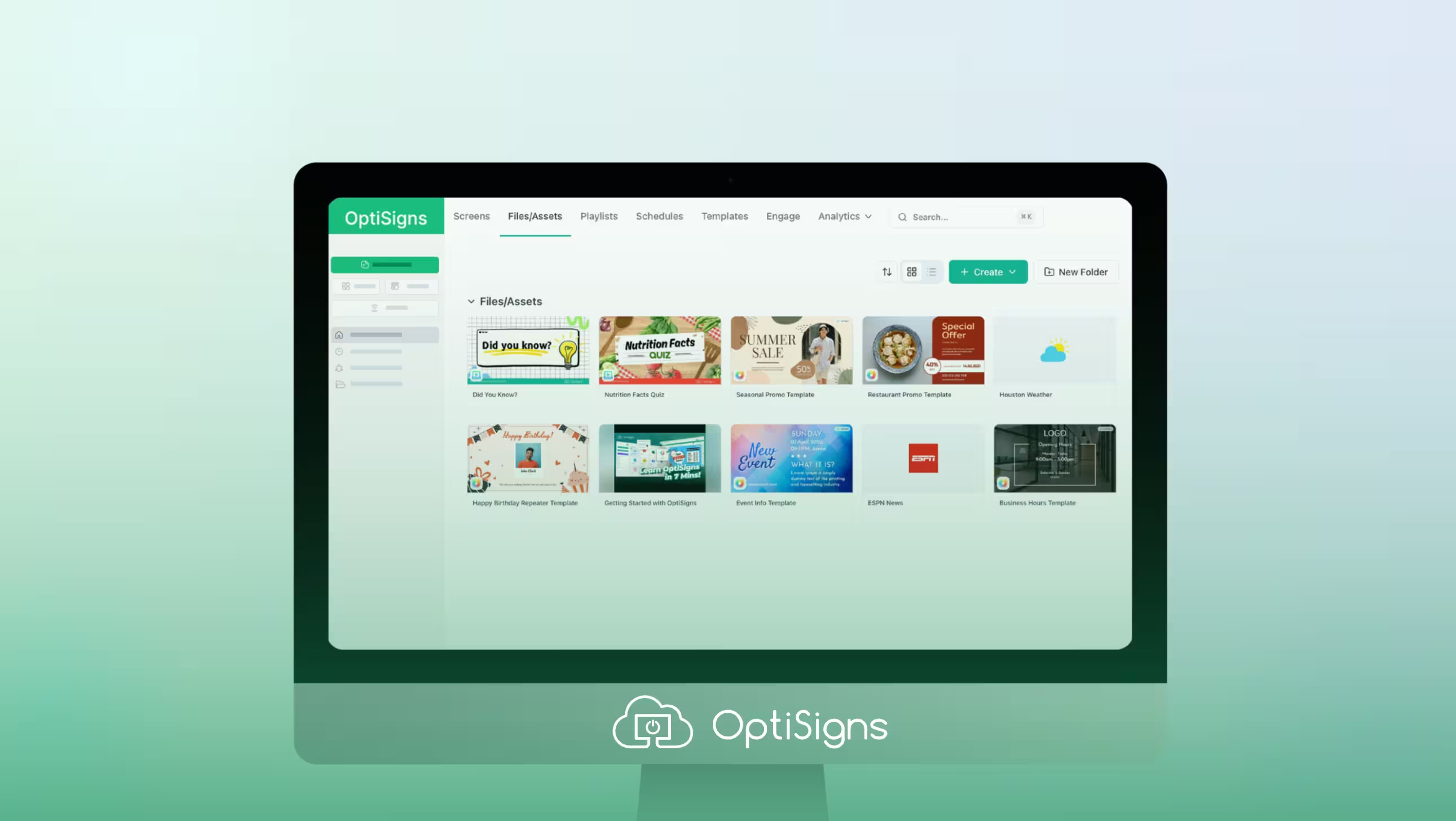
Below is a high-level summary of some of the new, exciting changes coming to the OptiSigns platform in the next few days.
This release is a full visual overhaul of the platform, with no changes or interruptions to the system already powering your screens. None of your existing screens, assets, playlists, or settings will be affected by these changes.
Our goal? To make navigating the platform easier, letting you spend less time fiddling and getting your screens up and running. But also, it’s the foundation for future updates, featuring intuitive navigation, enhanced management tools, and a faster platform built to scale with your business.
Above all, these changes are a result of your feedback. From the bottom of our hearts, thank you for helping OptiSigns improve. We are always open to hearing your thoughts on this new direction.
Navigation Changes
| Before | After |
|---|---|
|
|
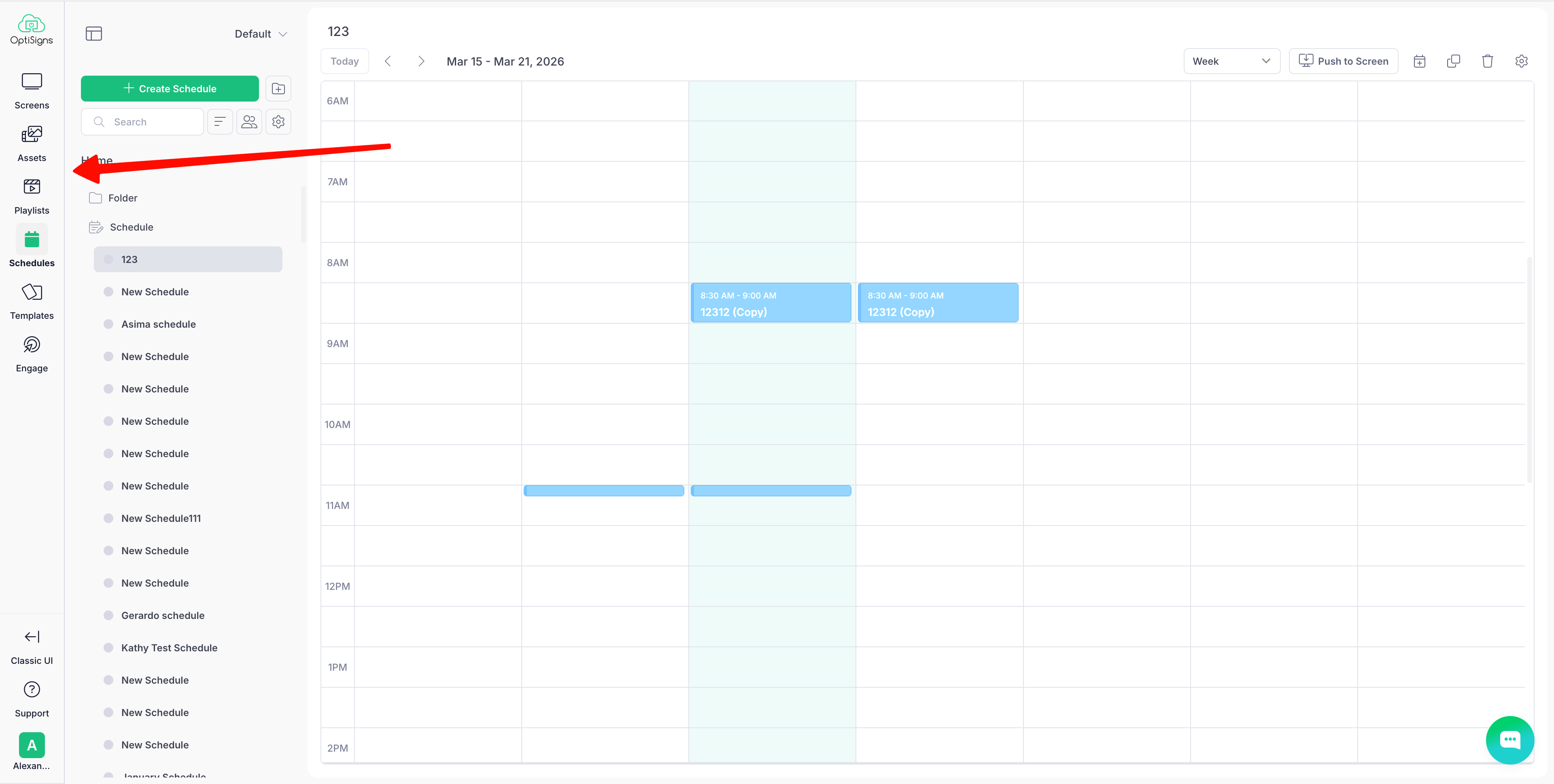
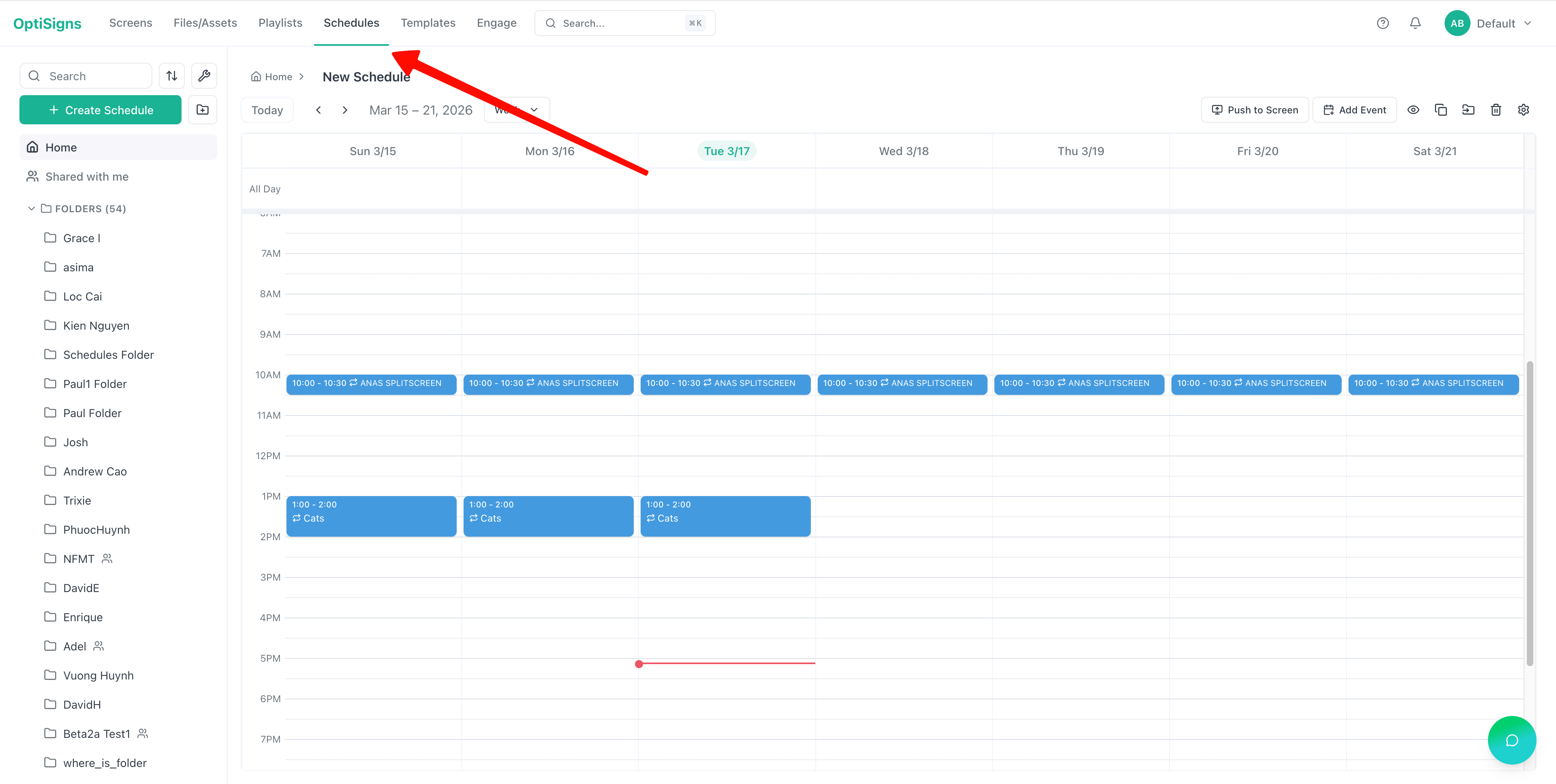
We’ve changed our navigation from a vertical sidebar to a horizontal orientation.
Notable changes include:
- A complete repositioning of our navigation across all pages
- Simplified options, with a clearer Search function
- Added global search
New UI Design System
| Before | After |
|---|---|
|
|
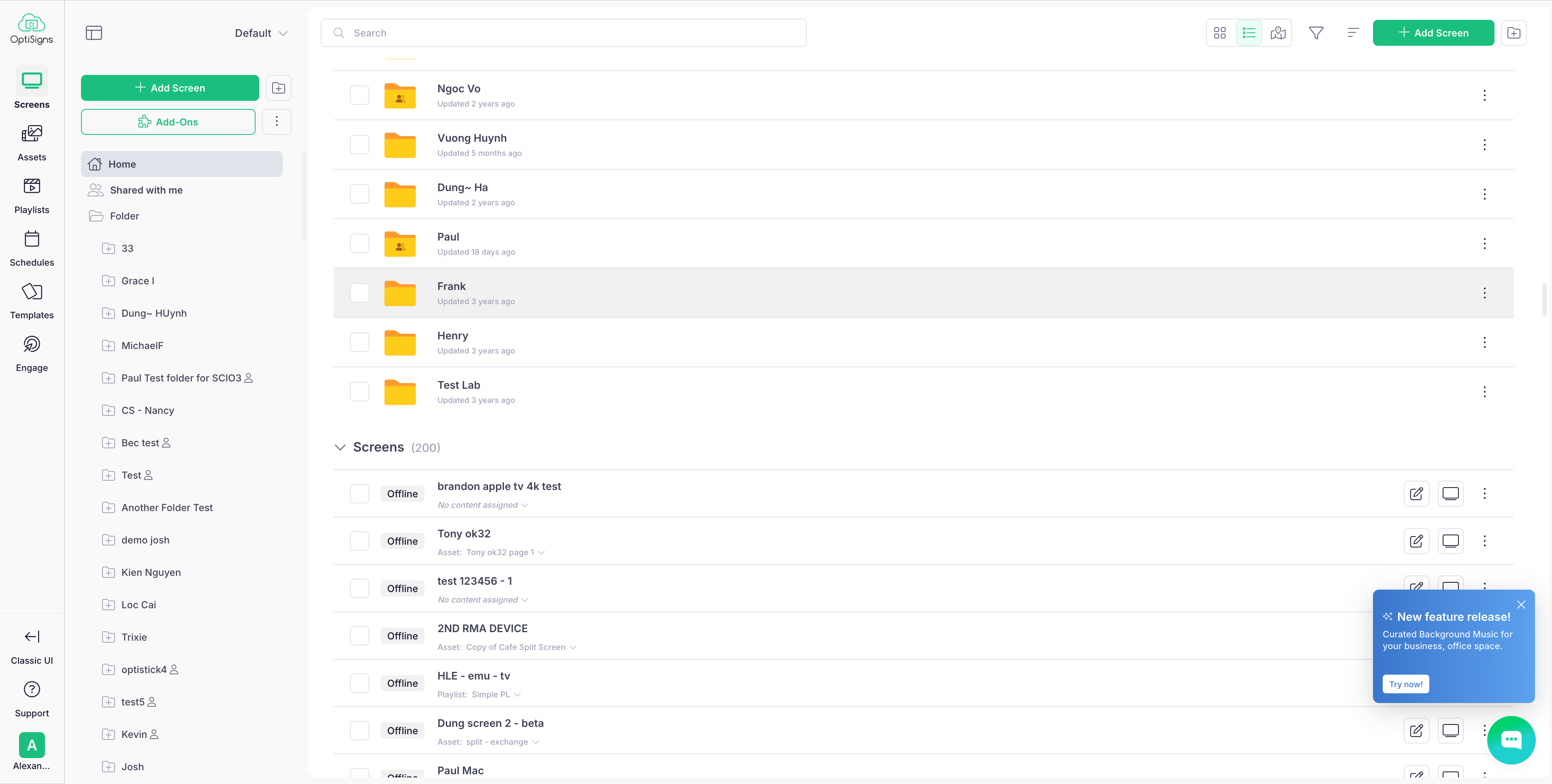
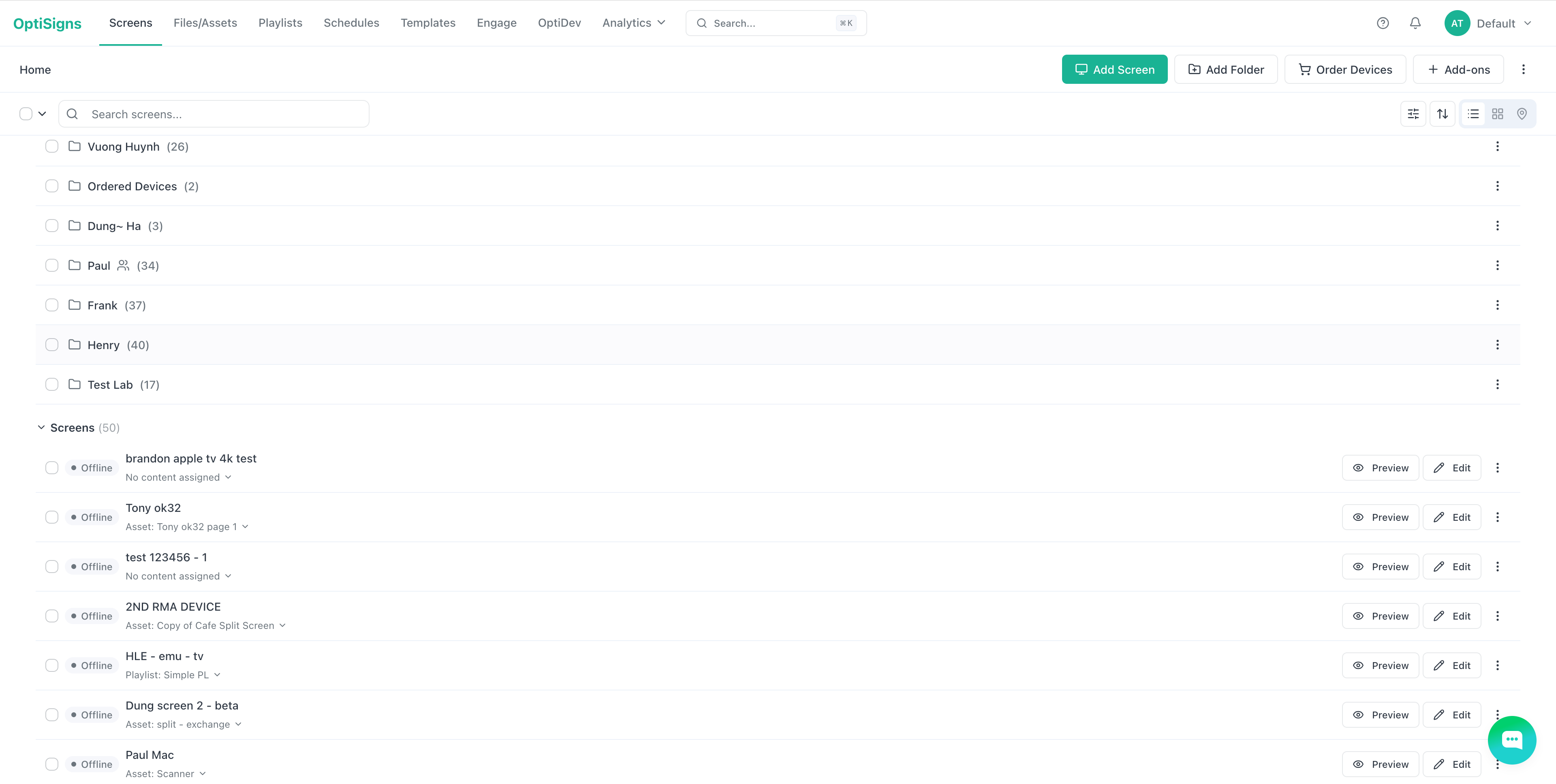
We’ve simplified the look and feel of the overall platform (Screens, Files/Assets, Schedules, Playlists) to make it less busy and more functional.
Notable changes include:
- Clearer buttons with more descriptive text
- Reduction in color saturation, with clearer icons
- Smaller folders, making it easier to navigate through them
- Improved filters
Asset Creation Changes
| Before | After |
|---|---|
|
|
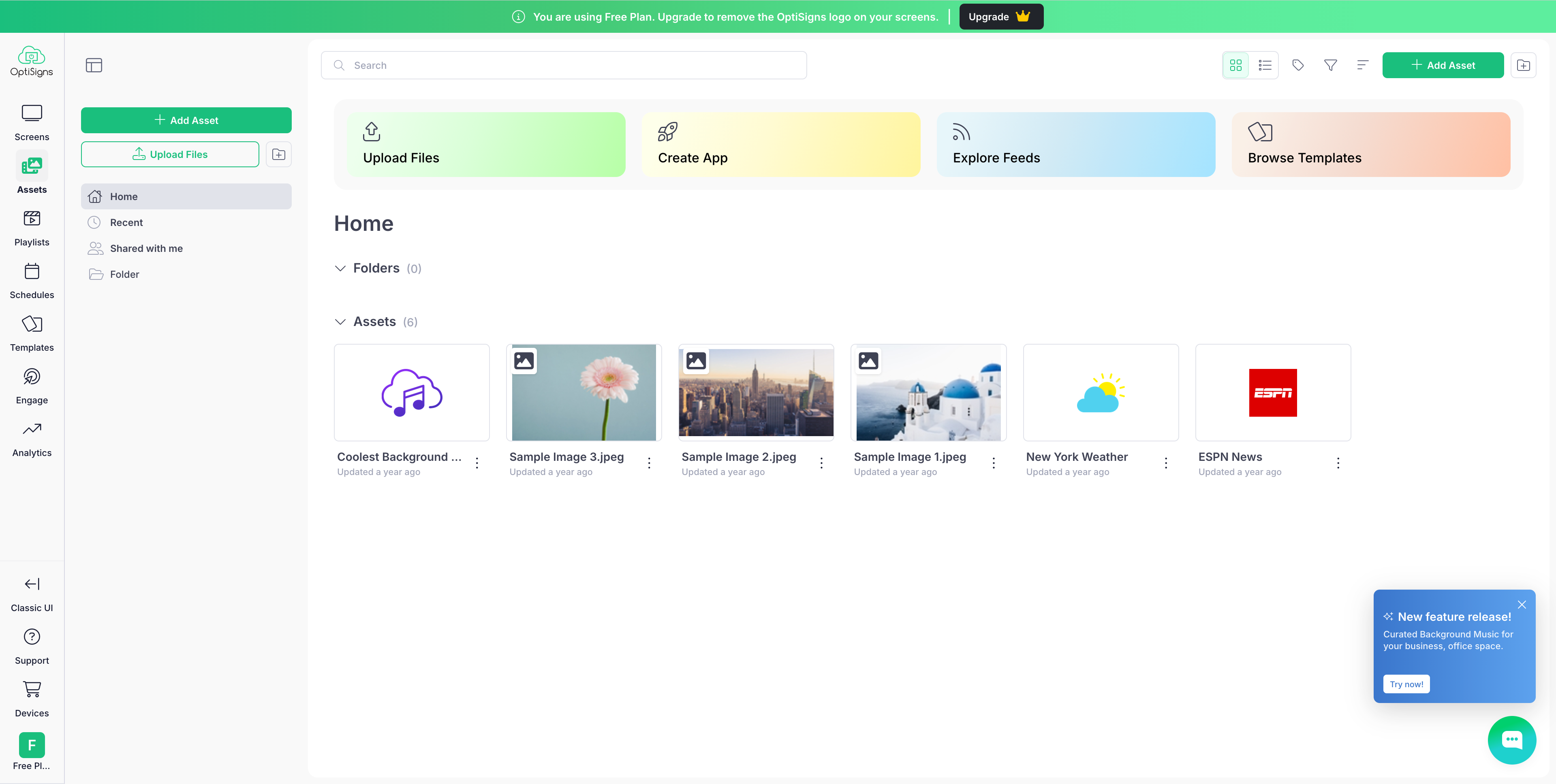
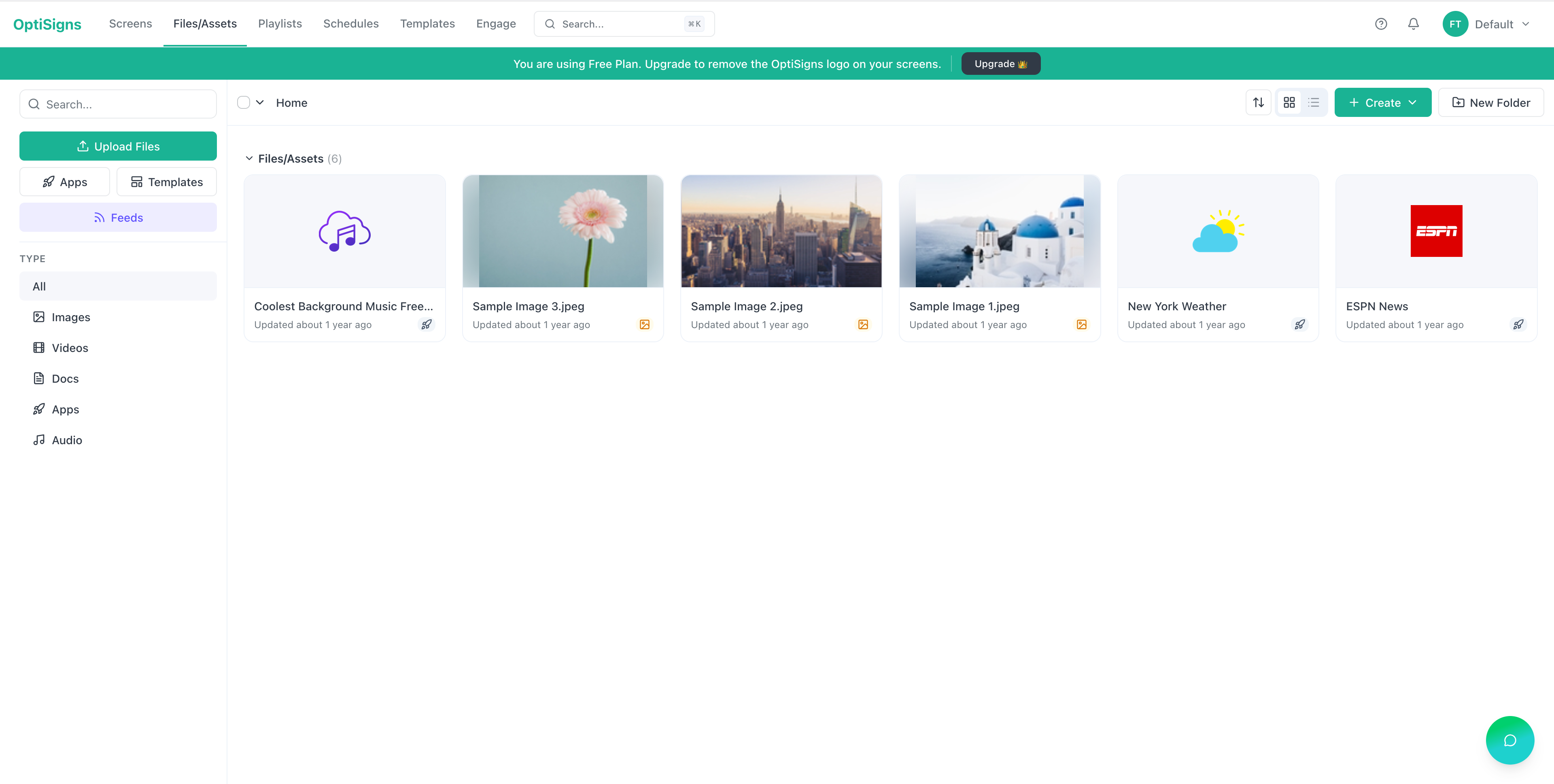
We’ve made it easier to get started uploading files, creating apps, or using templates or feeds by putting them all in the same place.
Notable changes include:
- More intuitive placement of creation buttons to match the rest of the OptiSigns UI
- Some small filtering changes
- Larger images for grid mode; list mode unchanged
- Improved content tag visibility
Object Edit Dialog Changes
| Before | After |
|---|---|
|
|
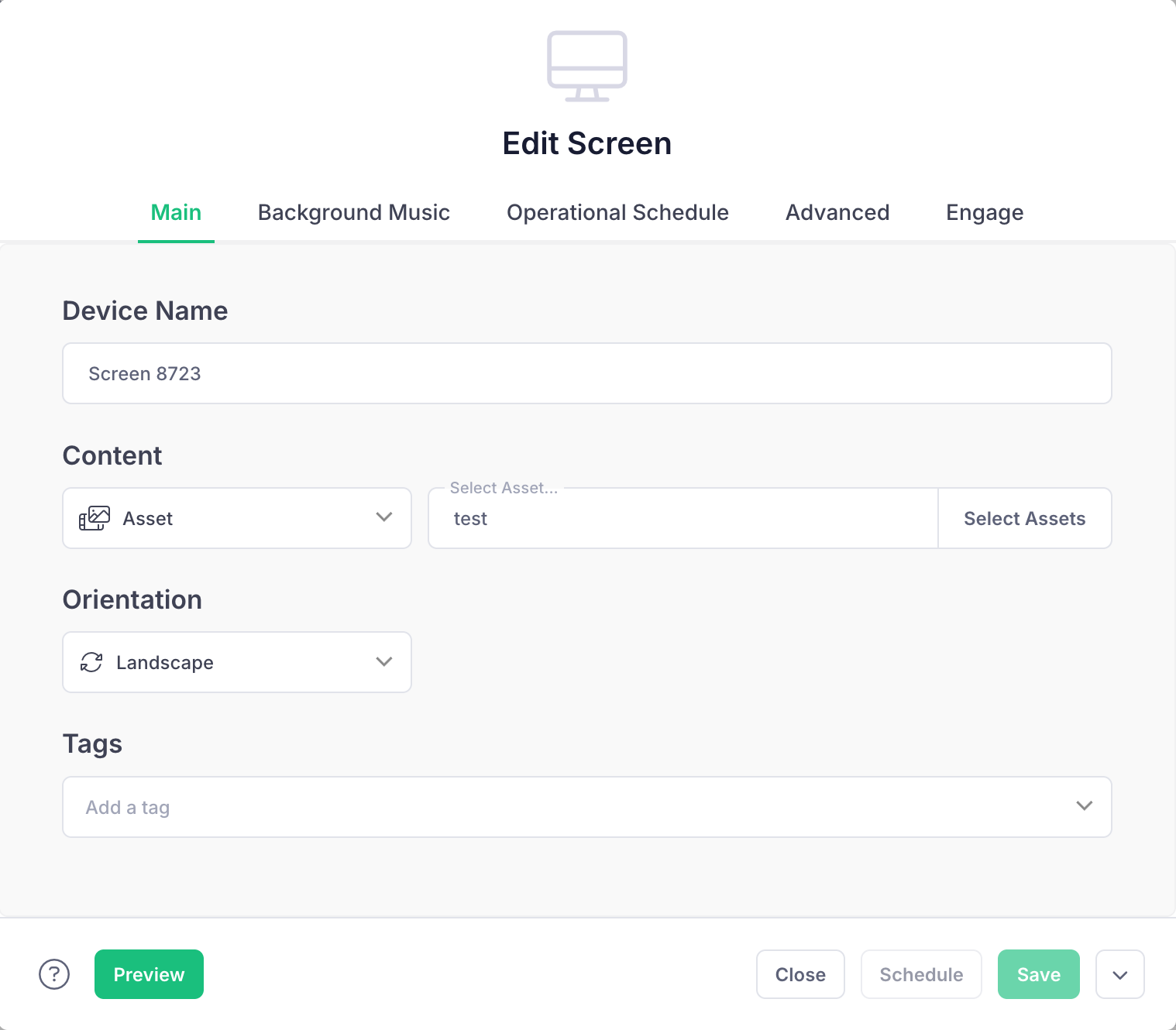
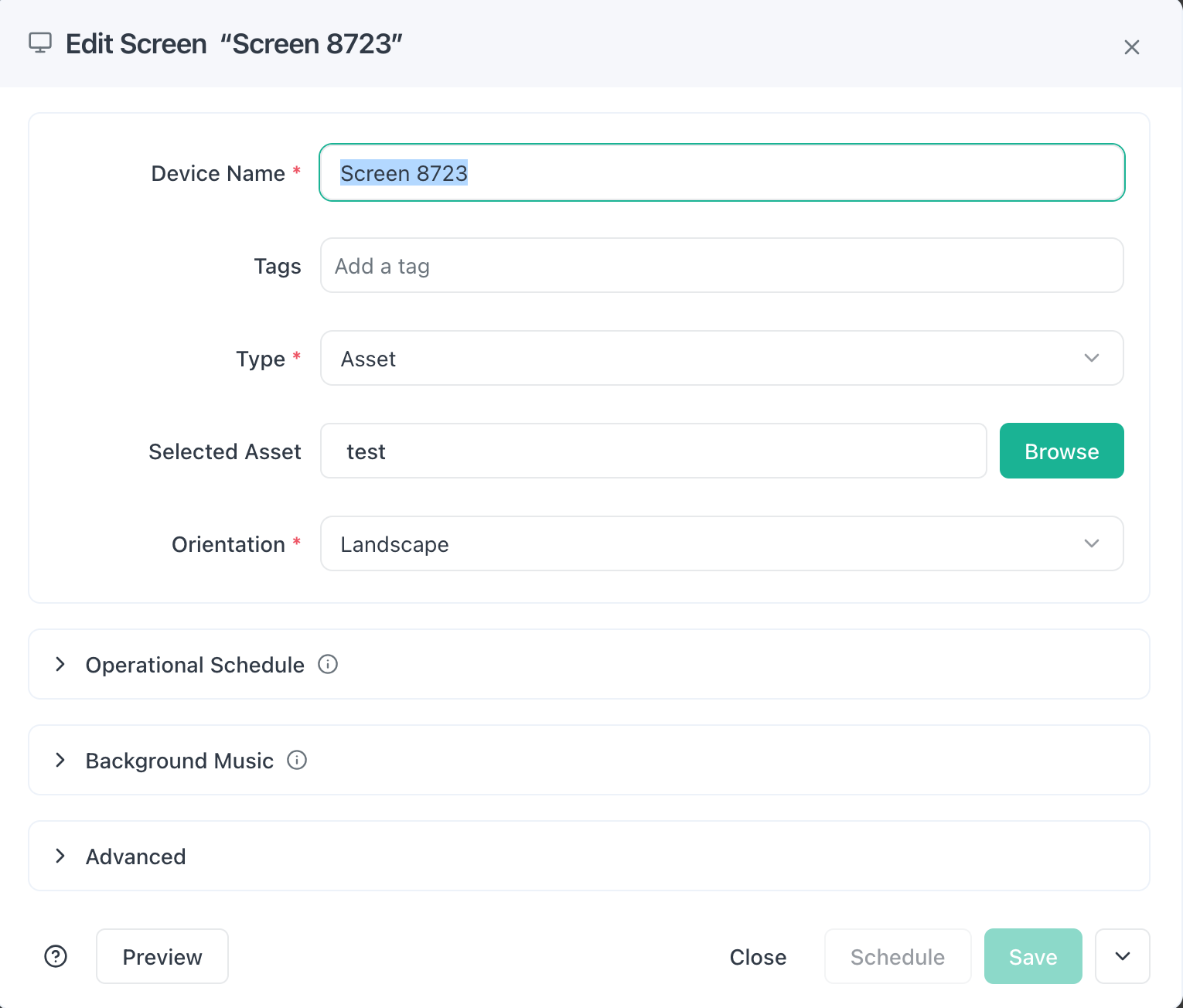
Certain creation window flows have changes, most notably our screen creation popup.
Notable changes include:
- The Screen Edit dialog has been redesigned from a tab-based layout to an accordion-style expandable layout, making it easier to view and manage settings in one place.
- Improved consistency across object edit dialogs to make them similar across the platform.
- Clearer icons for improved usability
The Future of OptiSigns
This new OptiSigns experience is all about making the platform easier to navigate, more consistent to use, and better prepared for future improvements. All without disrupting the content and workflows you already rely on.
We’re excited for you to experience the new platform, and if you need help navigating these changes, we're here to help.
Thank you for being part of the OptiSigns community.


