


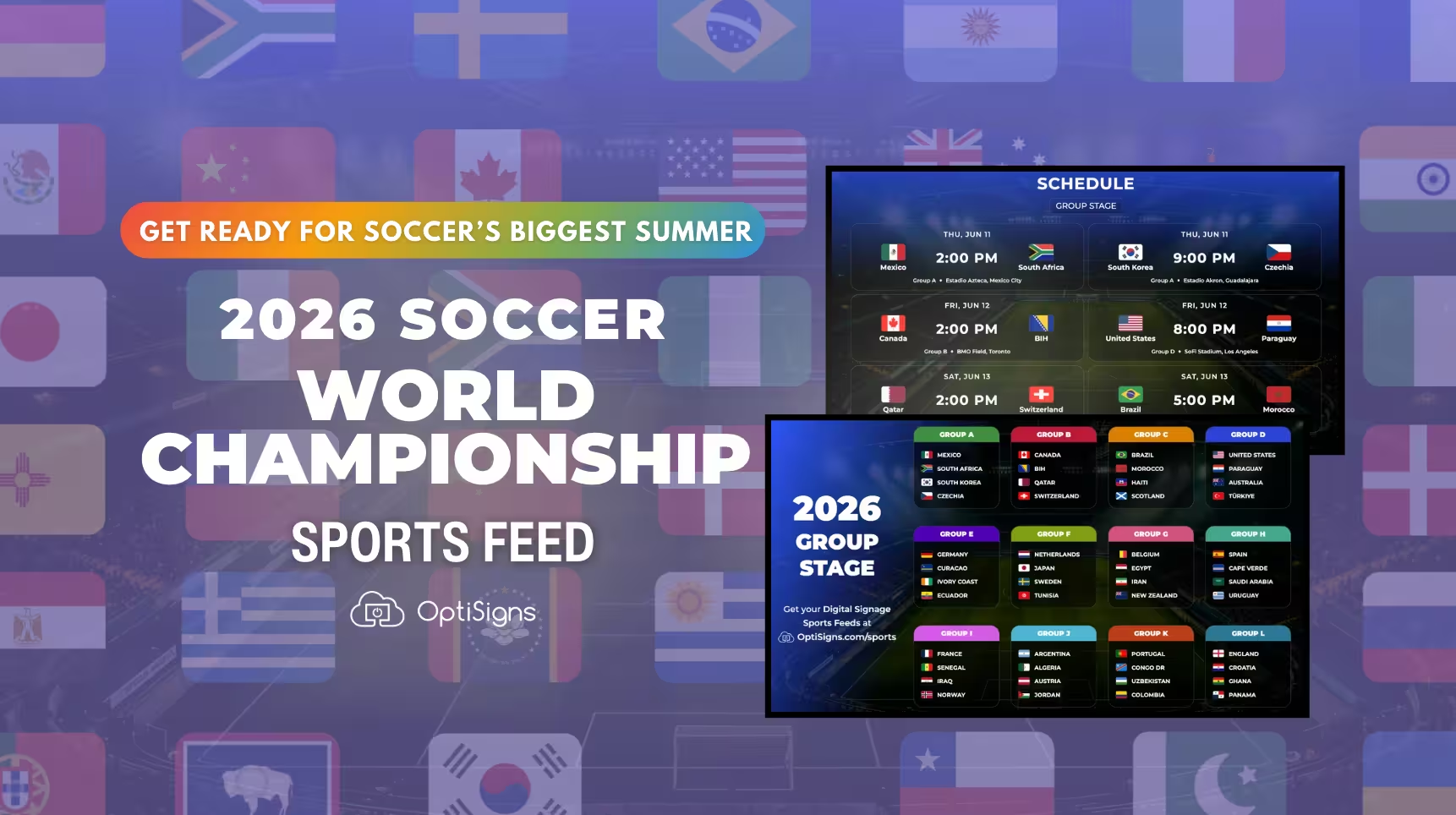
The time has finally come for the 2026 World Cup, where 48 countries will compete across 104 matches in 16 host cities throughout the United States, Mexico, and Canada. From June 11 through July 19, expect to see soccer everywhere, alongside customers, patients, guests, employees, and visitors checking scores between meetings, meals, appointments, and shifts.
For most businesses, the goal is not to show full matches all day, it's to make the content on your digital signage feel timely. Your lobby TV, break room display, waiting room screen, or menu board still has its regular job to do: announcements, promotions, safety reminders, menus, wayfinding, internal updates, and more. But during a major tournament, a live score, upcoming match, group standing, or countdown gives people one more reason to check the screen content instead of their phone.
With the World Championship Sports Feed in your OptiSigns playlist, your screens stay fresh without turning into an all day sports broadcast.
Less Drama Than a Penalty Appeal
The Soccer World Championship Sports Feed is the zero-drama approach to getting live soccer updates all summer long. Log in to your OptiSigns portal, add the Sports Feed to your screens' playlist, and scores, schedules, and standings stay current while you go about your day.
Sports Feeds are free on every OptiSigns plan, and take about two minutes to add from the Files/Assets library. You can also loop it in alongside other OptiSigns Sports Feeds which we refresh year-round, including the NBA feed, March Madness, MLS, college basketball, football, and more.
Seven Layouts, Live Right Now
We’ve expanded our lineup to seven dynamic tournament layouts to help you capture every moment of the action now that the matches are officially underway.
The Road to Glory
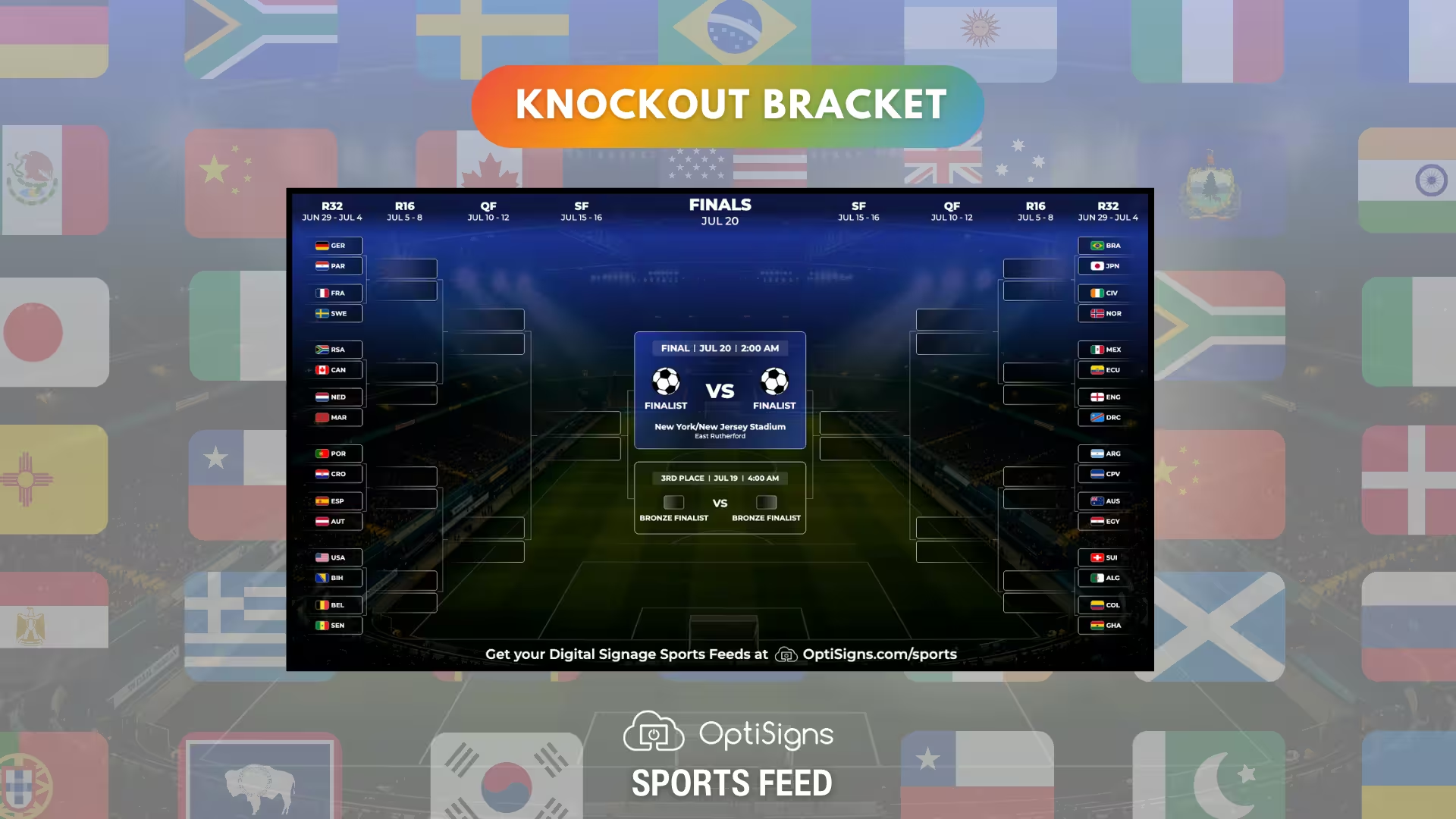
Bring the high-stakes, win-or-go-home drama of the world's biggest tournament straight to your digital signage screens with the Knockout Bracket layout, live as of June 28th. As the intense group stage dust settles and the global field narrows, this comprehensive visual tracker charts every team's path from the thrilling Round of 32 all the way to football immortality.
Designed to capture that electric World Cup tournament fever, this layout gives fans an instant view of the entire global soccer bracket. It dynamically displays advancing nations, upcoming matches, and iconic stadium venues. It is the ultimate World Cup tournament map, turning any wall into a live fan zone where viewers can track the paths of giants, spot potential underdog runs, and see exactly who is one step closer to world glory.
Group Standings
With Group Stage and Group Standings, you'll get 48 countries mapped out into their 12 groups of four, complete with team flags. (In the opening rounds, every team plays the other three in its group before the knockout matches begin, so this is the map for the first two weeks).
Now that the tournament is underway, Group Standings is actively tracking every point and goal in real time. As teams battle for the knockout rounds, the table automatically updates to show who is safe, who is on the bubble, and who is packing their bags. It’s the ultimate pre-tournament map and a guaranteed conversation starter for break rooms, lobbies, or shift lounges where people love to debate who got stuck in the "Group of Death."
.avif)
Showdowns At A Glance
The Match Schedule layout shows every match in order, with kickoff time, stadium, and both countries’ flags. Think of it as your “what’s on today?” screen. Put our Sports Feed in a clinic waiting room, a break room, a hotel lobby, or above the bar, anywhere people want to know when the next game starts without having to download another app.

The Stat Sheet
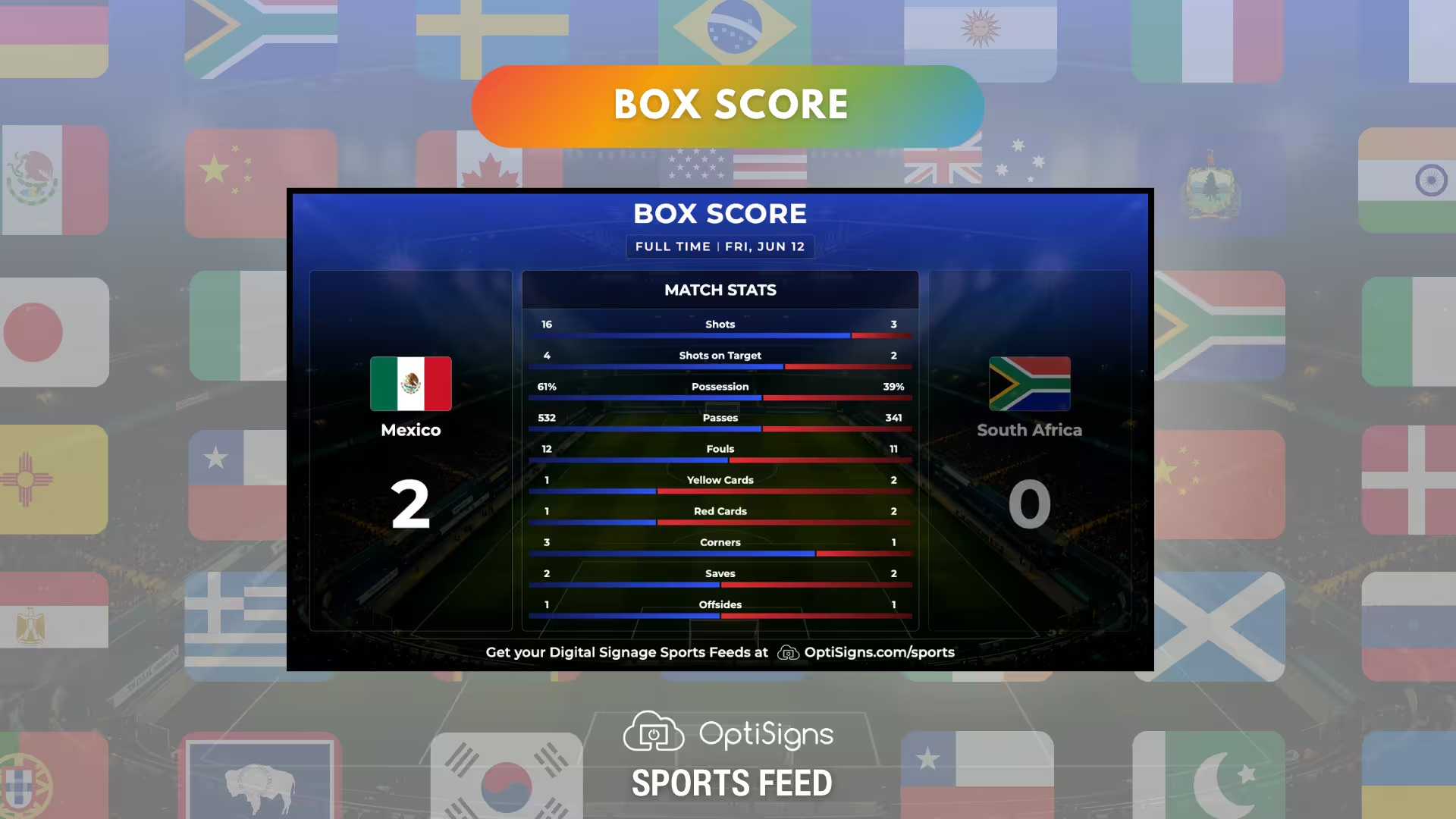
Dive deeper into the game data with the Box Score layout, giving fans a comprehensive breakdown of the numbers behind the match. This layout moves beyond the standard scoreline to showcase a sleek, side-by-side comparison of critical team statistics, including: total shots, possession percentages, passes, saves, corners, and more.
With the tournament officially live, it serves as the ultimate post-game analysis hub, giving sports enthusiasts and statheads a detailed visual to break down, analyze, and debate long after the final whistle blows.
The Timeline of Drama
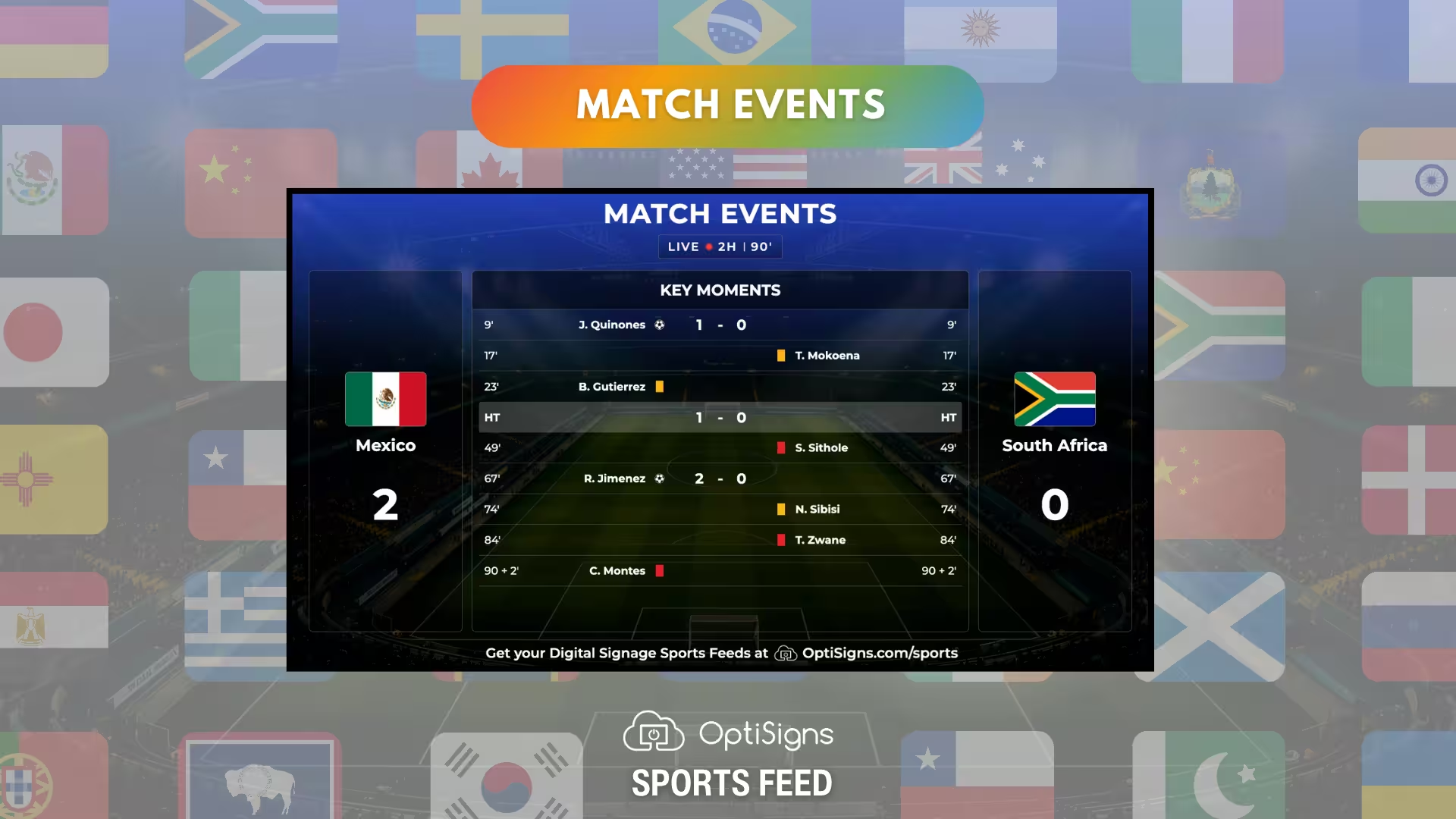
Capture all the action of ninety minutes in a single glance with the Match Events layout. This dynamic view populates in real time, building a chronological timeline of the game's key moments. It tracks exactly who scored and when, utilizing clear, color-coded visual cues for yellow cards, red cards, and half-time intervals.
The Scoreboard
Keep everyone completely up to speed on completed games with the Results layout. Consider this your tournament billboard, clean and optimized to highlight the final scores, competing countries, and stadium locations.
As the competition moves rapidly through the high-stakes stages, this layout automatically cycles through completed match data so no one falls behind. Anyone walking by can instantly catch up on the day's early fixtures without needing to stop and dig through their phones.
.avif)
Key Dates For The World Championship
How To Get Started With OptiSigns Sports Feeds
- Go to 'Files/Assets' in your OptiSigns dashboard.
- Select the "2026 Soccer World Championship Feed"
- Assign it to your screen or a playlist.
Thats it, you're live!
New to OptiSigns? Start a free trial and see how digital signage can elevate your business.


