


Digital Signage Solutions
Learn how to set up, customize, and get the most from your signage setup with practical guides, hardware tips, and expert tutorials.
Smart TVs for Digital Signage in 2026 | OptiSigns Guide
Our complete guide to smart TVs and digital signage. If you've got a smart TV and are wondering how well it will work with OptiSigns, we've got you covered.

Why E-Ink Displays Are Perfect for Digital Signage
Discover energy-efficient, clear, and sustainable E-Ink displays for digital signage. Elevate your business with innovative solutions from OptiSigns!
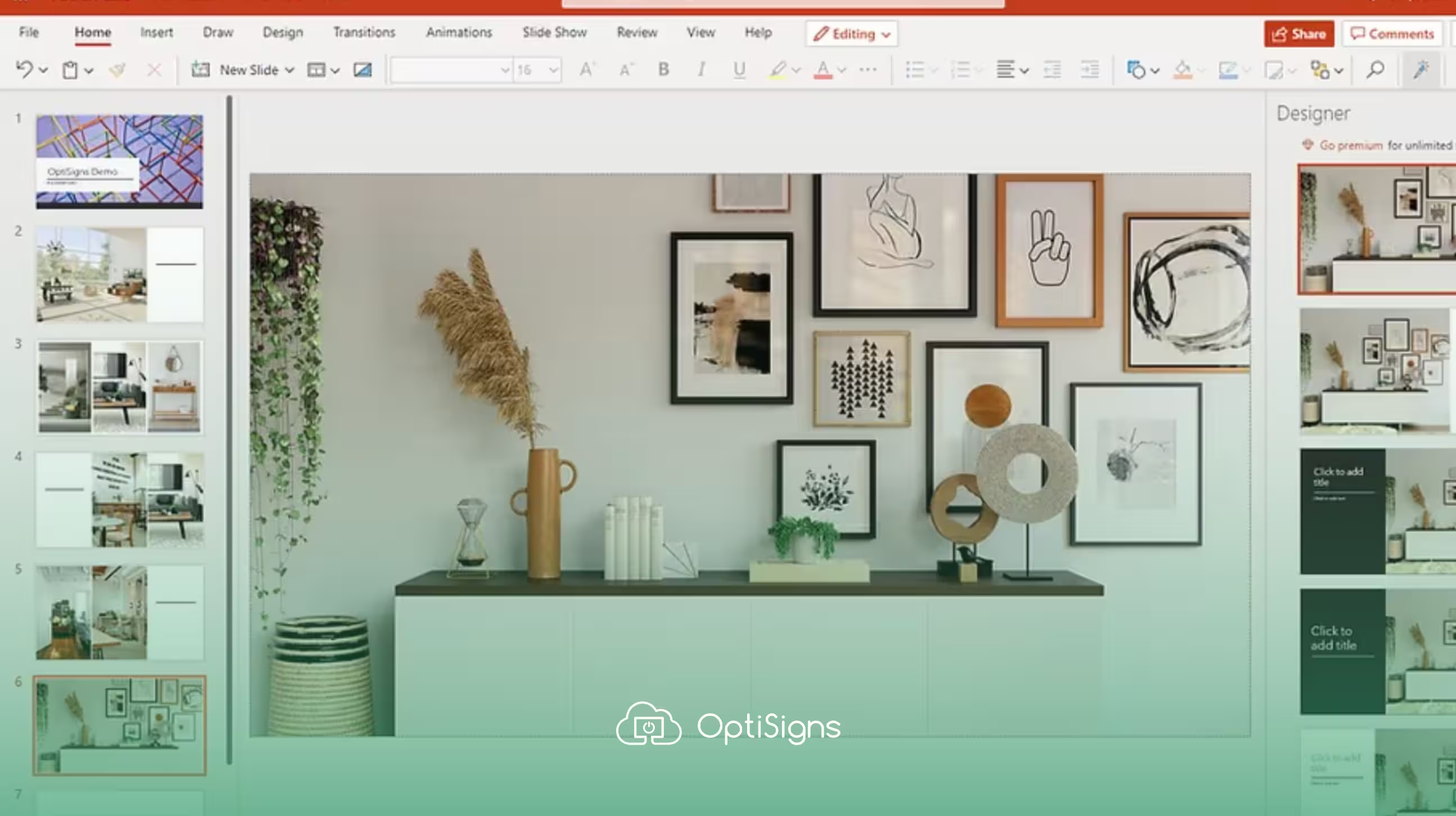
Optimal PowerPoint Size for Digital Signage & TVs | OptiSigns
Set the right PowerPoint resolution for digital signage. Get exact slide sizes for 1080p, 4K, and portrait displays plus export settings for sharp, crisp screens.

Set Up Digital Signs with OptiSigns & Fire TV Stick
See how to set up your digital signs using OptiSigns installed on an Amazon Fire TV stick with our complete guide.
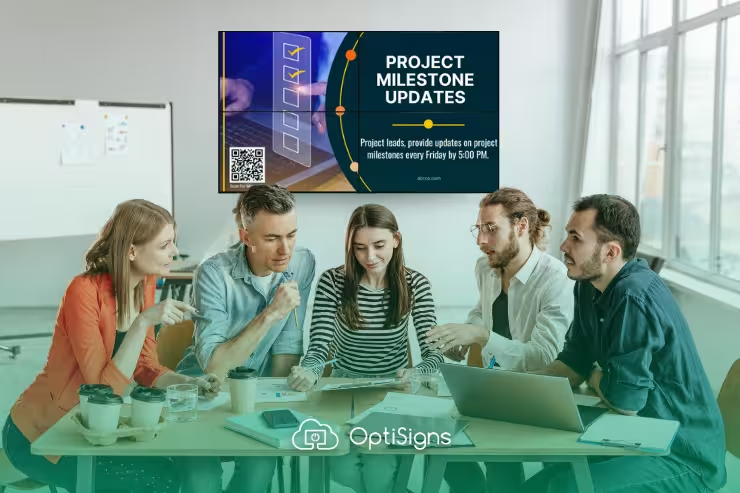
Video Walls with OptiSigns: A Complete Guide
Video walls are the new, hip signage option, and OptiSigns is leading the way. Learn about their benefits and how easy they are to set up using OptiSigns.

Interactive Digital Signage: Build a Push Button IoT Sensor with Arduino & OptiSigns
See how to build an innovative, interactive push button IoT sensor using an Arduino board and OptiSigns technology.
.avif)
Displaying Digital Signage on an LED Display
Have an LED display and want complex, engaging digital signage? OptiSigns has you covered.
Ready to Get Started with OptiSigns?
Talk to Sales


