


Workplace Communication
Discover how companies are using digital signage to improve team alignment, share updates, and drive engagement.
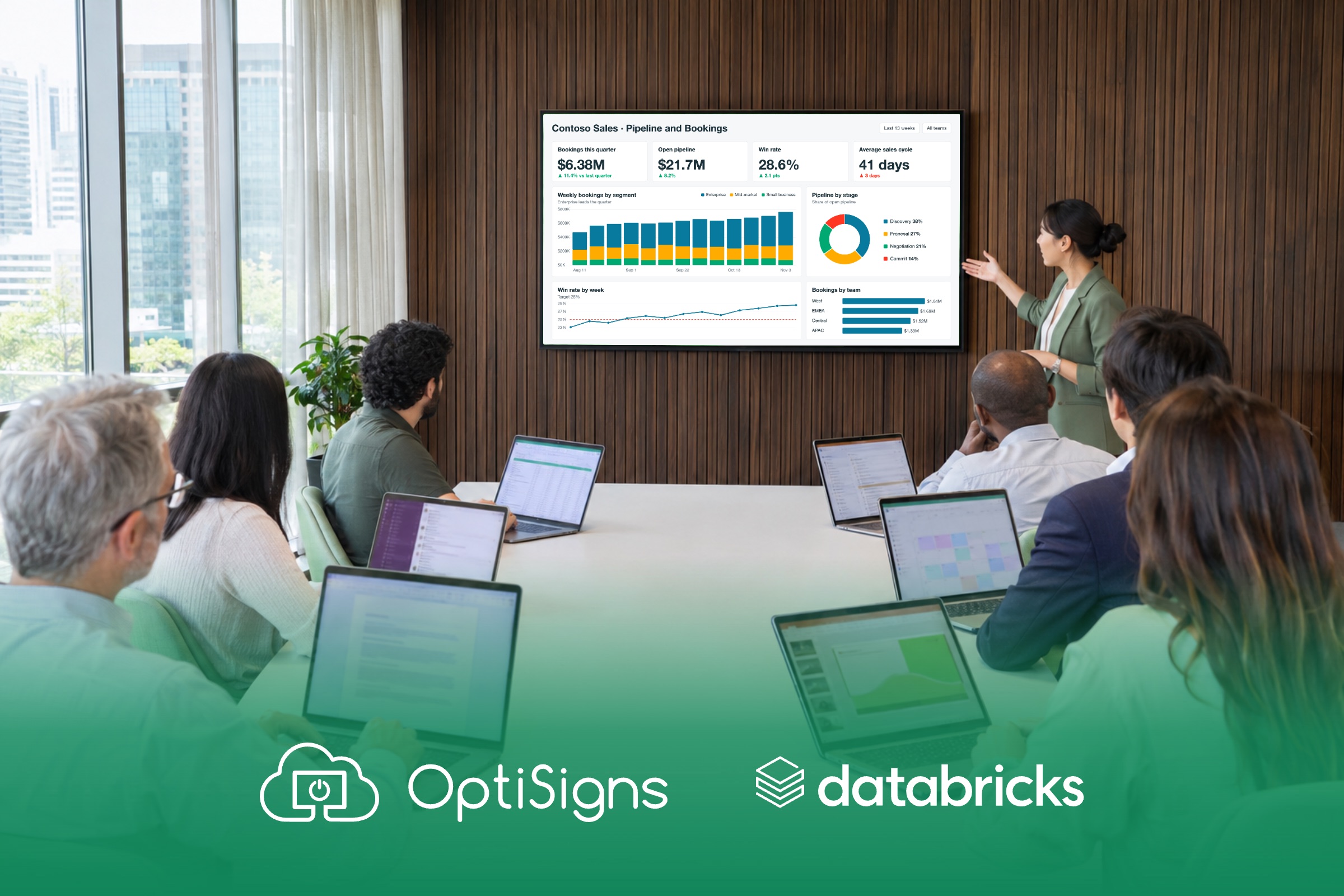
How to Display Databricks Dashboards on a TV That Stays Up to Date
How to Display Databricks Dashboards on a TV That Stays Up to Date
Put Databricks AI/BI dashboards on office TVs: no login on the screen, a picture that refreshes in place, and no queries of its own on your warehouse.
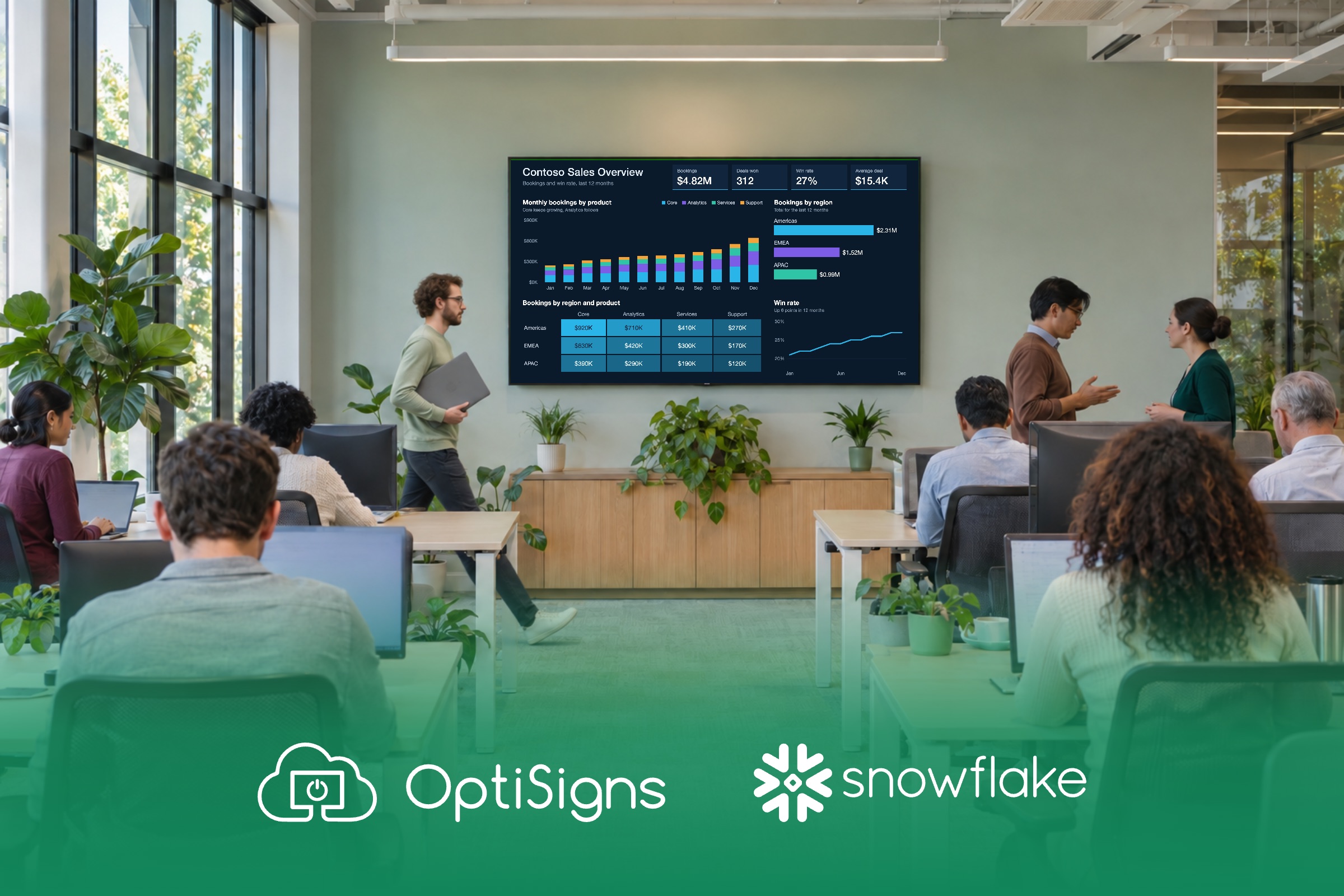
How to Display Snowflake Dashboards on a TV and Keep Them Up to Date
How to Display Snowflake Dashboards on a TV and Keep Them Up to Date
Put Snowflake dashboards on office TVs: the screen signs itself in, authenticator code included, and reloads on its own. No laptop, no login per viewer.
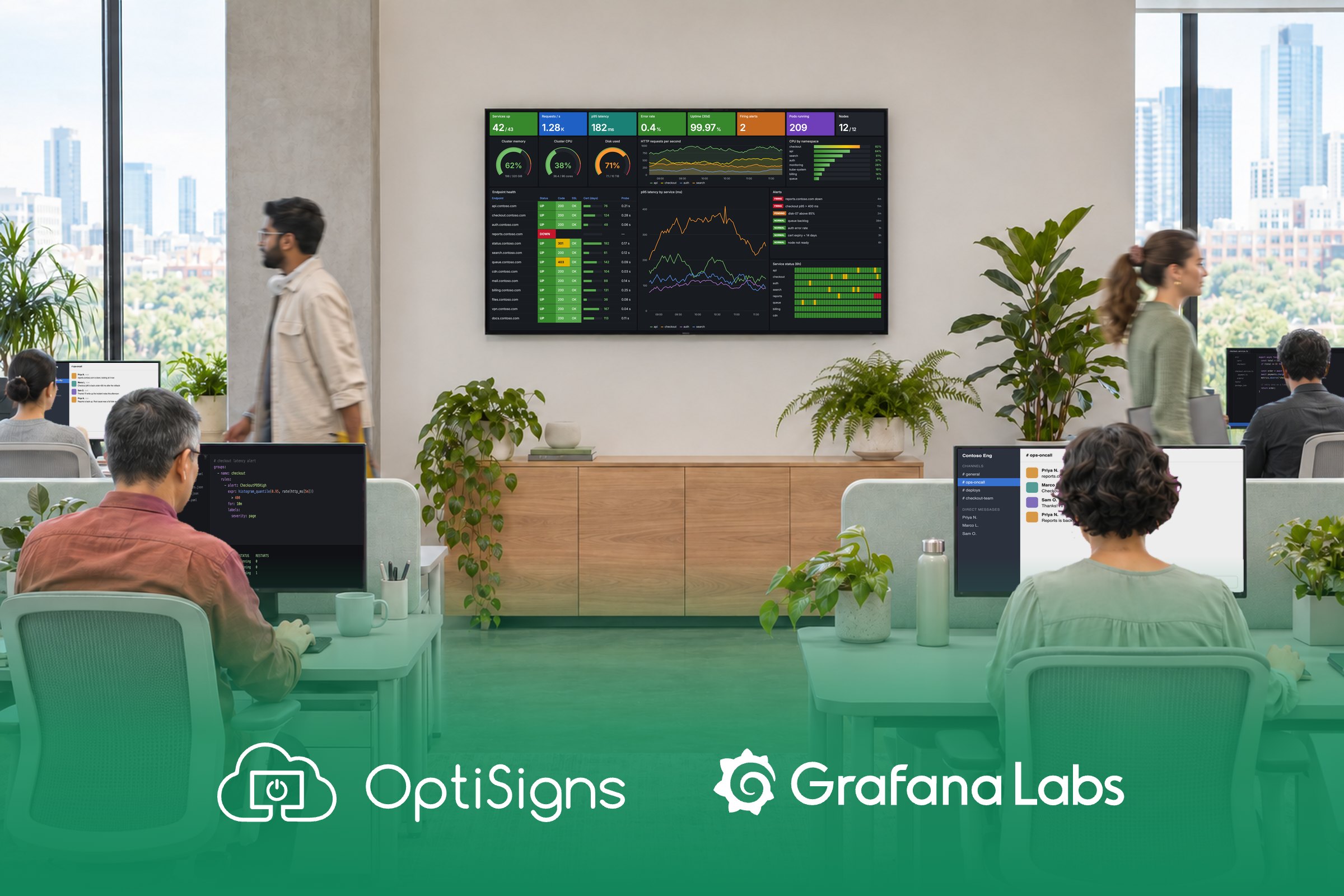
How to Display Grafana Dashboards on a TV: Grafana Cloud and Self-Hosted
How to Display Grafana Dashboards on a TV: Grafana Cloud and Self-Hosted
Put Grafana dashboards on office and NOC TVs with no login on the screen and no public link. Works with Grafana Cloud and self-hosted Grafana.
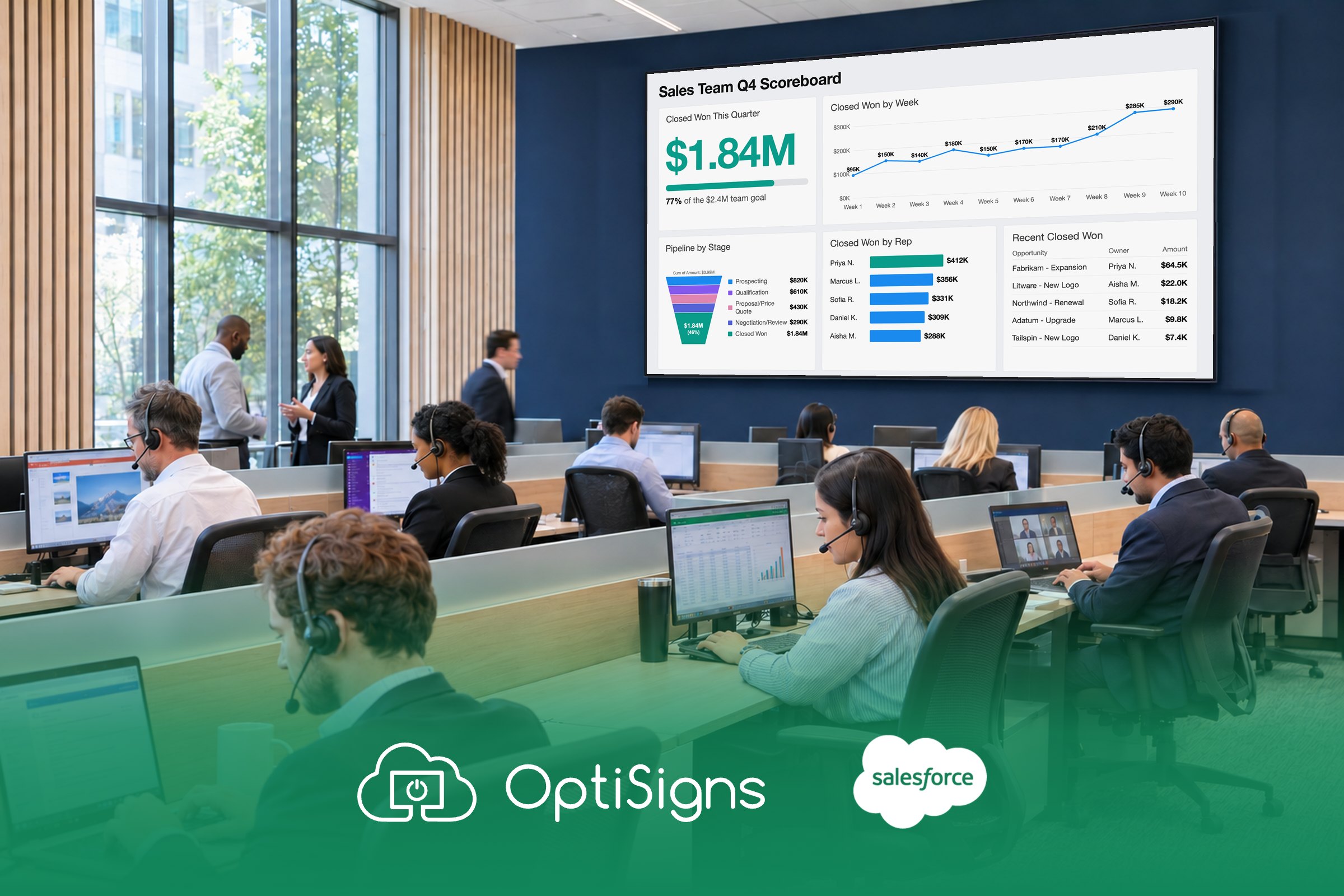
How to Display Salesforce Dashboards on a TV and Keep Them Up to Date
How to Display Salesforce Dashboards on a TV and Keep Them Up to Date
Put Salesforce dashboards and reports on office TVs. Connect once, and the screens update on your schedule and never show a sign-in or MFA prompt.
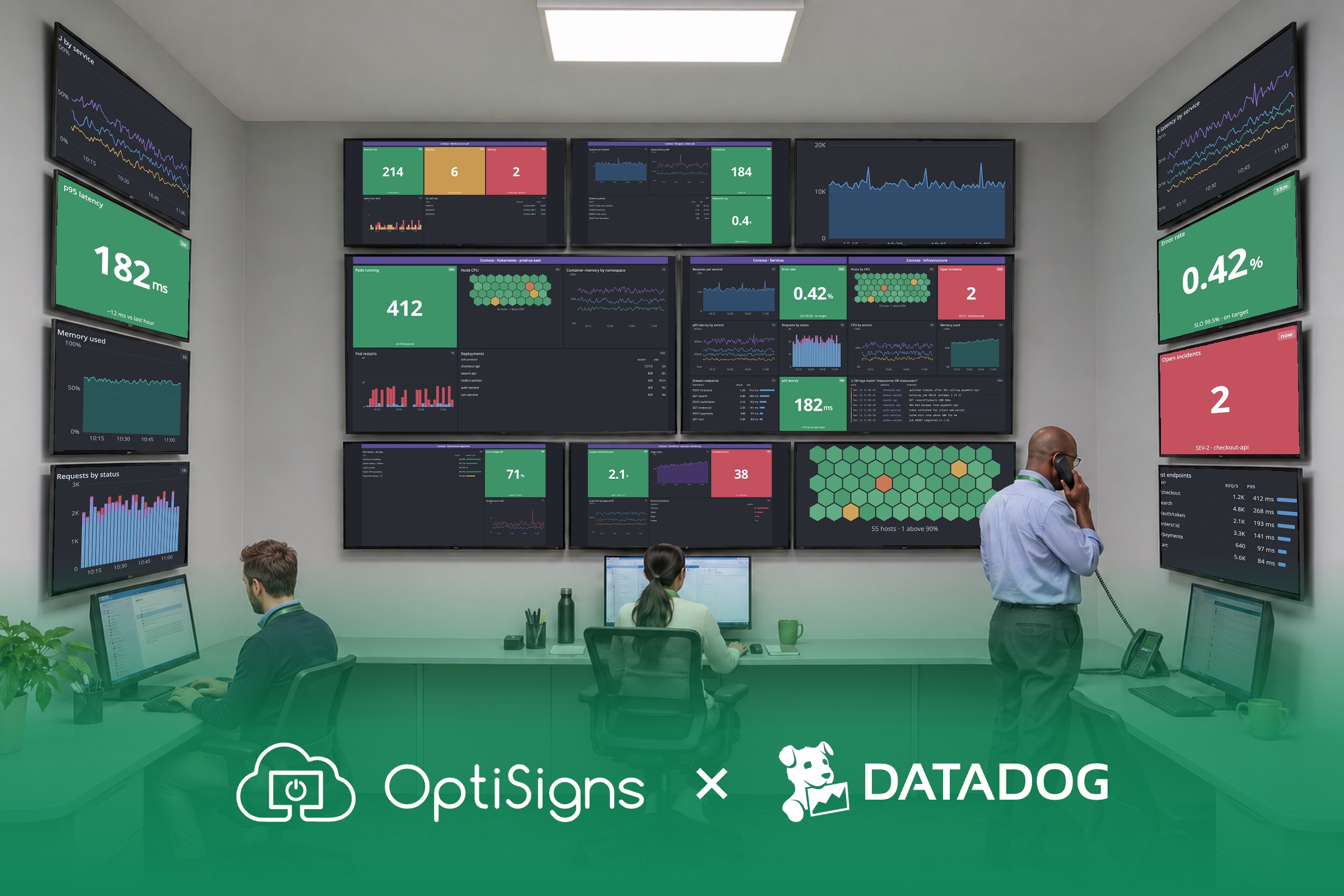
How to Display Datadog Dashboards on a TV Without a Public Link
How to Display Datadog Dashboards on a TV Without a Public Link
Put Datadog dashboards on office or NOC TVs through Datadog's own secure embed: no public link, no sign-in on the screen and no keys on it.
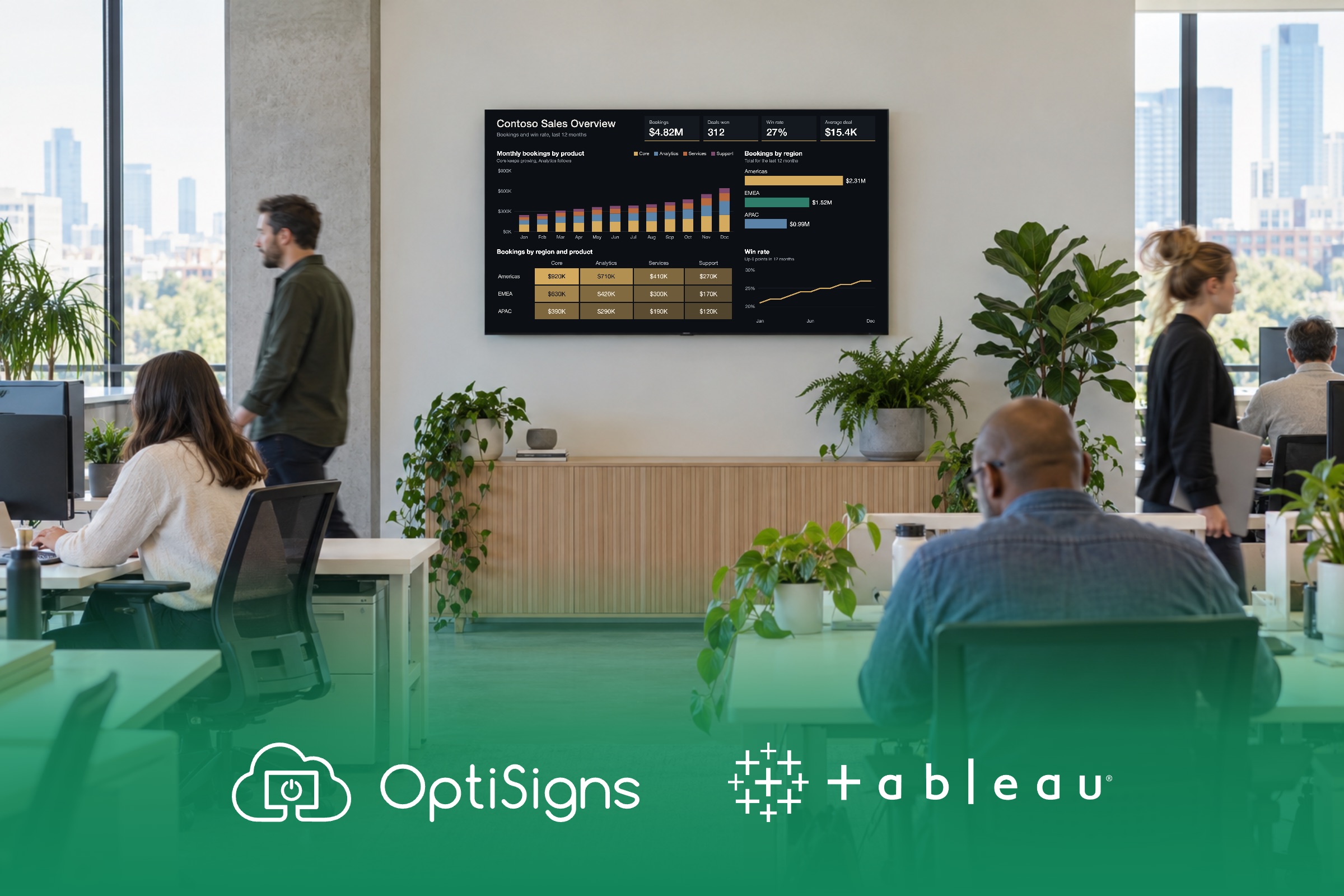
How to Display Tableau Dashboards on a TV and Keep Them Up to Date
How to Display Tableau Dashboards on a TV and Keep Them Up to Date
Show Tableau dashboards on office or floor TVs. Connect once, and they stay up to date with no one signing in on the screen.

How to Display Power BI on a TV or Screen
Follow our step-by-step guide on how to display Microsoft Power BI on a TV or screen. Whether by direct plug-in or as a digital sign, we break it down.
Ready to Get Started with OptiSigns?
Talk to Sales


