


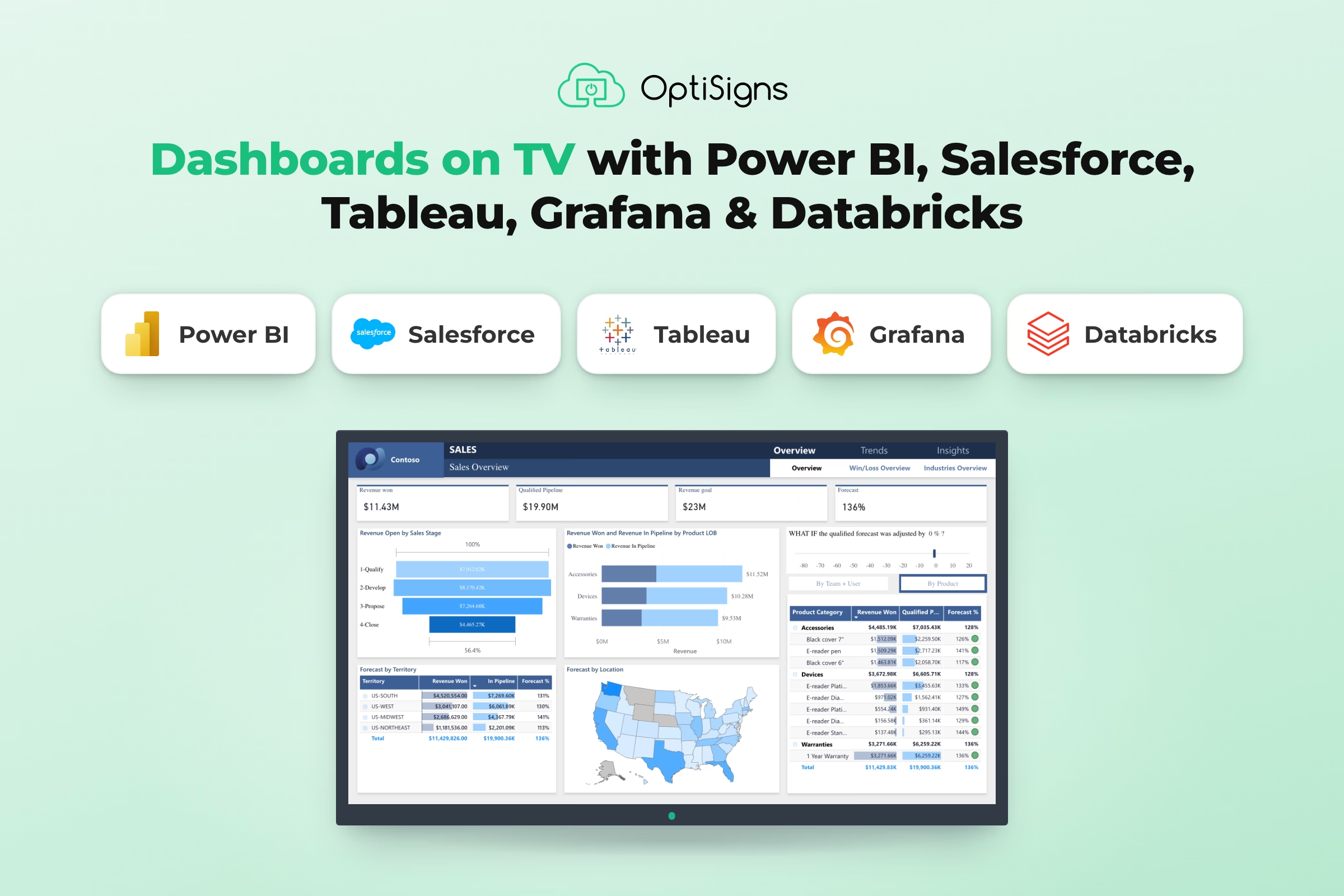
With OptiSigns, you connect your dashboard account once, pick a dashboard and send it to any TV. It plays full screen and stays up to date, with no laptop or browser tabs to look after. It works with Microsoft Power BI, Salesforce, Tableau, Grafana, Databricks and more.
Why do dashboards belong on the wall?
Dashboards only change results when people see them. Most companies have already built good dashboards. The gap is getting them in front of the team.
- The investment is already made. Businesses spend more than $70 billion a year on business intelligence software.1
- Most of it goes unseen. Only about a quarter of employees actively use dashboard and analytics tools.2
- Visibility is what moves the numbers. People reach their goals more often when they track progress, and even more when that progress is shared.3
A TV on the wall closes that gap. It turns a report a few people open into a scoreboard the whole team sees all day, whether that's a factory line, a sales floor, an operations center or every store in a chain.
Why is putting a dashboard on a TV so hard?
Dashboard tools are built for one person at a desk, and the usual workarounds break on a shared screen that runs all day:
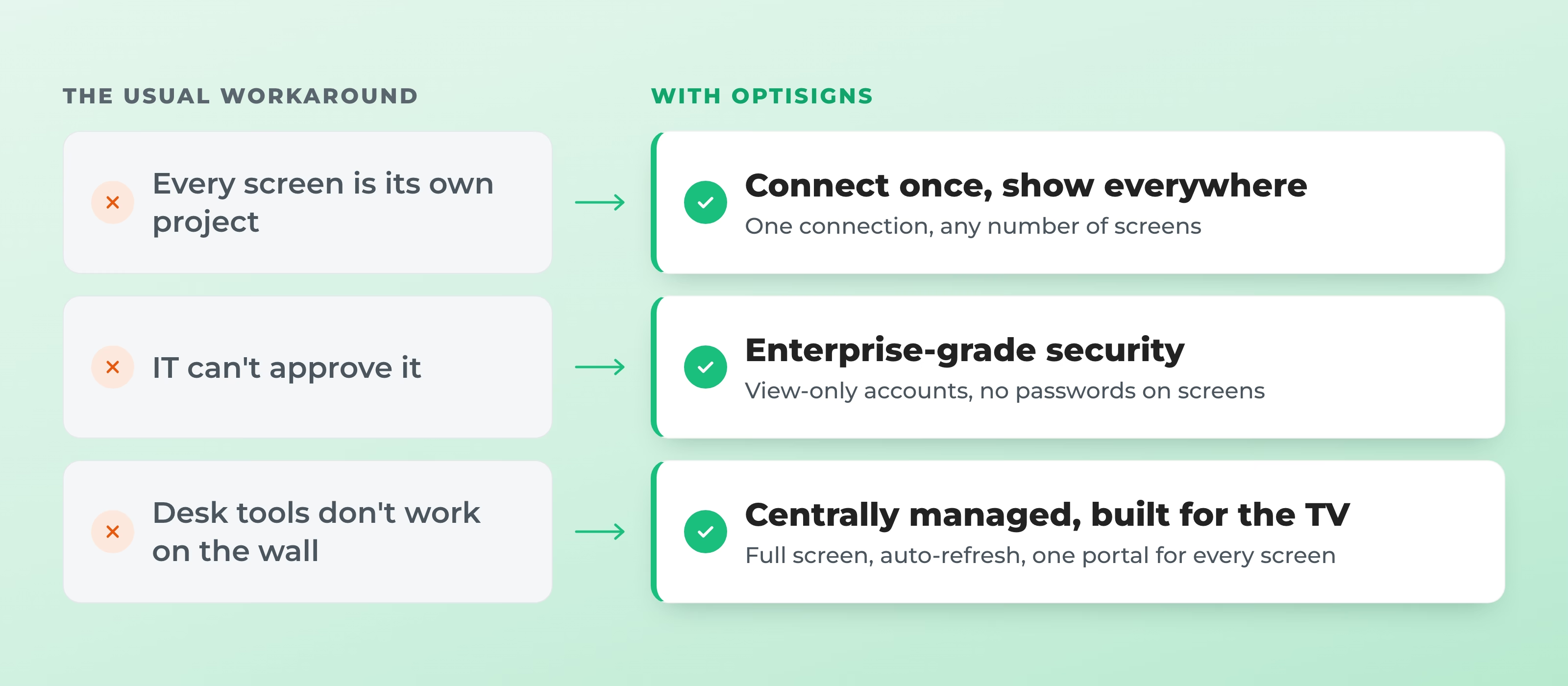
- Every screen is its own project. Each TV needs its own computer, login and setup, and each location gets its own copy of the report, so adding a screen means starting over.
- IT can't approve it. Personal passwords left on shared devices and reports published to the open web fail security review, so the project stalls.
- Desk tools don't work on the wall. Screens drop to a sign-in page when a session expires, show browser bars and pop-ups, or run screenshots that are stale by lunchtime.
How OptiSigns solves each of these problems
Dashboards in OptiSigns run on the same platform that keeps more than 200,000 screens running for more than 36,000 businesses.
1. Connect once, show everywhere
An admin connects your dashboard tool once. From then on, anyone on the team picks a dashboard from a list and sends it to one screen or hundreds. The 40th screen takes no more work than the second.
2. Enterprise-grade security, built in
- Connected the way IT recommends. OptiSigns uses company app accounts with view-only access, such as Power BI and Databricks service principals, Tableau Connected Apps and Grafana service accounts, instead of a personal login.
- No passwords or long-lived tokens on the screen. Credentials stay encrypted on OptiSigns' servers. Screens get only an image of the dashboard or short-lived access that expires on its own.
- Device hardening, built in. Screens hold no credentials, and OptiSigns players are locked down for signage with over-the-air security updates, so a lost or compromised device can't be used to reach your dashboard account.
3. Centrally managed, built for the TV
- Every screen, one portal. Rotate dashboards in playlists, schedule them for business hours, or share a split screen with news and announcements, across every location.
- Made for the wall. Full screen with no browser bars, menus or sign-in pages. Logins renew in the background, and the last good view stays up if the source drops.
- One report, every location. Power BI per-screen filters and Databricks per-screen scoping show each store or site its own numbers from one central dashboard.
Works with the dashboards you already have
OptiSigns works with Power BI, Salesforce, Tableau, Grafana, Databricks and more, in the cloud or on your own servers.
| Tool | What you can show |
|---|---|
 Microsoft Power BI Microsoft Power BI | Reports and dashboards from Power BI and Microsoft Fabric |
 Salesforce Salesforce | Lightning dashboards and report charts, from production or sandbox orgs |
 Tableau Tableau | Views from Tableau Cloud, Tableau Server or Tableau Public |
 Grafana Grafana | Dashboards or single panels from Grafana Cloud, self-hosted Grafana or public links |
 Databricks Databricks | Published Databricks AI/BI dashboards |
 Datadog Datadog | Coming soon |
Put your dashboard on a TV today
Pick your dashboard tool to start a 14-day free trial. No credit card required.
Broadcast: Send scheduled snapshots of your dashboards
Not everyone walks past the TV. OptiSigns Broadcast sends the same dashboards, as scheduled snapshots, to Slack, Microsoft Teams and email.
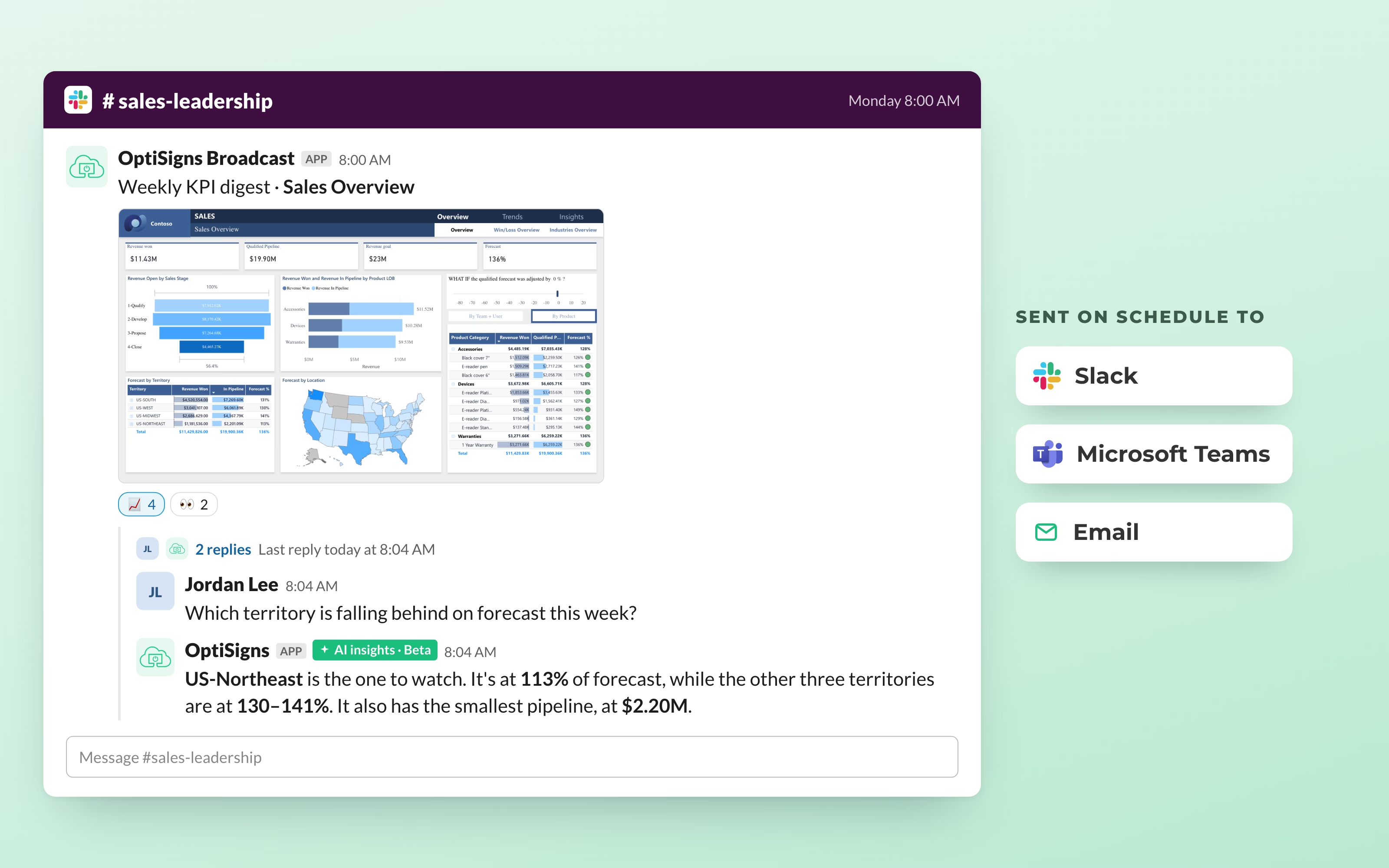
- On your schedule. Daily, weekly or hourly: a Monday KPI digest for leadership, a daily sales recap for the team.
- Many dashboards, many channels. One Broadcast sends several dashboards to Slack, Teams and email at once.
- No license needed to read it. It's a snapshot, so anyone can see the numbers without a license for the dashboard tool.
Coming later this year: AI insights in Broadcast. Teams will be able to ask questions about their dashboard data in Slack and Microsoft Teams and get answers in seconds. The feature is currently in beta.
Dashboards + OptiSigns
Turn every screen into a scoreboard
Connect Power BI, Salesforce, Tableau, Grafana or Databricks once and put your dashboards on every screen. No PC behind every TV. No passwords on the screen.


